
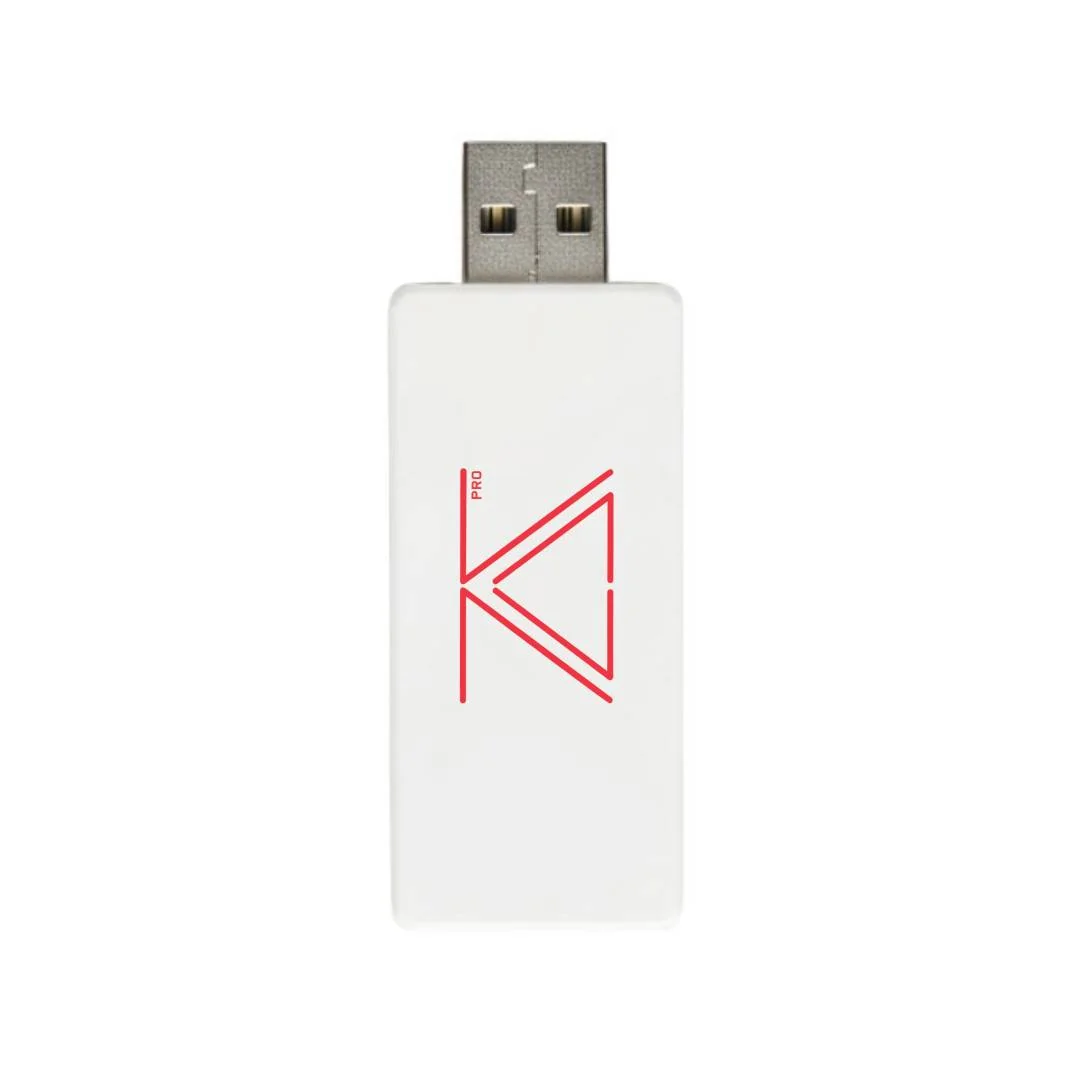
Authorised HID training with zSecurity’s Cactus dongles — PRO keylogging notes, lab Wi-Fi isolation, LKR prices, and how ALFA Network LK sells them in Sri Lanka.
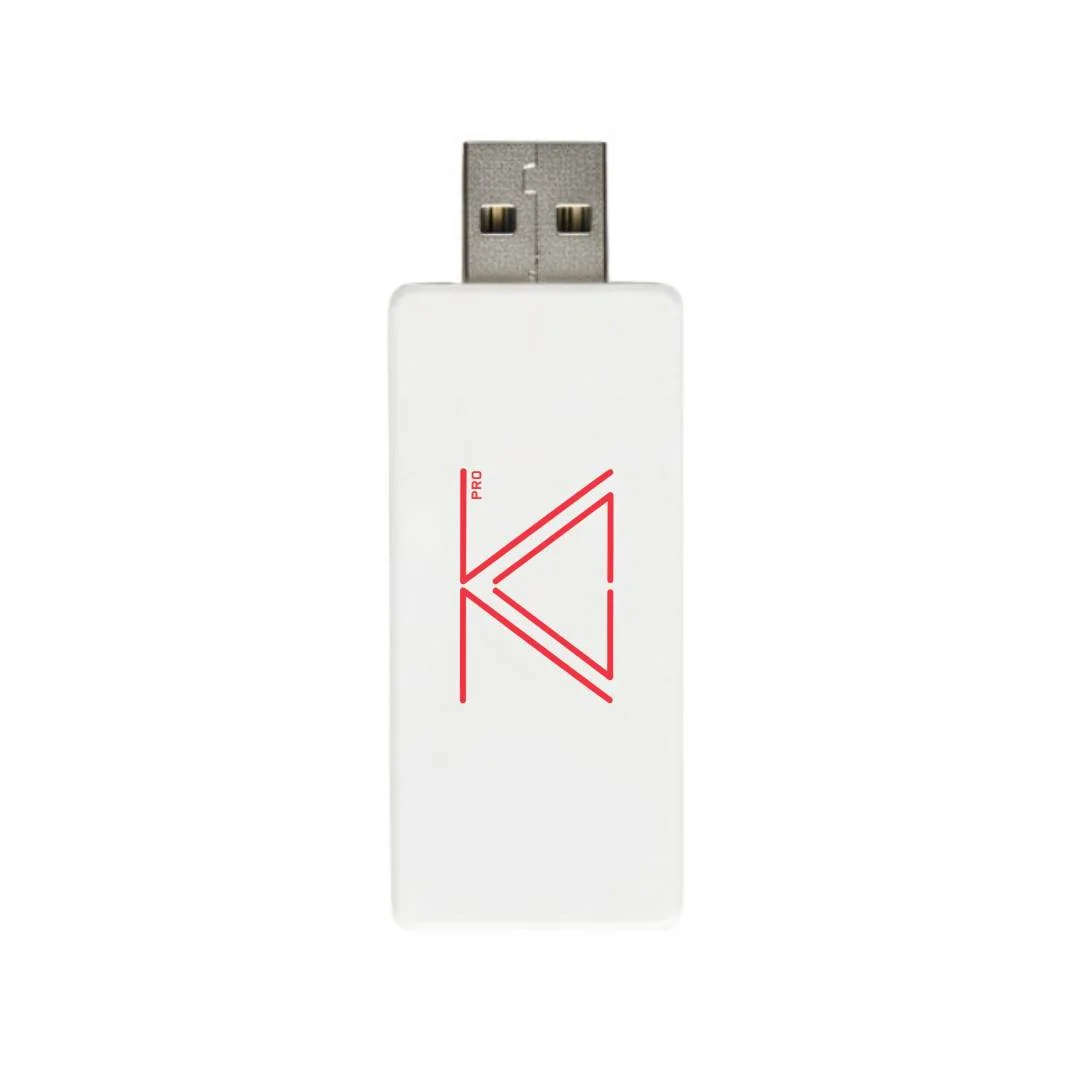
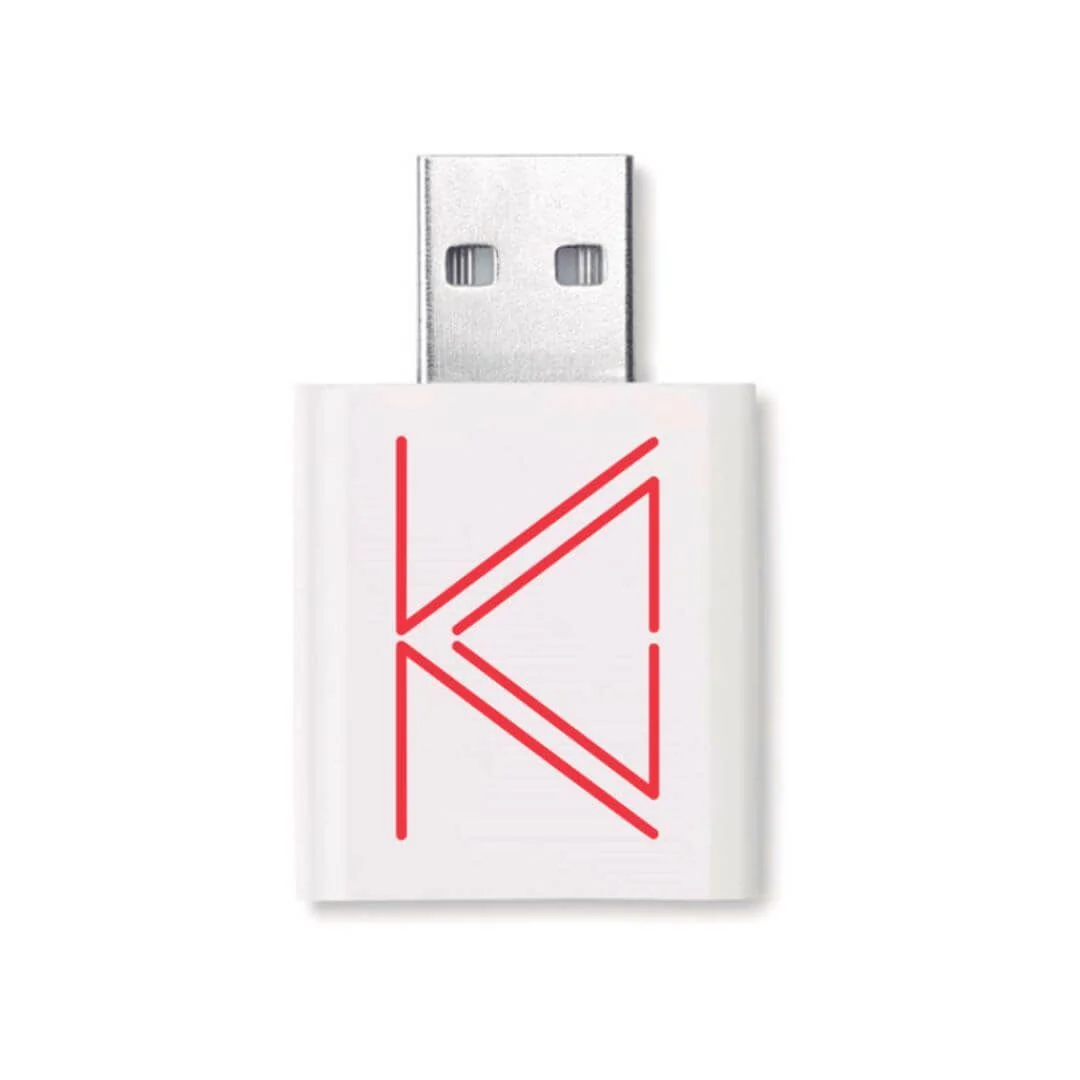
Product photo: zSecurity
Why Wi-Fi–managed BadUSB still belongs in a written lab
Most HID demos still look like a stick that types by itself. That is useful. It is also incomplete. The moment an operator can steer payloads from a phone on an isolated SSID, the classroom conversation changes: credential hygiene, unattended ports, and how quickly a “harmless” USB device becomes a remote keyboard.
That is the niche zSecurity’s ZS Cactus and ZS Cactus PRO occupy for ALFA Network LK customers who already run authorised physical-access modules. We now list both on the local catalogue with VAT-inclusive LKR pricing.
- zSecurity ZS Cactus — LKR 36,500
- zSecurity ZS Cactus PRO — LKR 50,000
Older ask-sourcing notes on this blog stay online for history. This 2026 guide is the catalogue version: prices, kit pairing, evidence handling, and how we expect buyers to use the gear in Sri Lanka.
Picture this: a diploma cohort that needs a live operator
Picture this: a cybersecurity diploma cohort in Ja-Ela runs a supervised BadUSB week. Every student laptop is a lab image. The SSID is a private access point with a boring name and a long passphrase. The instructor needs one student to inject a benign notepad payload while another student watches the web UI on a tablet — without walking cables across the room.
The Cactus is the dongle-shaped answer. The PRO variant adds a hardware keylogging path per zSecurity’s product copy, which means evidence handling suddenly matters as much as payload craft. The written lab brief should say which variant is allowed that week, and why.
What zSecurity documents (and what it does not)
Shared Cactus themes
Vendor materials describe HID keystroke injection, ready payloads, Wi-Fi honeypot helpers, browser-based control, remote mouse/keyboard behaviour, and multi-OS targeting (Windows, Linux, macOS). Treat those as vendor-described capabilities to verify on your own lab images before any client floor.
Ready payloads are a teaching accelerator and a discipline problem. Students will want to “try the cool one.” Your handbook should name the three payloads that are allowed in week one, and postpone everything that downloads second-stage tools until the mentor is present.
PRO difference
The PRO listing emphasises hardware keylogging with remote access to captured keystrokes. That is a different risk class. If your syllabus does not include keylogger evidence handling, buy the standard Cactus and keep the lesson focused on HID injection and operator Wi-Fi hygiene.
Spec honesty about silicon
zSecurity’s PRO product page currently embeds an Alfa AWUS036ACH / RTL8812AU comparison table. That table is a cross-sell block, not a datasheet for the Cactus MCU or radio. ALFA Network LK marks the microcontroller as unknown on our product cards until a correct datasheet appears. Do not invent chip IDs in student reports. When a client asks “what chip is inside?”, the professional answer is “vendor has not published a reliable MCU sheet; here is what we verified behaviourally in the lab.”
How it differs from gear you may already own
| Need | Prefer |
|---|---|
| Offline DuckyScript ecosystem | Hak5 USB Rubber Ducky |
| Cable-shaped implant | ZS Venom / Venom PRO guide |
| Wi-Fi–operated dongle | ZS Cactus / Cactus PRO |
| Keyboard-line implant with pattern triggers | Hak5 Key Croc |
None of these replace written scope. They change the story you can show inside that scope. A Rubber Ducky is still excellent for offline payload literacy. Cactus earns its slot when the learning outcome is “operator on a second device.”
Building the week so findings stay defensible
A good Cactus week has three layers:
- Behavioural baseline — students plug a normal USB keyboard, then the Cactus, and document how Device Manager /
dmesg/ USBView changes. - Operator path — one student runs the web UI on the isolated SSID while another narrates what the target screen shows.
- Control conversation — the class lists three controls that would have slowed the demo (port blockers, HID allowlists, user reporting, camera coverage of desks).
If PRO keylogging is in scope, add a fourth layer: capture on a lab keyboard only, export logs to an encrypted folder, wipe the device before the next cohort, and write the retention rule into the report template.
Lab design that keeps you out of trouble
- Isolate the operator Wi-Fi. Never attach a Cactus management SSID to a campus production network “because it was easier.”
- Change defaults before demos. Default credentials on implant web UIs are a teaching moment — and a liability if left alone.
- Payload allowlists. Ship a short list of approved lab payloads. Ban “download and run anything” homework.
- Keylog retention rules. If PRO keylogging is in syllabus, define wipe deadlines in the course handbook.
- Stop checklist. Power down, bag the unit, revoke the lab SSID, collect loan sheets.
- No café testing. Public Wi-Fi curiosity is not a lab. Full stop.
Kit pairing on an ALFA bench
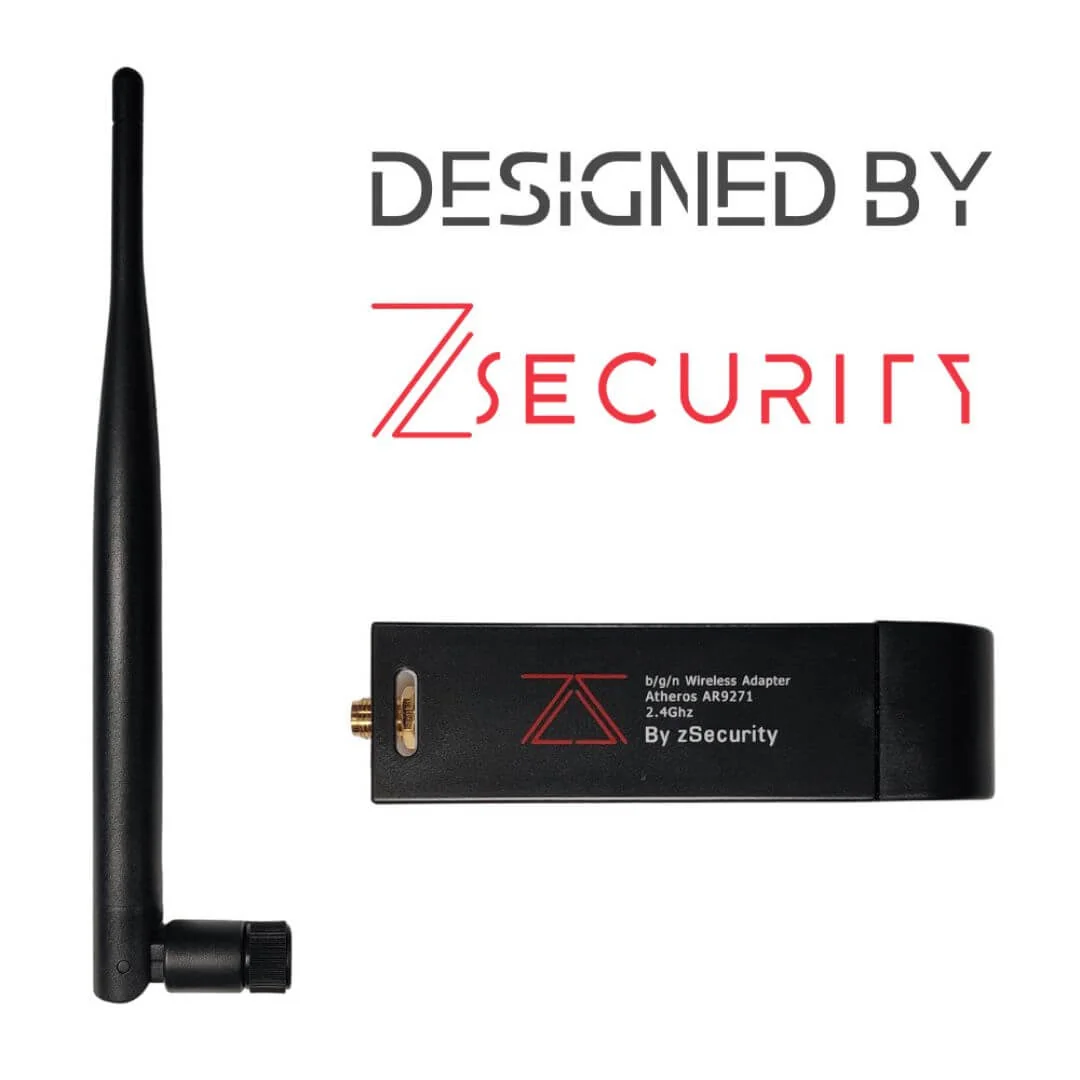
- Pair Cactus with a zSecurity RTL8812AU or an ALFA AWUS adapter students already know for wireless homework.
- Keep a USB Data Blocker in the same pouch so the “defence” chapter is physical, not only slides.
- For cable contrast, put Venom on the next bench — same vendor family, different social-engineering shape.
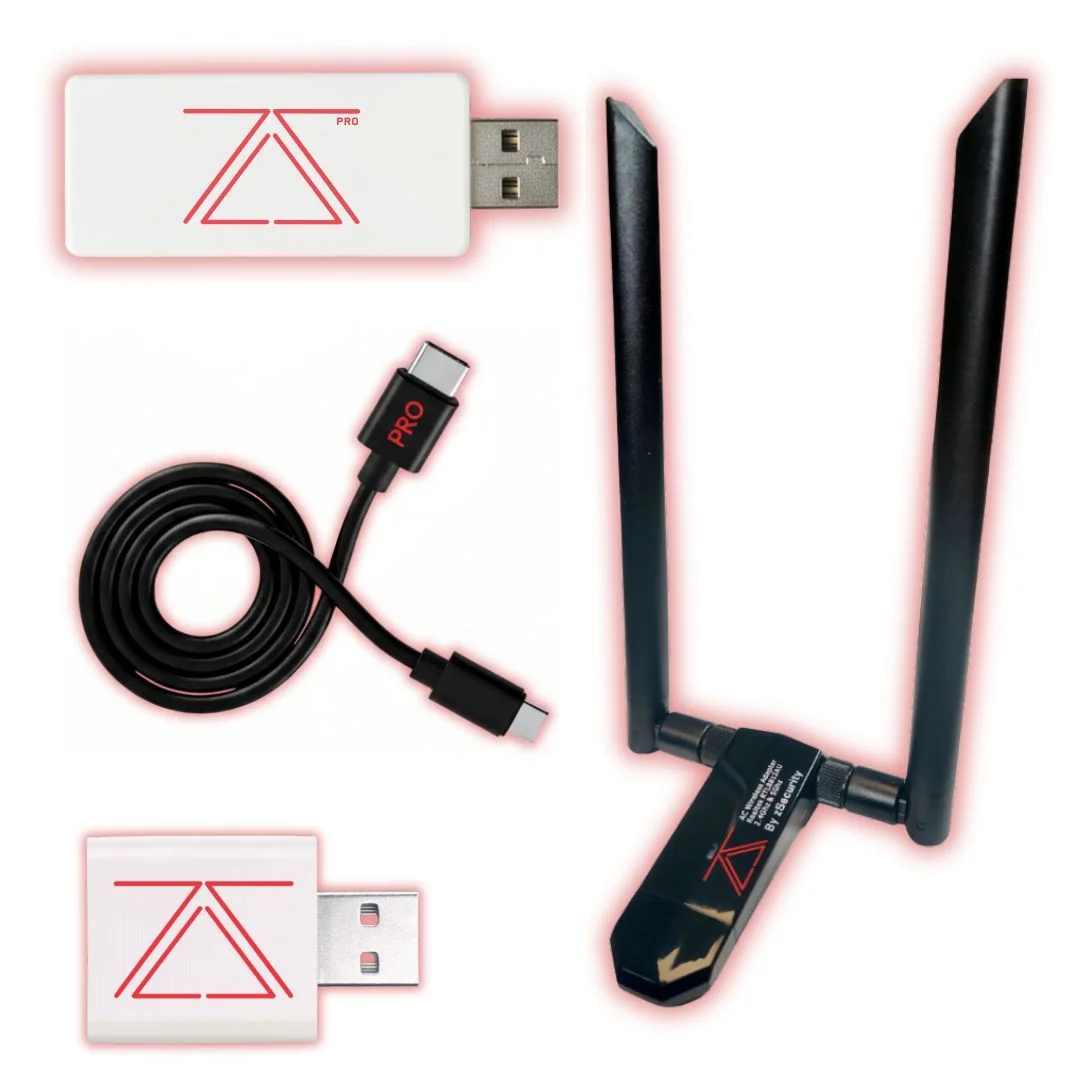
- If you buy a bundle, the Hacker Starter Kit already pairs Cactus + Venom + adapter + blocker.
Reporting language that sounds like adults
Avoid “we owned the machine.” Prefer “under written authorisation, the HID implant successfully executed an instructor-approved payload that opened Notepad and typed a lab marker string.” Avoid “undetectable.” Prefer “did not trigger the endpoint controls present on the lab image; production telemetry was out of scope.”
FAQ
Do we need the PRO for a first BadUSB module?
Usually no. Start with Cactus unless hardware keylogging is explicitly in the learning outcomes.
Can we film the web UI for TikTok?
Only on lab images with no client data, no real passwords, and no identifiable people who did not consent. Prefer private LMS uploads.
Will antivirus “detect” it?
HID devices often look like keyboards. Detection is not the point of an authorised demo — process and logging are.
Is this TRCSL approved?
No. We do not market offensive tools that way. We sell under KYC and authorised-use declarations.
What about the older Cactus blog post?
It remains as an ask-sourcing style note. This guide is the priced catalogue companion for 2026.
Legal and ethical use
These tools belong in authorised assessments, lab practice, and training — not casual tinkering on networks or devices that are not yours.
In Sri Lanka, unauthorised access to computer systems can engage the Computer Crimes Act No. 24 of 2007. This post is practical product guidance, not legal advice. If you are unsure whether a test is allowed, get written permission first and talk to counsel who knows local law.
Only use this gear on systems you own, or on systems where a named client has given you written authorisation that covers the methods you plan to run.
Ordering from ALFA Network LK
zSecurity ZS Cactus: LKR 36,500 · zSecurity ZS Cactus PRO: LKR 50,000 (VAT inclusive).
Order on alfanetworklk.com/products or WhatsApp ALFA Network LK at +94 75 255 0704. Payment options: cash on delivery, KokoPay, or bank deposit. Before dispatch we ask for ID verification and a signed authorised-use declaration.
Questions: info@alfanetworklk.com.
ALFA Network LK is a founder-led shop. We do not promise fixed response times, and we do not claim TRCSL “approval” for offensive-security tools — KYC and authorised-use paperwork are how we keep sales professional.
Comments (0)
No public comments yet.