
Author
ShadowXP
Writes for the ALFA Network LK blog
Practical notes from hands-on security work with Sri Lankan businesses: backups that actually restore, Wi-Fi that is set up properly, and choosing the right hardware for an authorised lab. Plain language, what to do first, and where the limits are.
All posts (55)
 Tools & Hardware
Flipper Zero in Sri Lanka: Full Set vs device only
The Flipper Zero is a structured way to study how badges, remotes and simple RF links behave, when you are allowed to. Here is what it really does, and how the Full Set differs from Device Only.
 Tools & Hardware
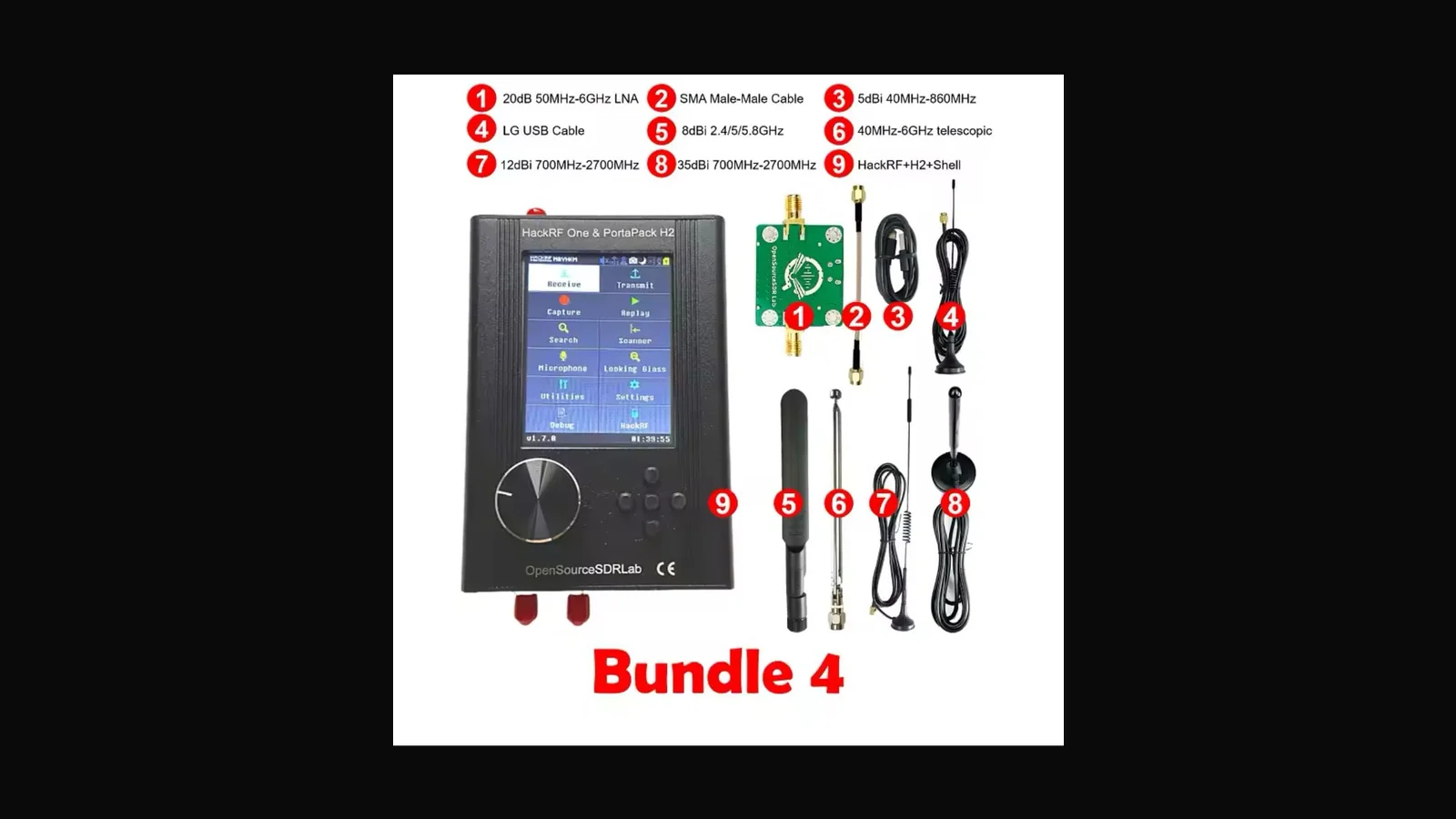
HackRF One + PortaPack H2 bundles: portable SDR for authorised RF work
HackRF One with PortaPack H2 is a portable SDR for authorised RF learning: 1 MHz to 6 GHz in your hand. Here is what the four ALFA bundles cost, and what you still have to bring yourself.
 Tools & Hardware
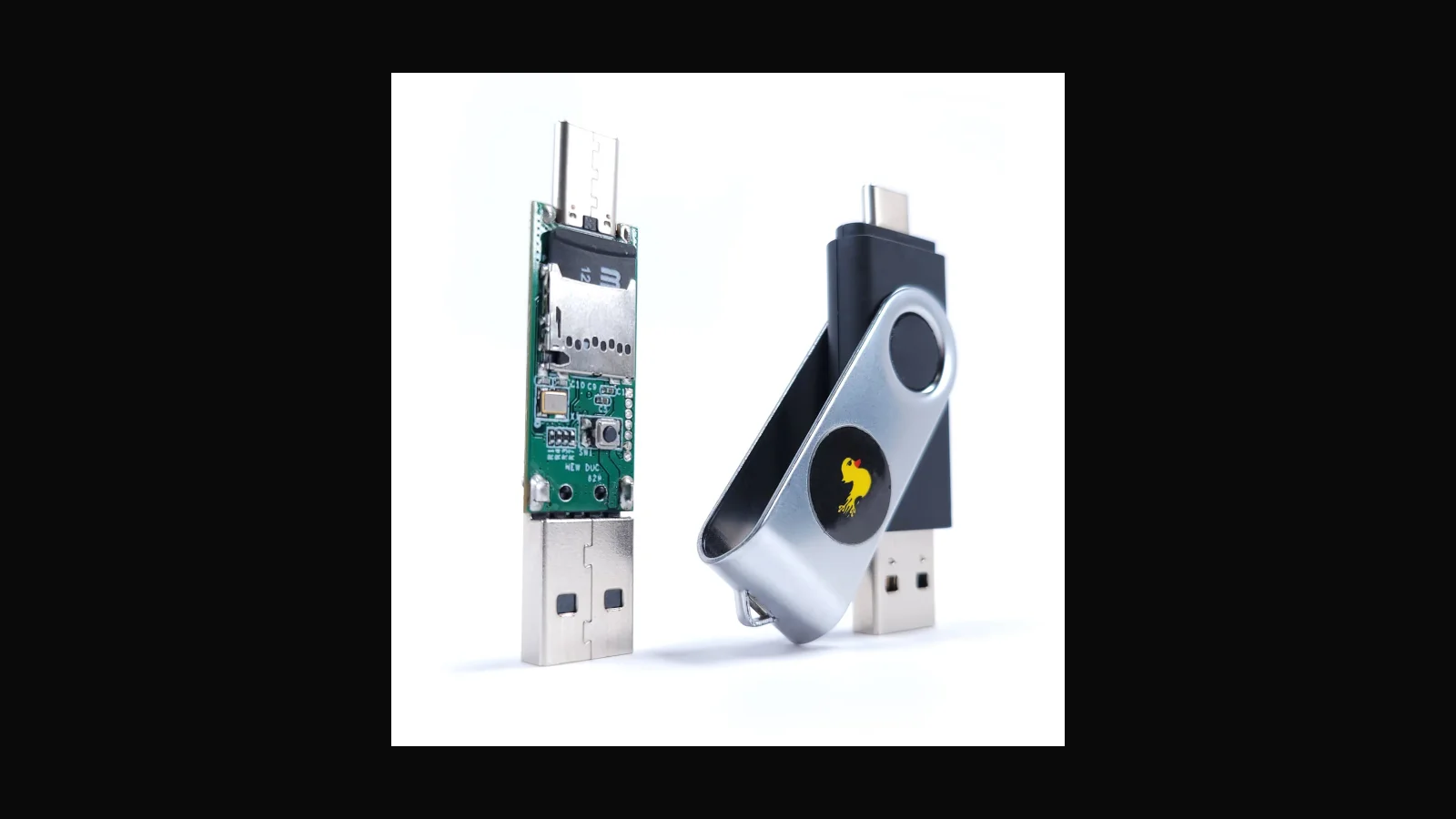
Hak5 USB Rubber Ducky: keystroke injection for authorised assessments
To a person it looks like a USB stick. To a computer it is a keyboard that types faster than any human. The Rubber Ducky is the clearest way to teach why unrestricted USB is a risk.
 Tools & Hardware
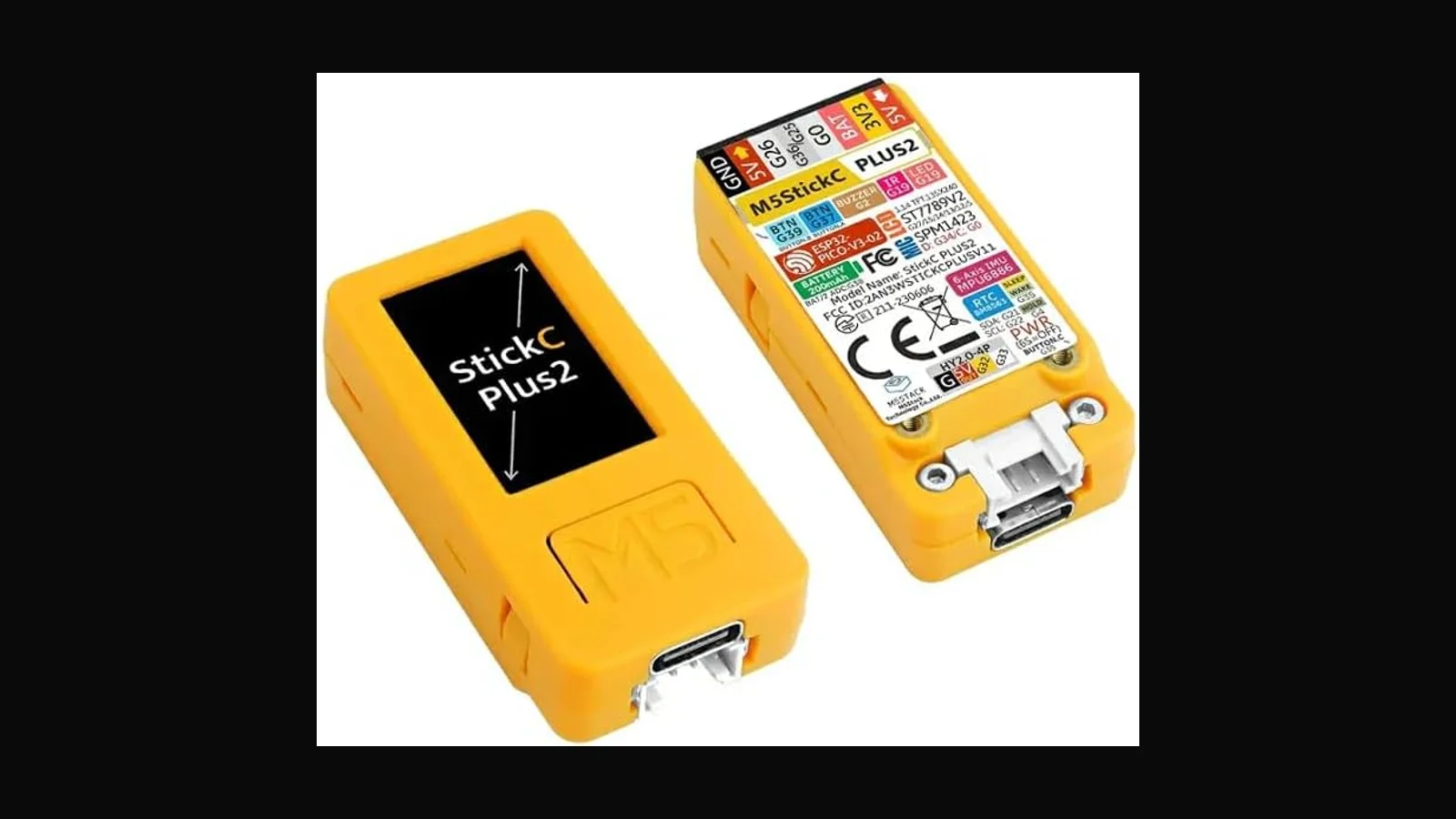
M5StickC Plus V2 full set: pocket ESP32 for labs and demos
A pocket ESP32 with a colour screen, sensors and a battery. The M5StickC Plus V2 is the small, friendly end of embedded and security labs, and the V2 generation fixed the battery.
 Tools & Hardware
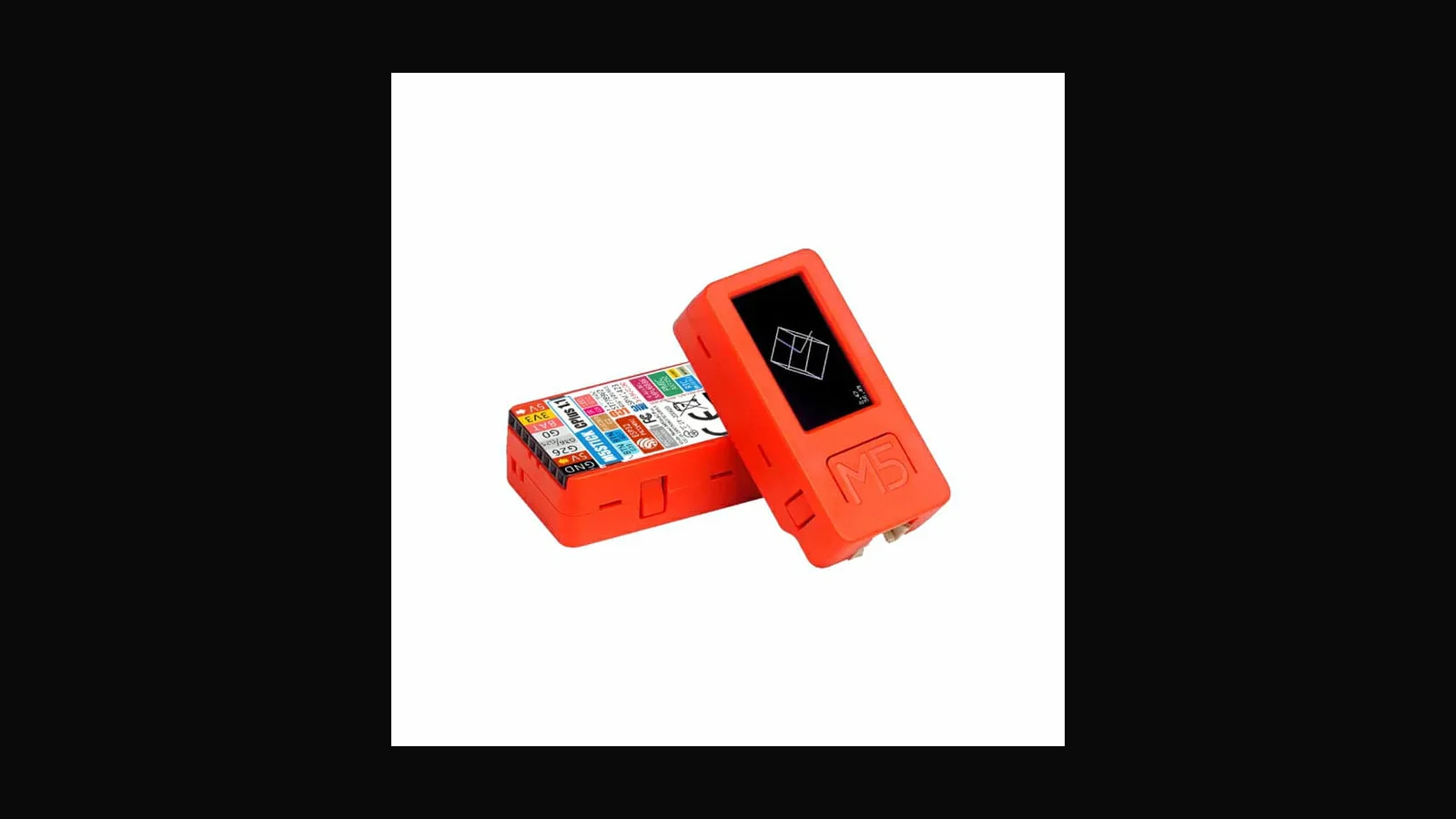
M5StickC Plus V1 full set: smaller budget, still useful ESP32 stick
The original Plus-generation ESP32 stick, still perfectly good for classrooms on a tight budget. Smaller battery than the V2, same friendly teaching device.
 Tools & Hardware
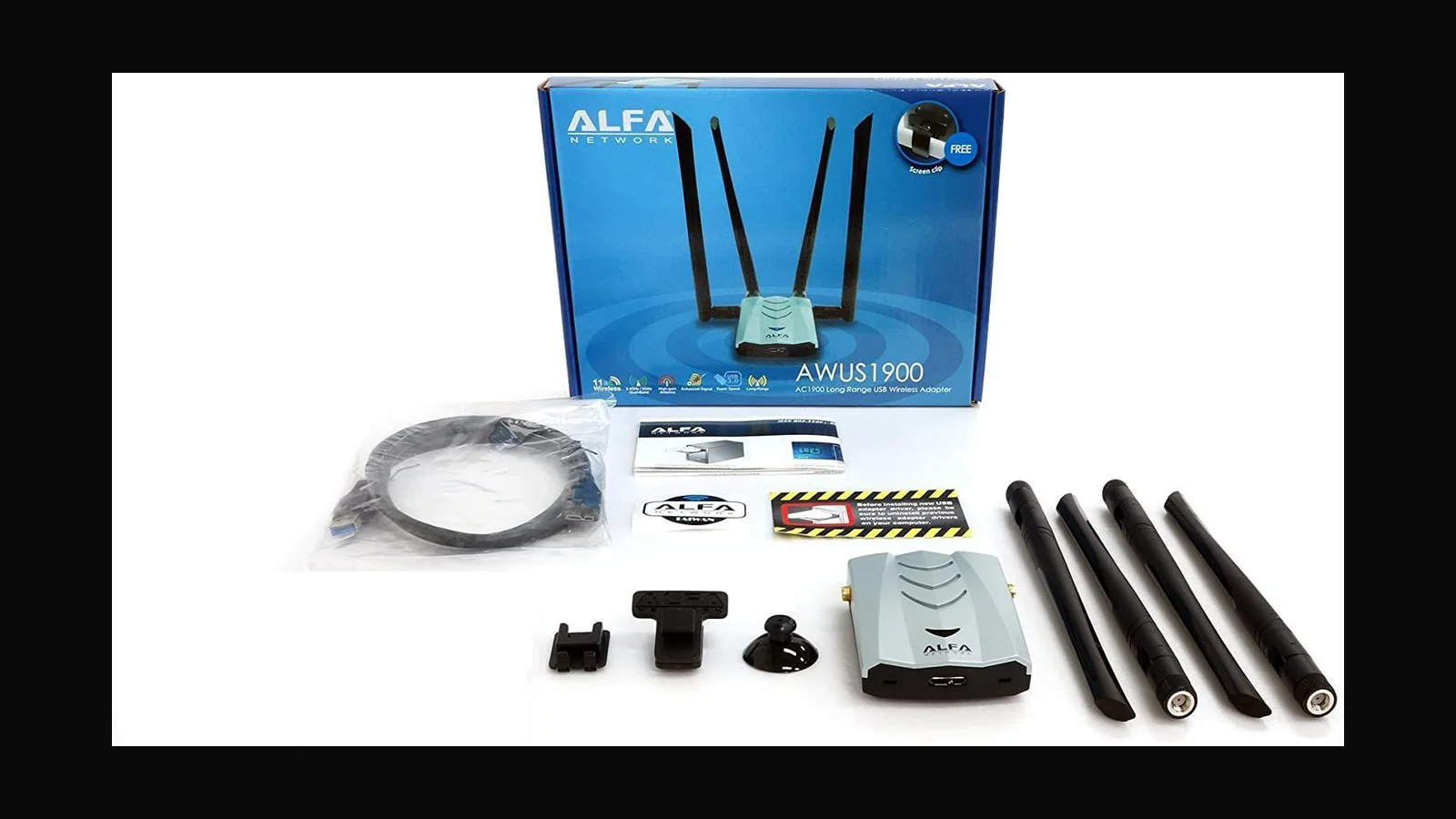
ALFA AWUS1900: four-antenna AC1900 USB adapter
The AWUS1900 is the biggest adapter I sell: four antennas, RTL8814AU, AC1900. Strong as a fast client radio, more work as a Linux monitor-mode card.
 Tools & Hardware
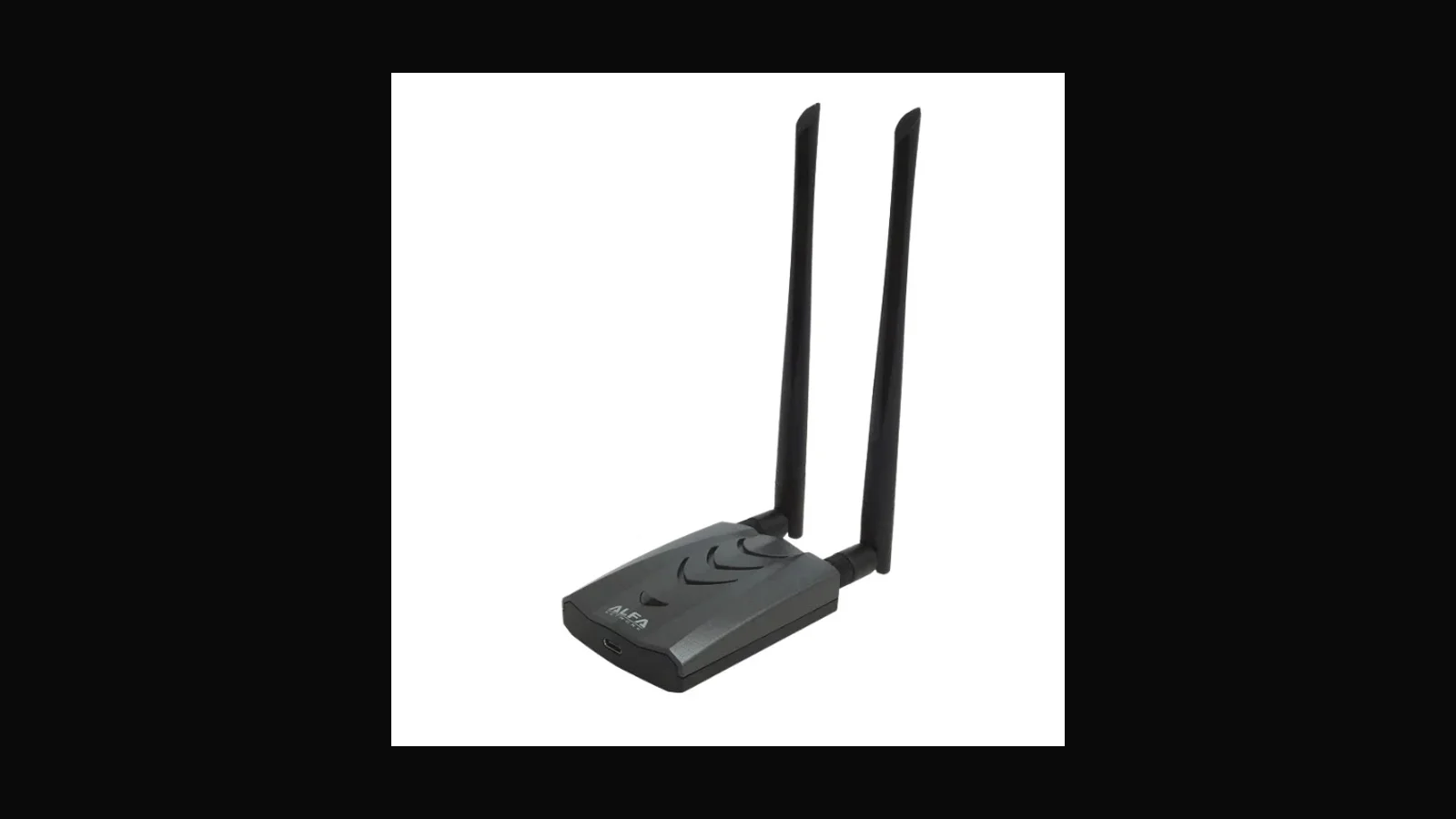
ALFA AWUS036AXML: Wi-Fi 6E USB adapter for modern bands
Wi-Fi 6E and the 6 GHz band in a USB stick. What the AWUS036AXML is good at today, and why I still tell Linux users to test monitor mode before trusting it.
 Tools & Hardware
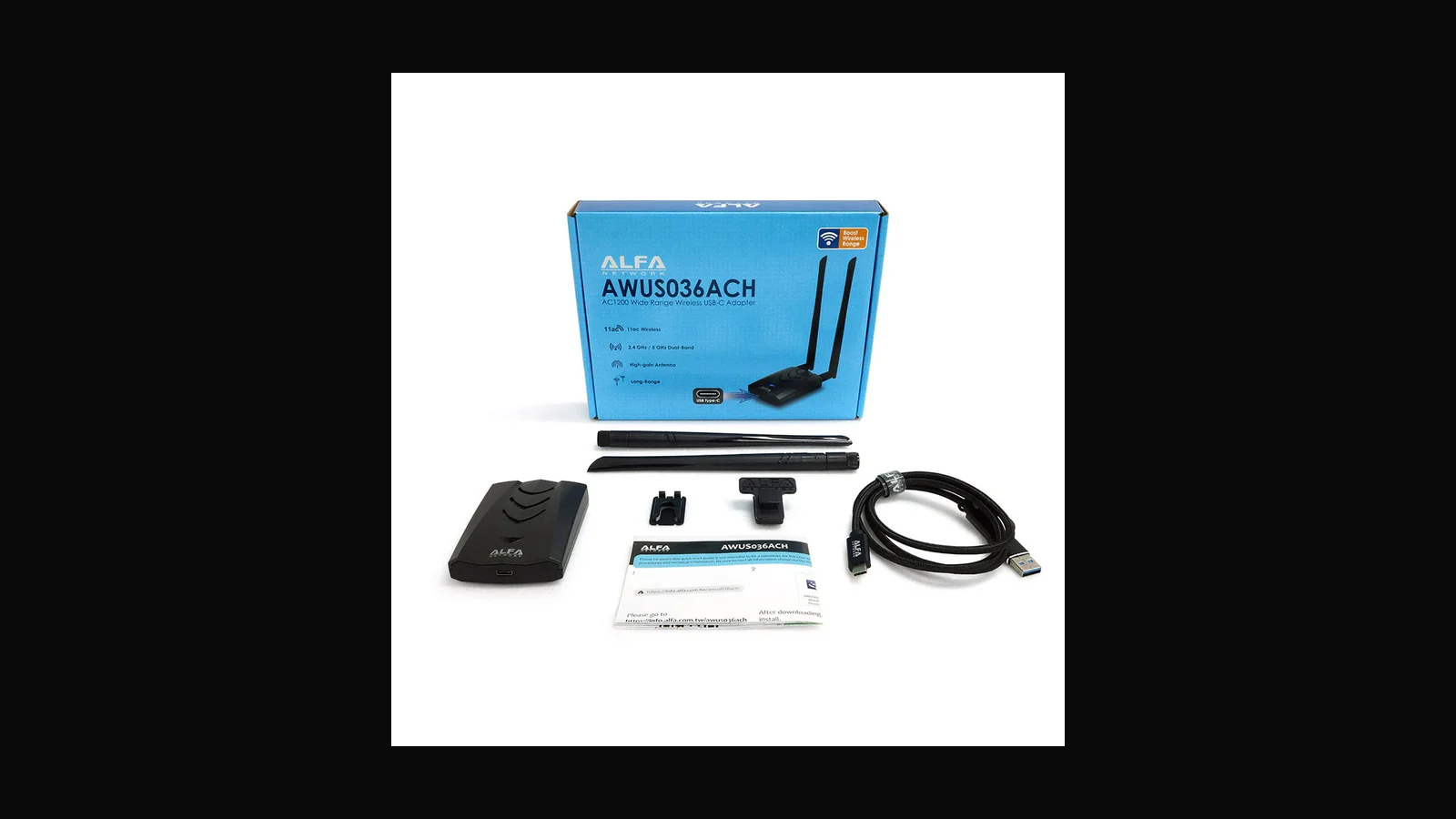
ALFA AWUS036ACH: dual-band AC1200 with RTL8812AU
RTL8812AU, two antennas, USB-C. The AWUS036ACH is a dependable dual-band all-rounder, as long as you settle on one Linux driver method and stick to it.
 Tools & Hardware
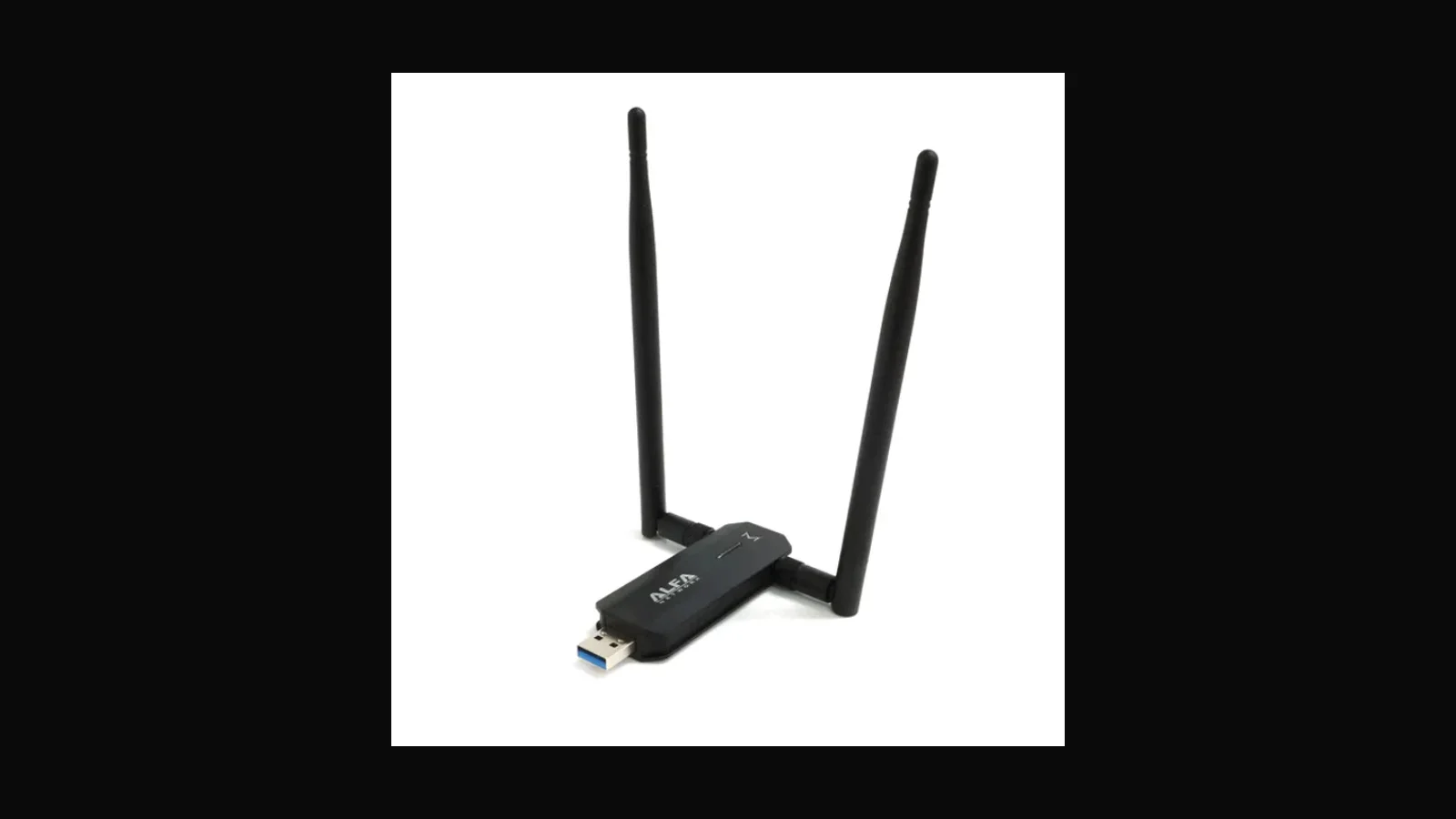
ALFA AWUS036AXM: Wi-Fi 6E sibling to watch on Linux
The AXM is the slightly cheaper Wi-Fi 6E sibling of the AXML. Same MediaTek chipset family, same need to test monitor mode on your own kernel.
 Tools & Hardware
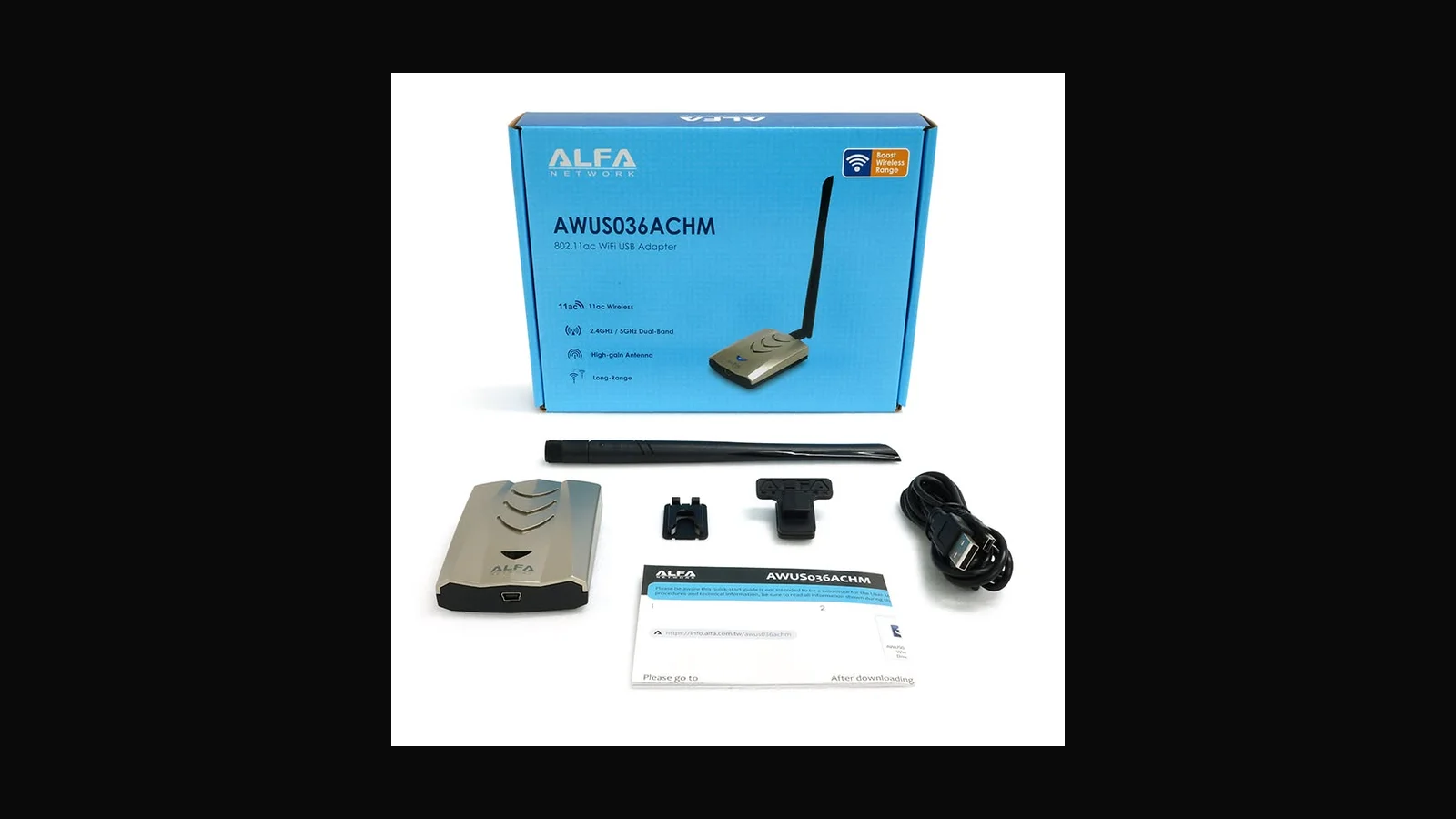
ALFA AWUS036ACHM: MediaTek MT7610U long-range AC adapter
Why the AWUS036ACHM is still the adapter many Linux testers reach for first: MediaTek MT7610U, mt76 drivers that just work, one detachable dual-band antenna.
 Tools & Hardware
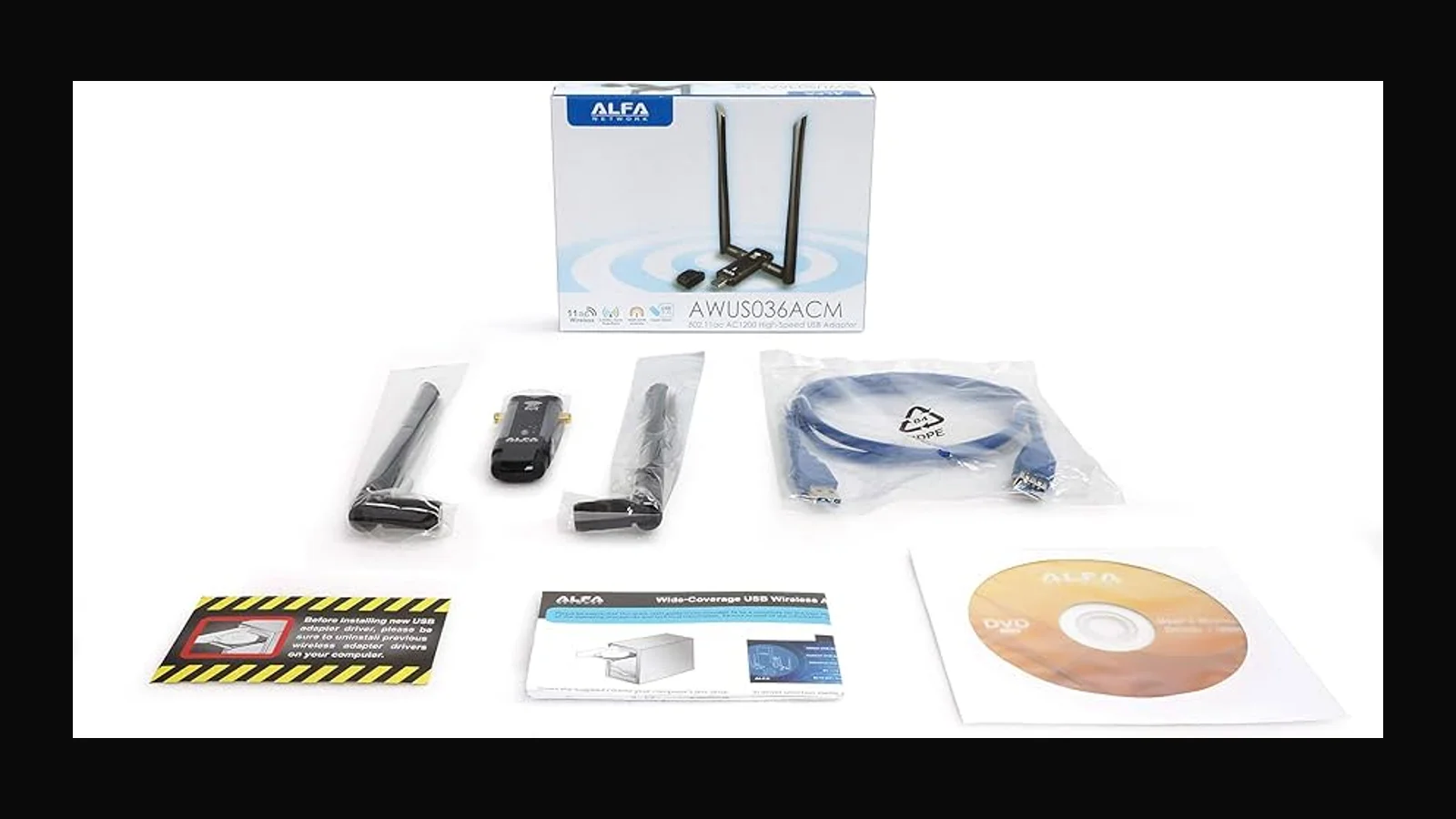
ALFA AWUS036ACM: MT7612U AC1200 workhorse
The AWUS036ACM is the quiet workhorse: MT7612U on mt76, dependable dual-band monitor mode, and a price that beats the flashier Wi-Fi 6E sticks for most lab work.
 Tools & Hardware
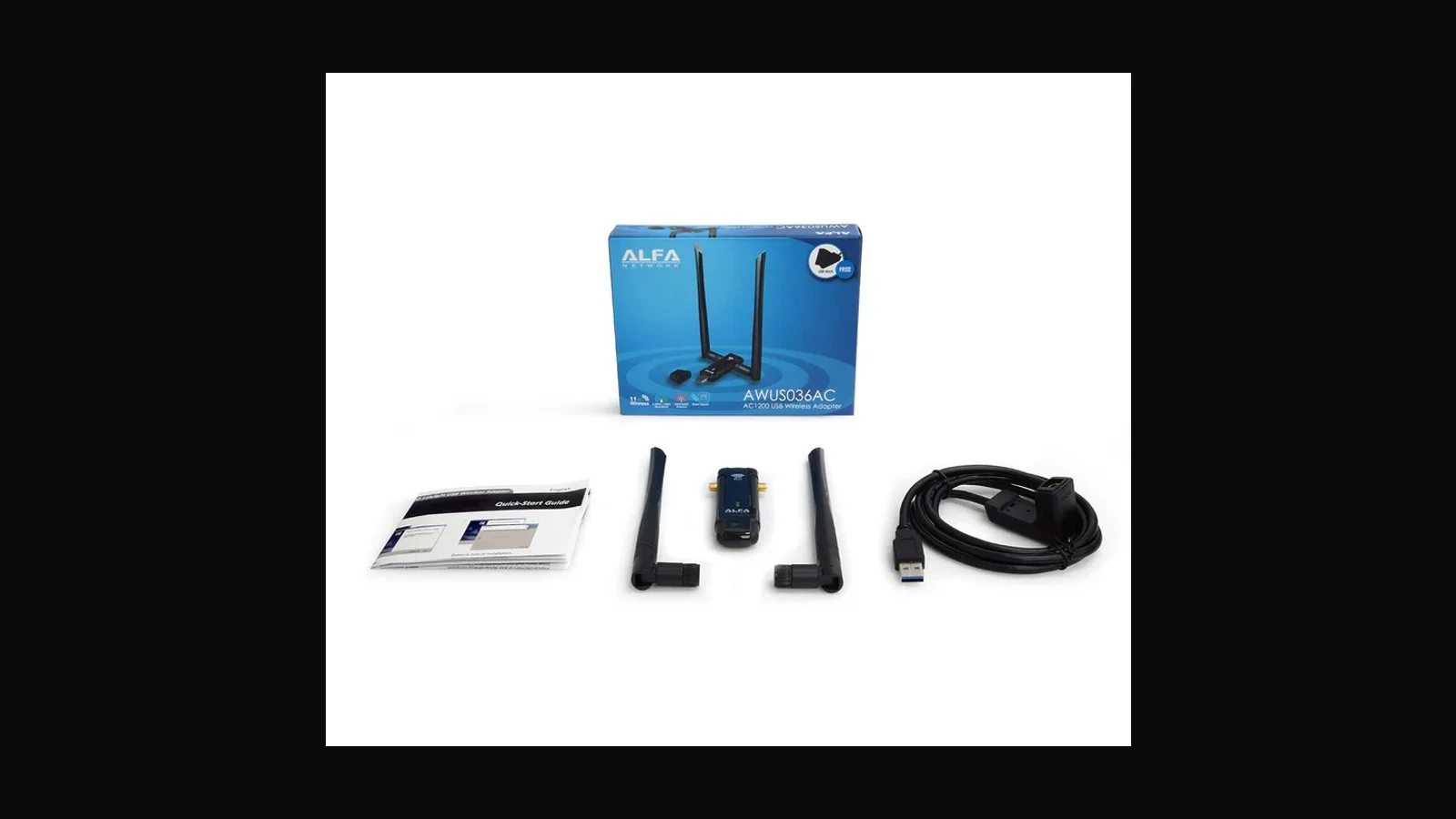
ALFA AWUS036AC: dual-band 802.11ac USB adapter
The AWUS036AC is a solid dual-band 802.11ac stick on the RTL8812AU. A fine choice if you like this housing, with the usual Realtek driver homework on Linux.
 Tools & Hardware
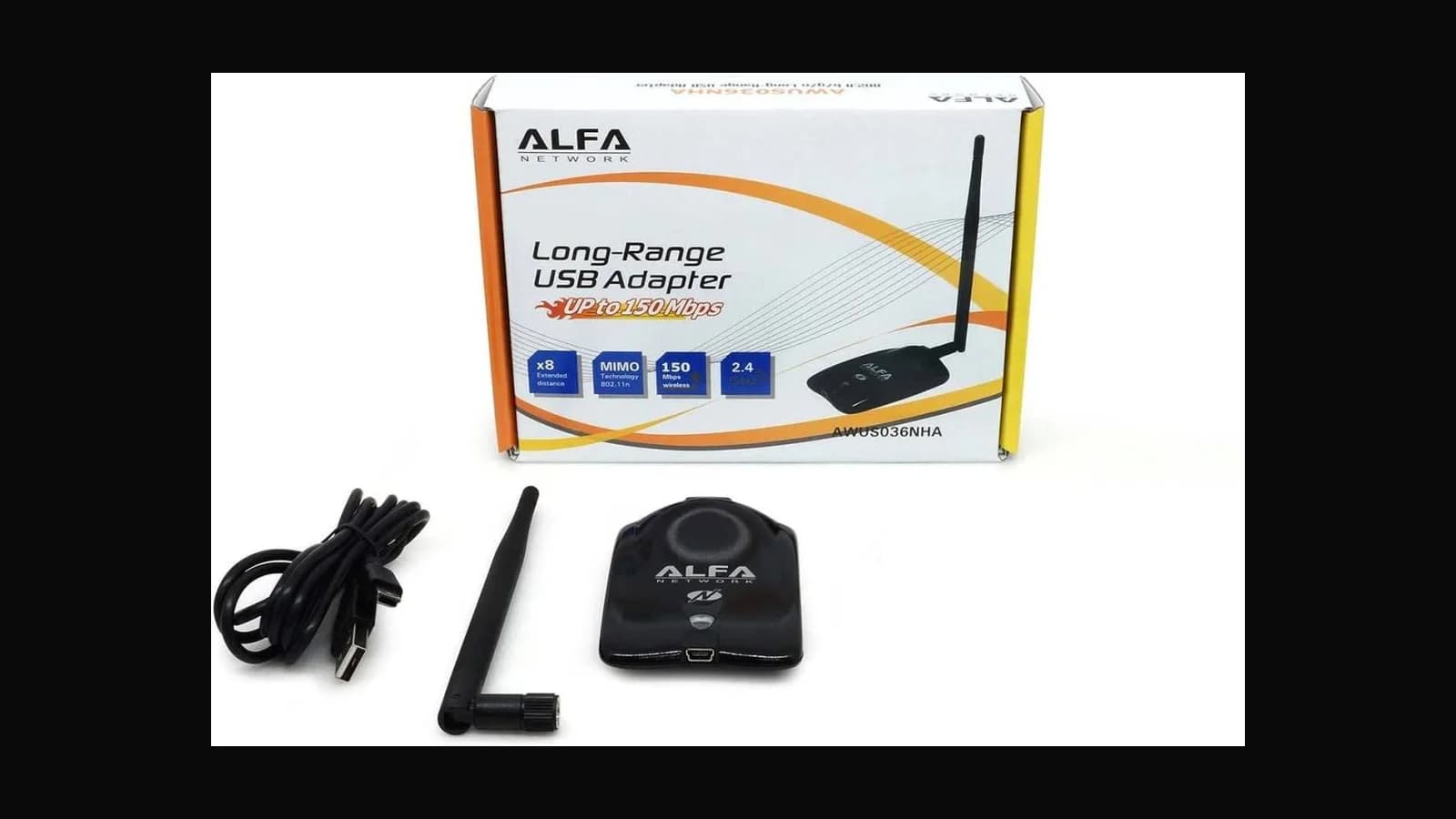
ALFA AWUS036NHA: AR9271 2.4 GHz Kali classic
The AWUS036NHA is the adapter I hand to beginners: Atheros AR9271, native ath9k_htc, no driver drama. 2.4 GHz only, and that limit is the whole point.
 Tools & Hardware
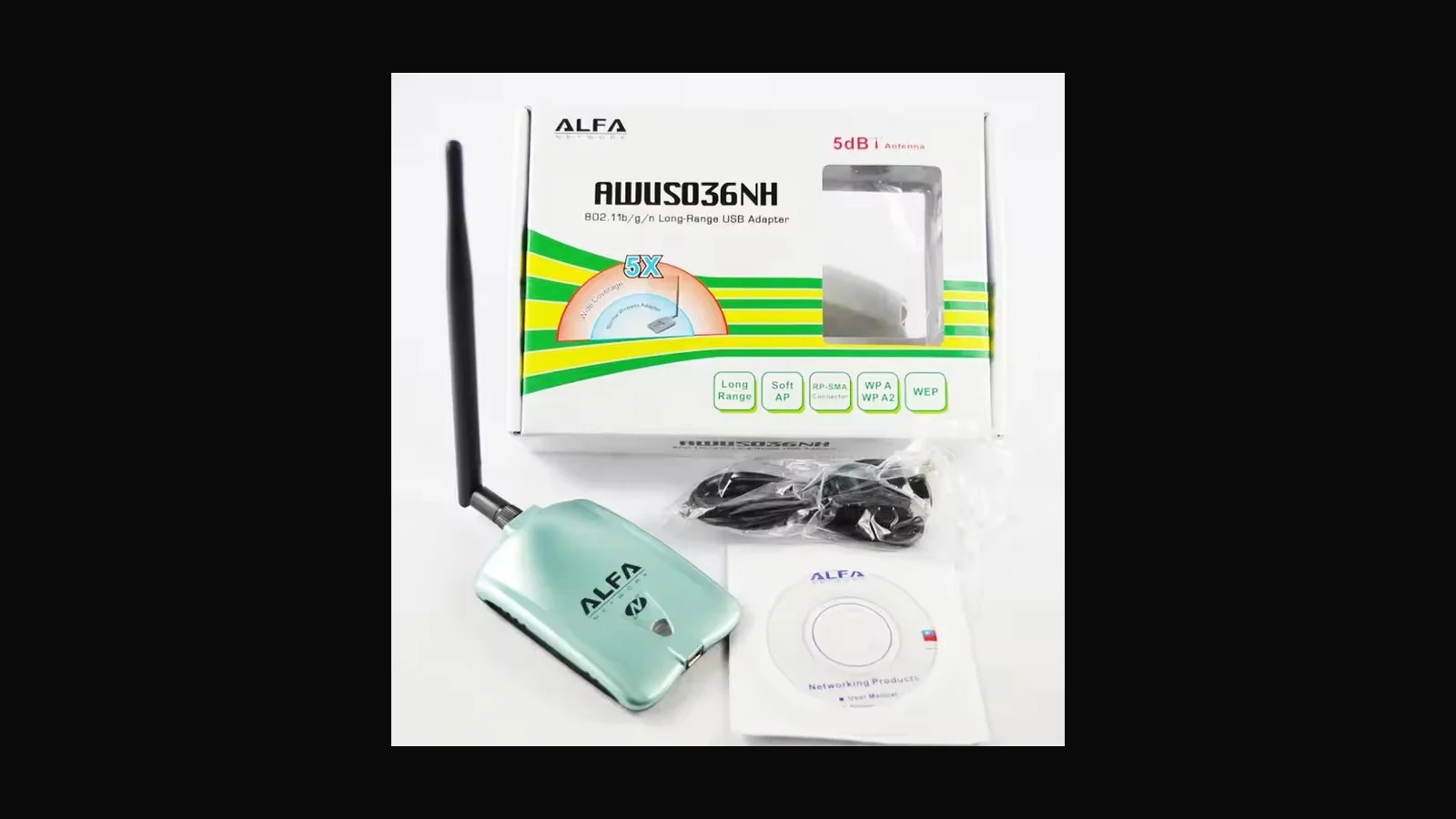
ALFA AWUS036NH: long-range 2.4 GHz USB adapter
The AWUS036NH is a long-range 2.4 GHz classic, but hardware revisions mean you should identify the chipset on arrival before you write it into a methodology.
 Tools & Hardware
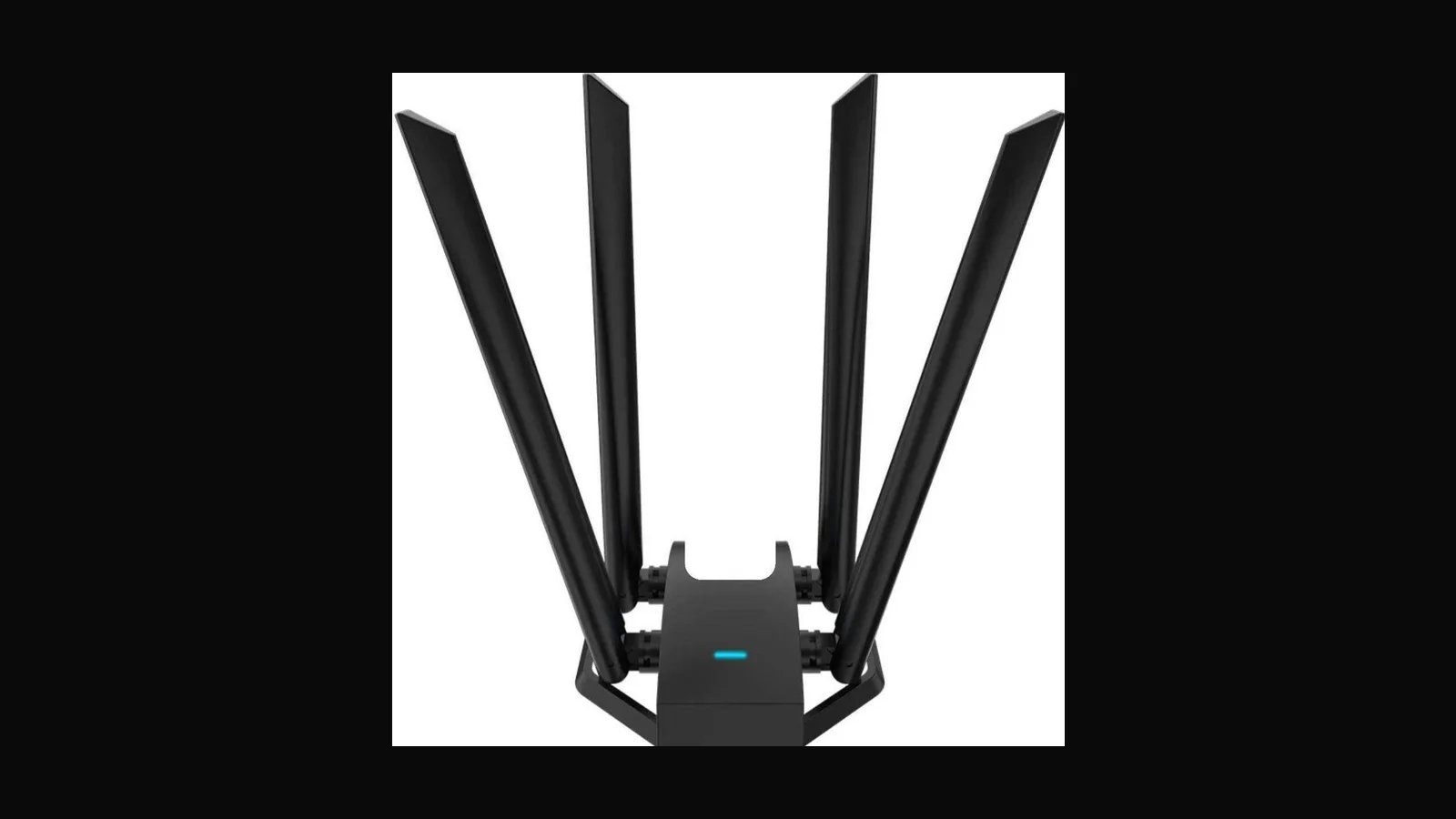
MediaTek MT7612U USB adapter: dual-band lab radio on a budget
A generic four-antenna MT7612U stick for labs on a budget. Same dependable chipset as the ALFA ACM, without the branded packaging or support path.
 Tools & Hardware
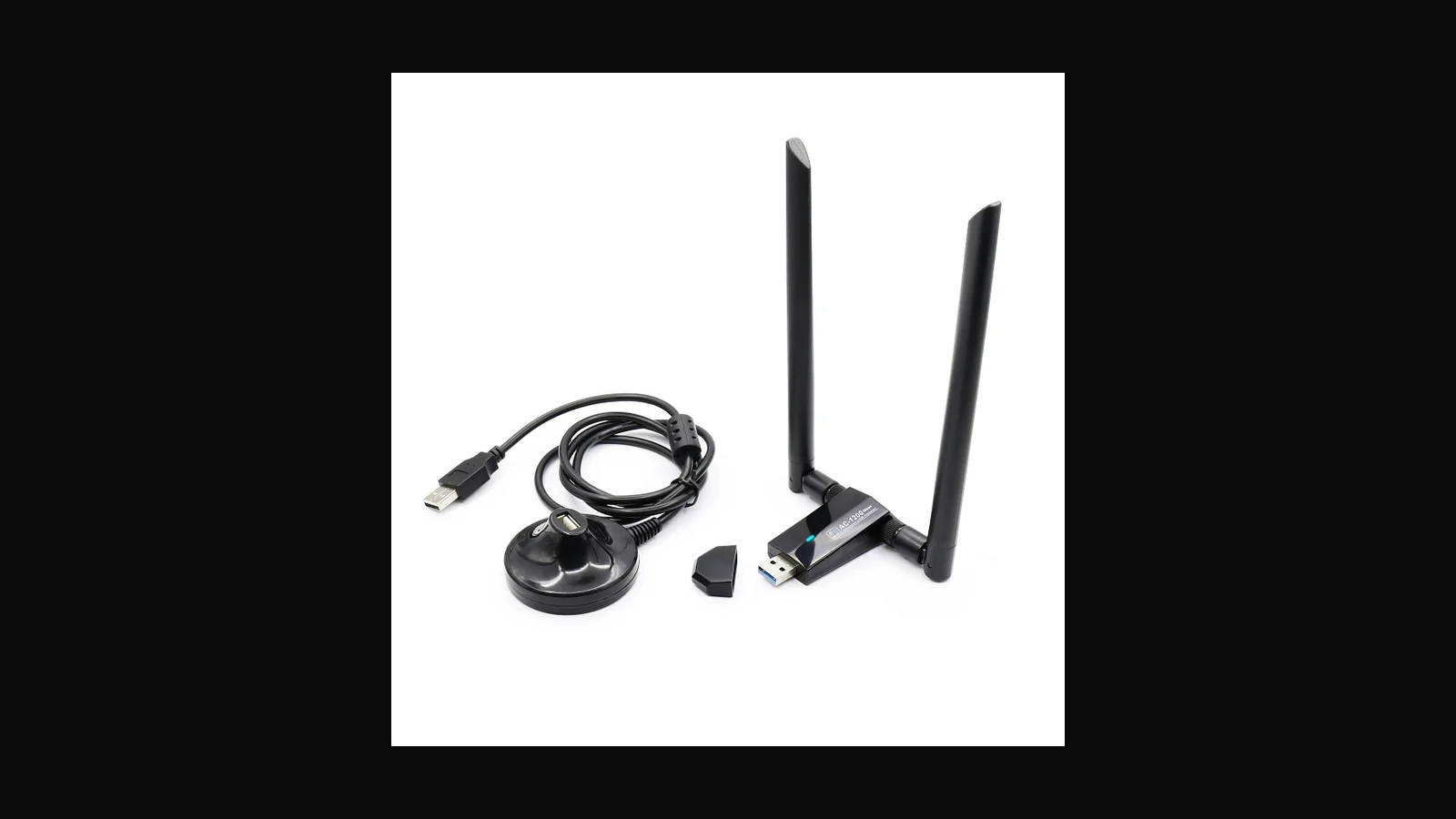
Realtek RTL8812AU dual-antenna AC adapter
An unbranded RTL8812AU with two antennas and a small price. Fine as a budget dual-band card if you install one driver method and stop there.
 Tools & Hardware
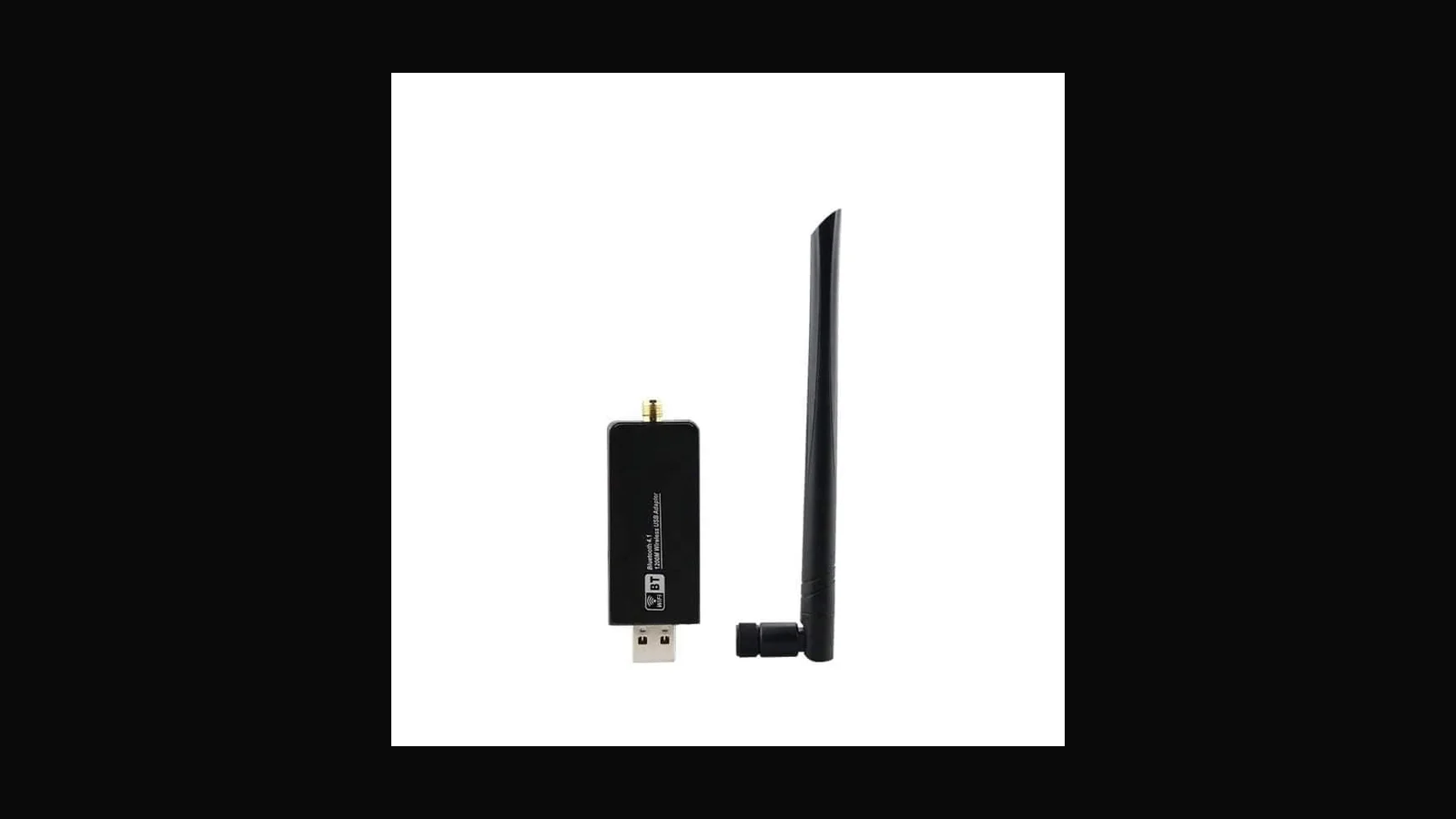
Realtek RTL8812AU single-antenna AC adapter
The single-antenna RTL8812AU is the smallest way onto a dual-band Realtek chipset. Less to carry, same driver homework, and RF that depends on the one antenna.
 Tools & Hardware
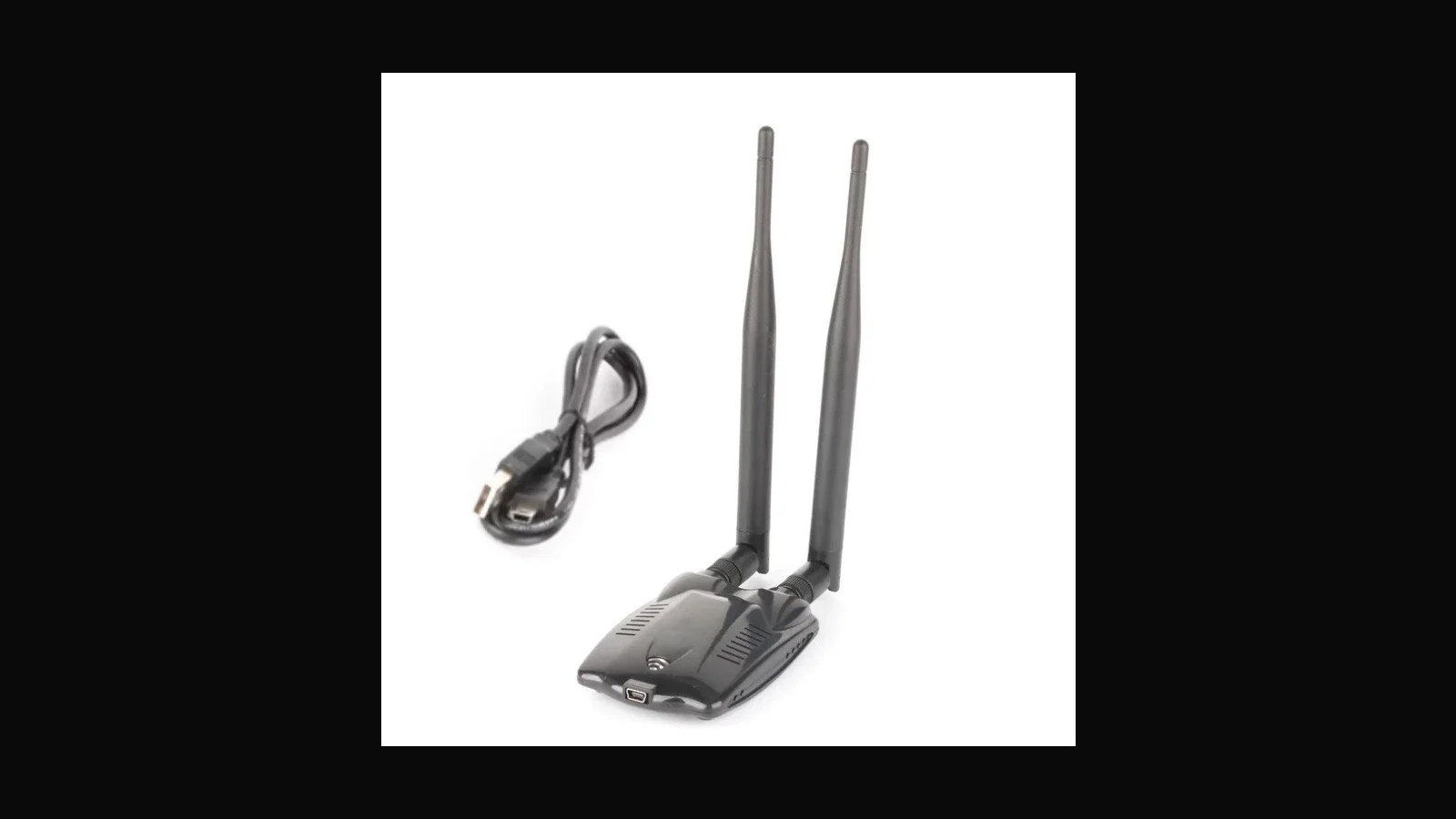
Atheros AR9271 dual-antenna USB adapter
A generic AR9271 with two antennas, built for student kit bags. Native ath9k_htc, 2.4 GHz only, and priced so a whole class can have one.
 Tools & Hardware
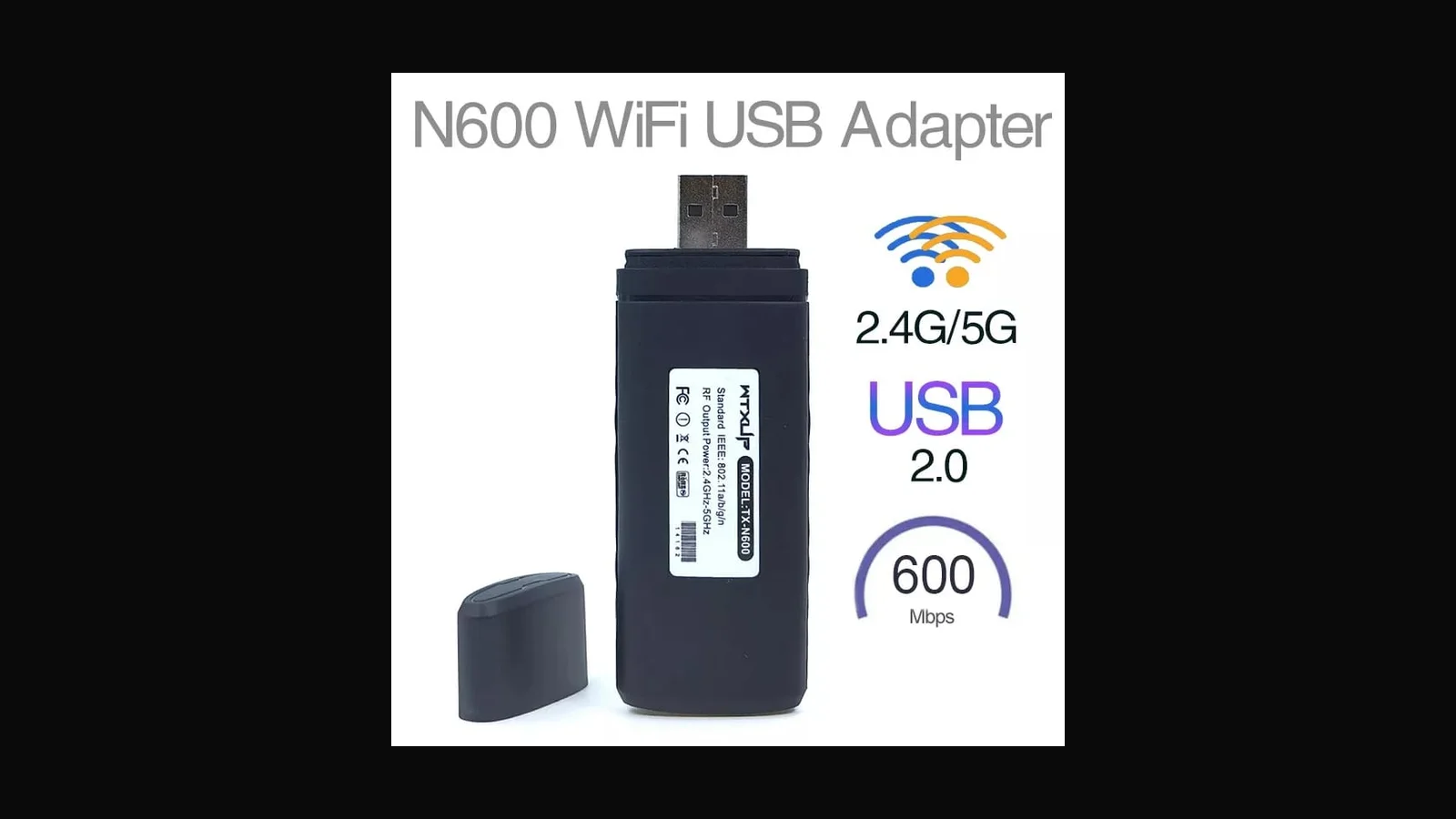
Ralink RT5572 dual-band USB Wi-Fi adapter
The RT5572 is the cheapest dual-band stick I stock. Older chipset, mixed monitor-mode reputation, honest value if you keep your expectations modest.
 Tools & Hardware
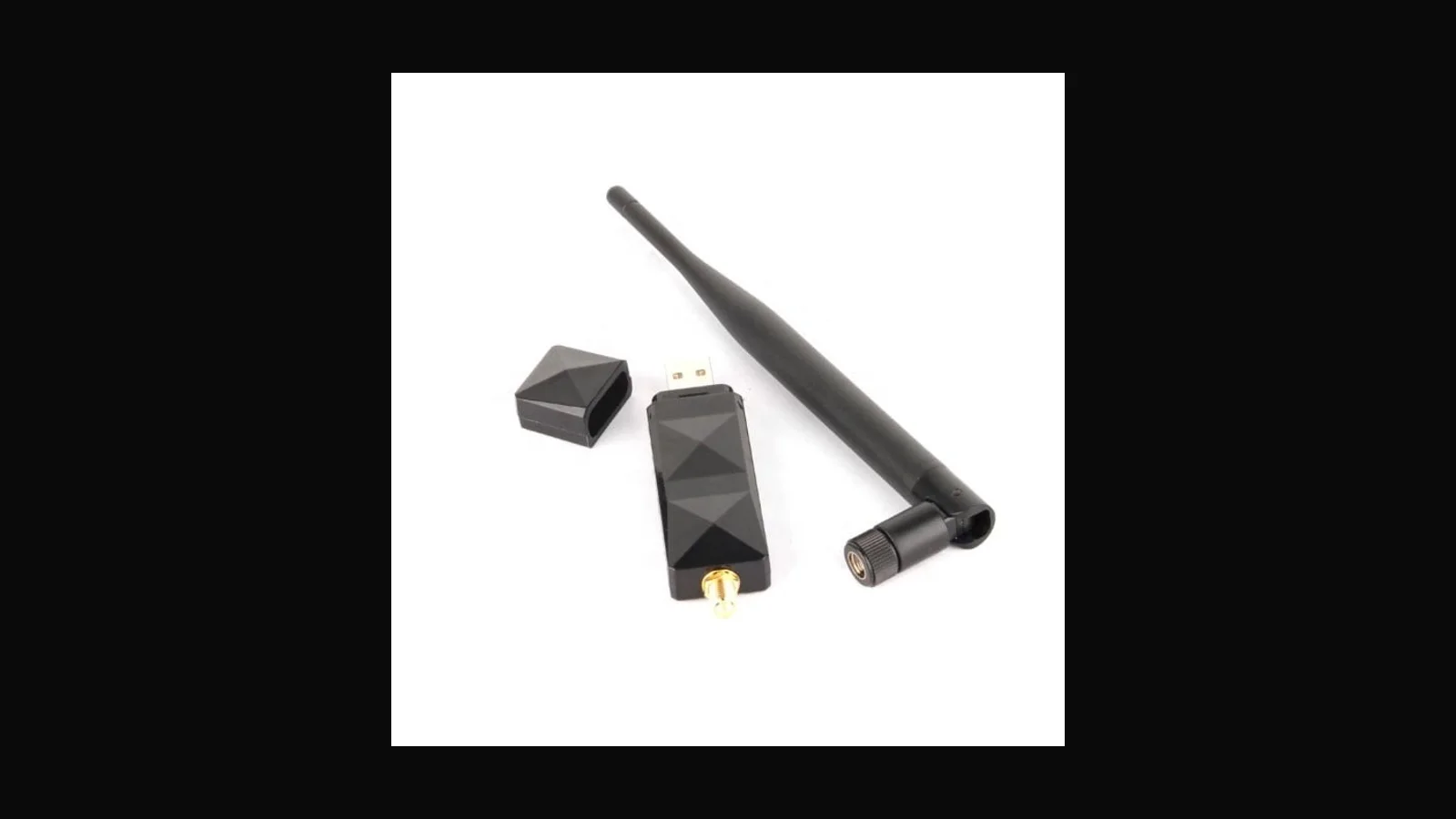
Atheros AR9271 single-antenna USB adapter
The cheapest path I stock to native ath9k_htc monitor mode. One antenna, 2.4 GHz, and exactly enough for a student's first lab.
 Tools & Hardware
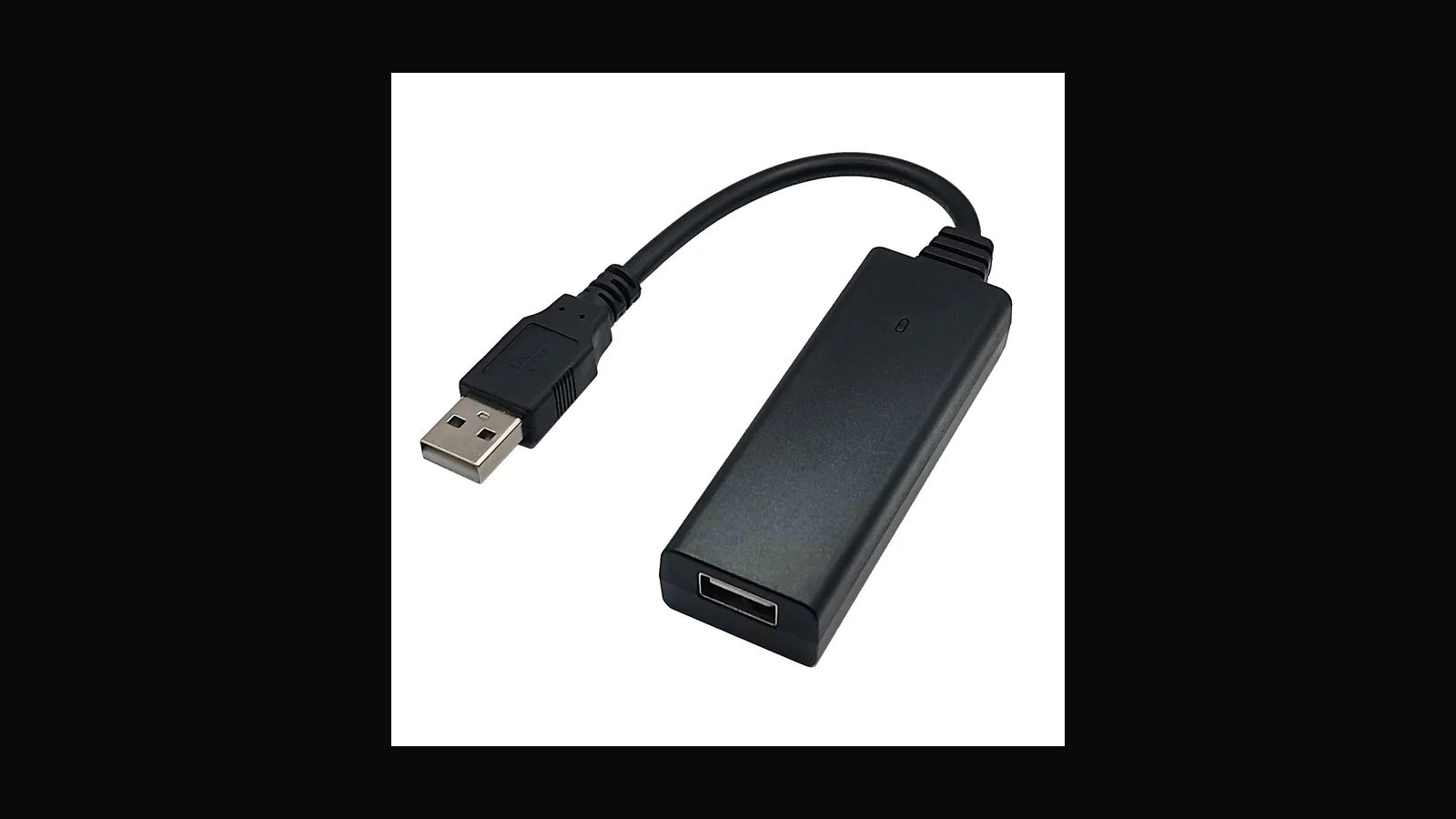
Hak5 Bash Bunny Mark II: multi-vector USB lab platform
The Bash Bunny Mark II is the step up from a Rubber Ducky: a pocket Linux-class device that can wear several USB personalities at once. A guide for authorised USB labs.
 Tools & Hardware
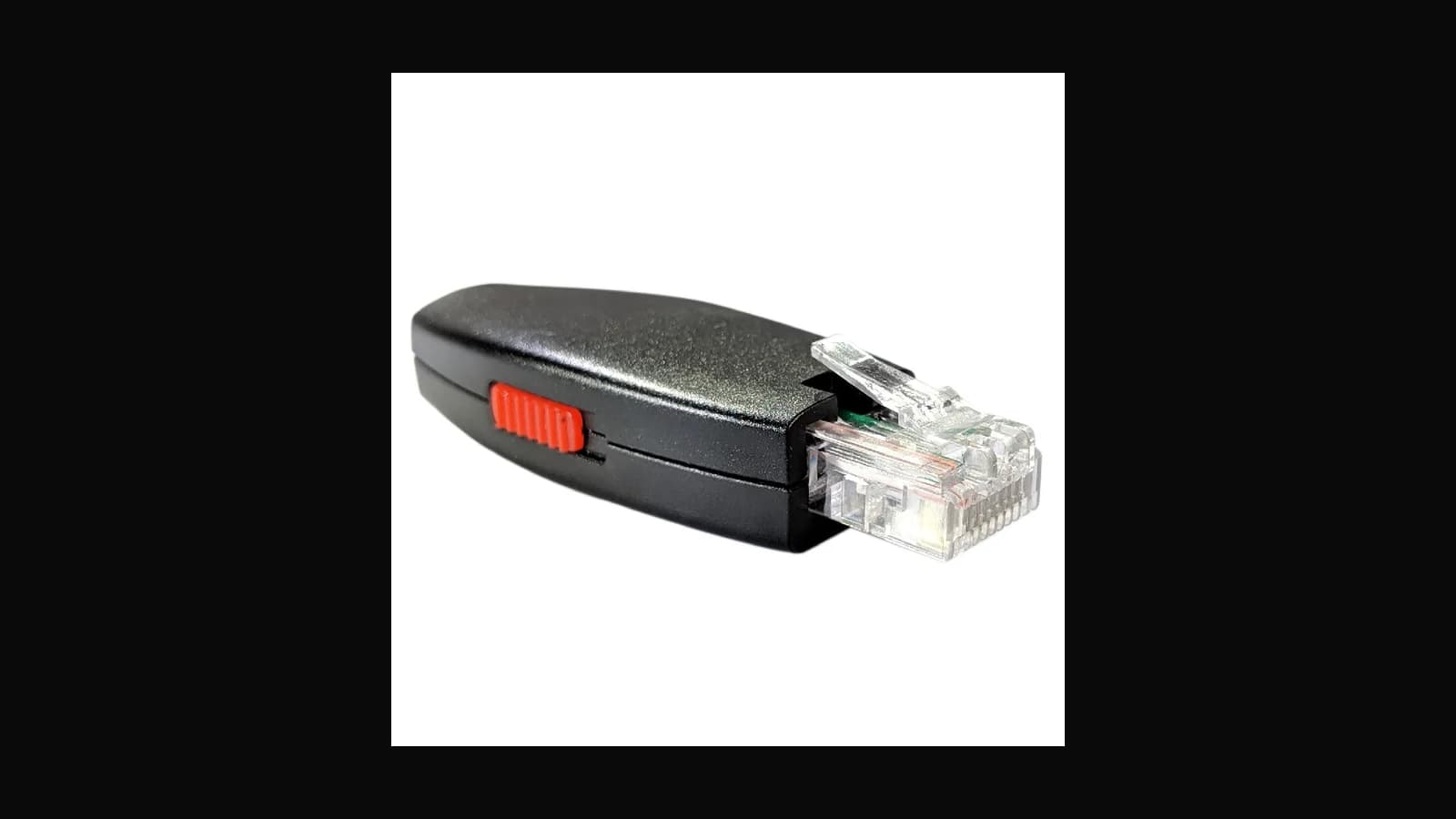
Hak5 Key Croc: keyed implant for scoped physical tests
The Key Croc is a keyboard-inline implant for engagements that explicitly include physical access. A guide to what it does, and the ethics that have to come first.
 Tools & Hardware
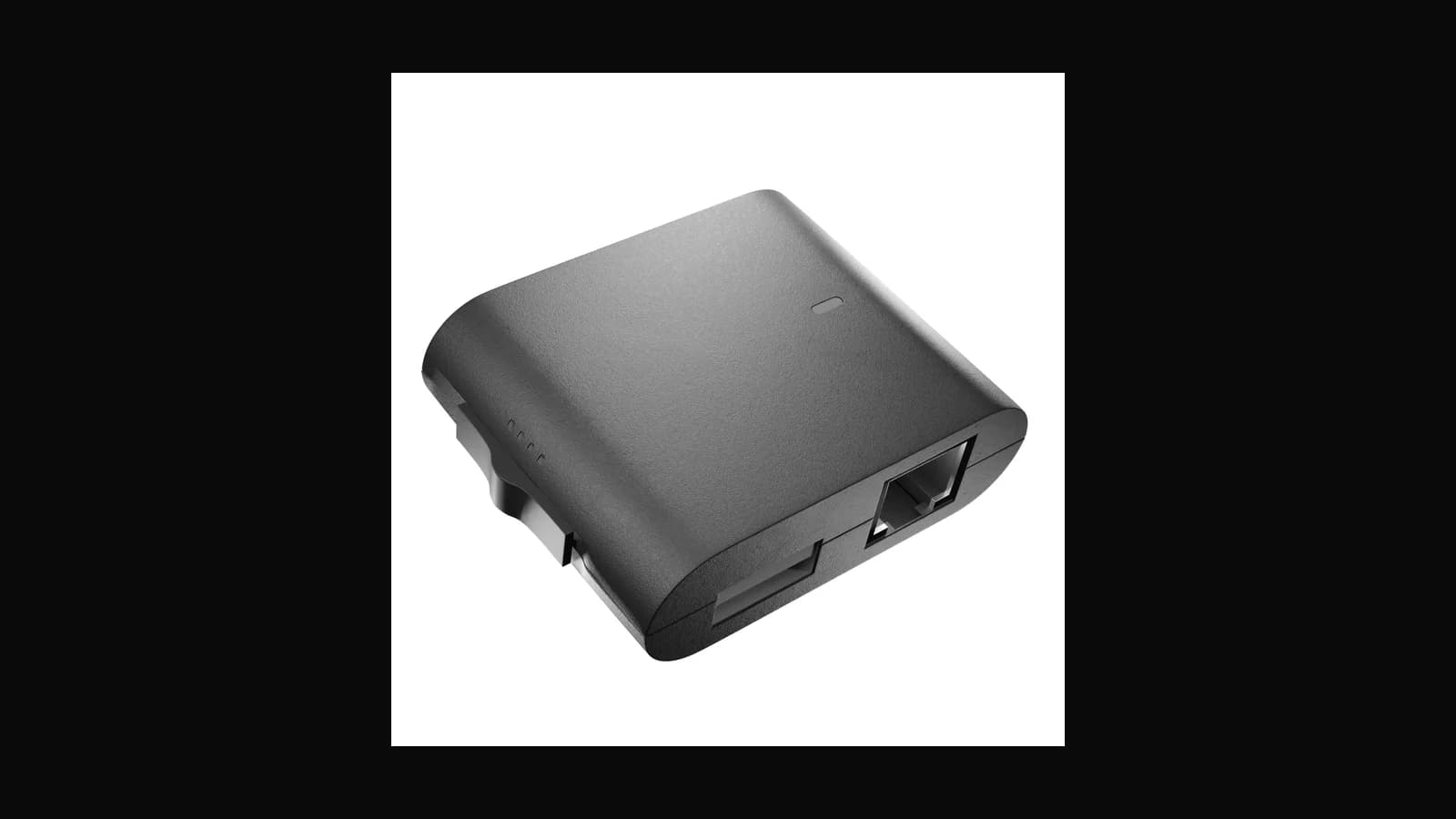
Hak5 Shark Jack (Display and Cable): Ethernet dropbox labs
Plug into a live Ethernet jack, run a short payload, recover the output. The Shark Jack is a quick Ethernet drop tool for scoped building walks. A guide.
 Tools & Hardware
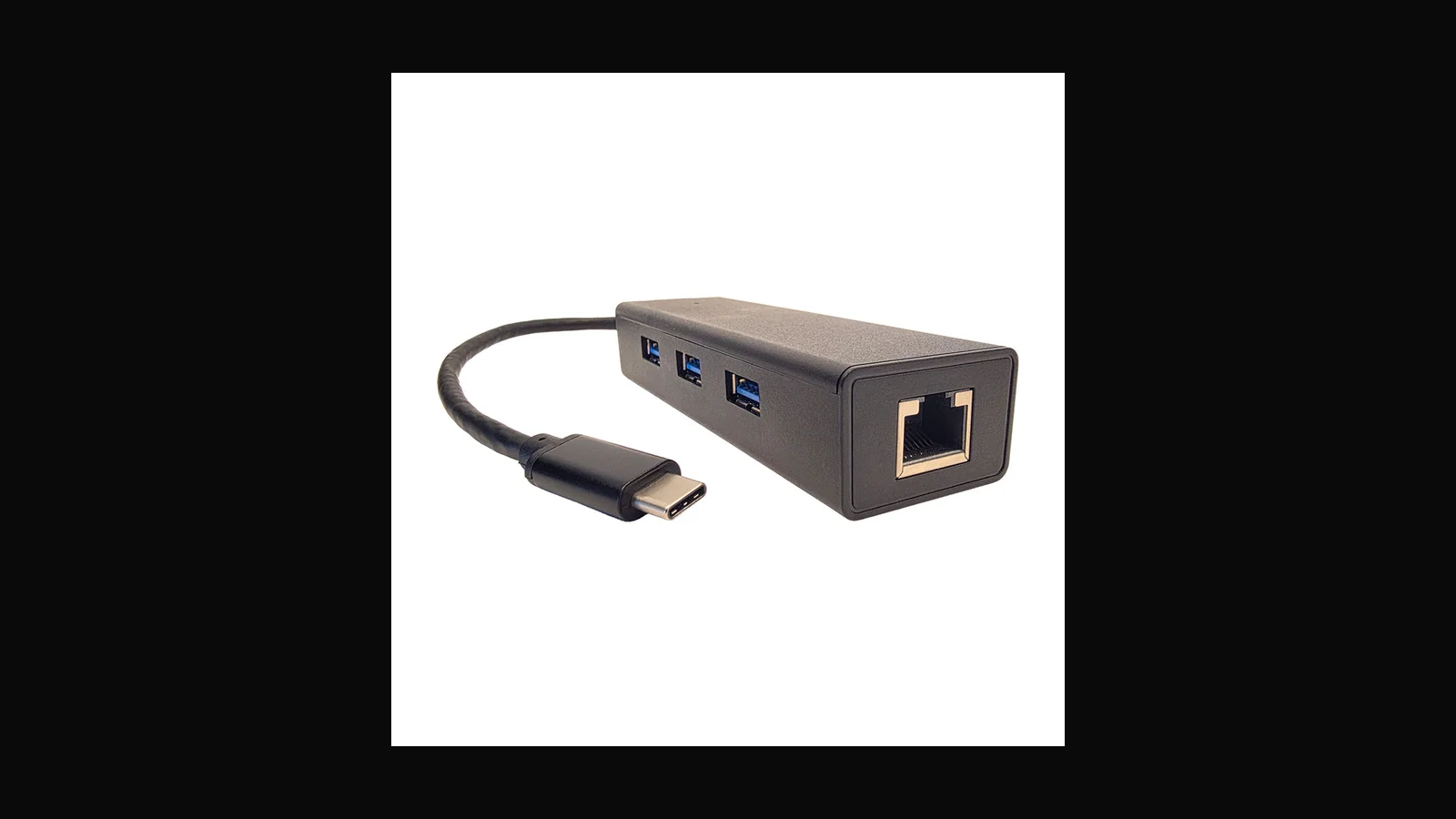
Hak5 Packet Squirrel Mark II: inline Ethernet multi-tool
A pocket Ethernet multi-tool that sits inline between two segments for capture, bridging and remote access. The Packet Squirrel Mark II, as a guide for scoped work.
 Tools & Hardware
Hak5 LAN Turtle Hub: classroom-scale USB-Ethernet implants
The LAN Turtle Hub is the classroom-scale version of the USB-Ethernet implant: more ports, denser labs, same lesson about trust. A guide.
 Tools & Hardware
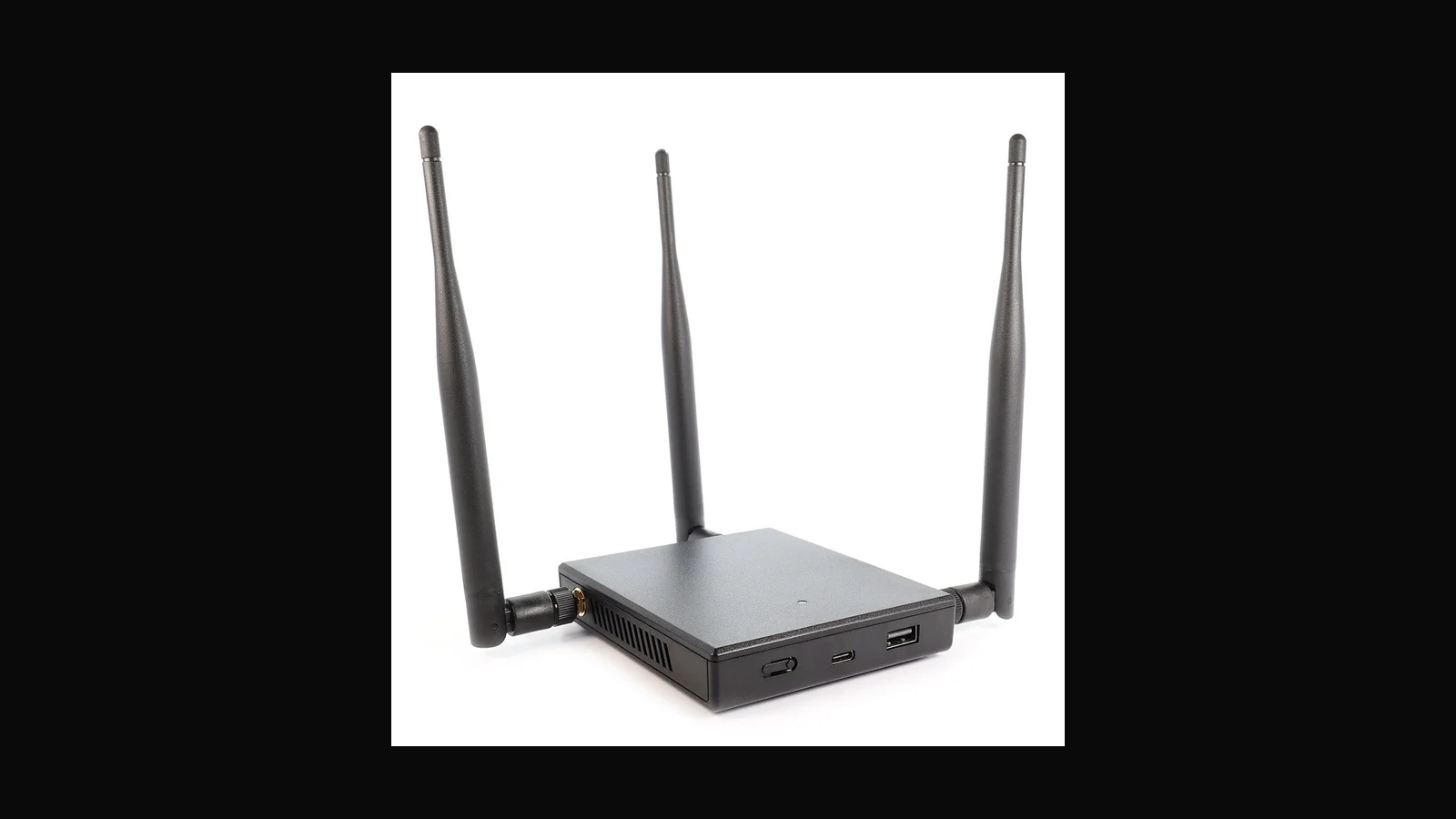
Hak5 WiFi Pineapple Mark VII: portable rogue-AP companion
The WiFi Pineapple Mark VII is a portable Wi-Fi auditing companion with role-based radios, for rogue-AP and client-attack teaching inside authorised scopes. A guide.
 Tools & Hardware
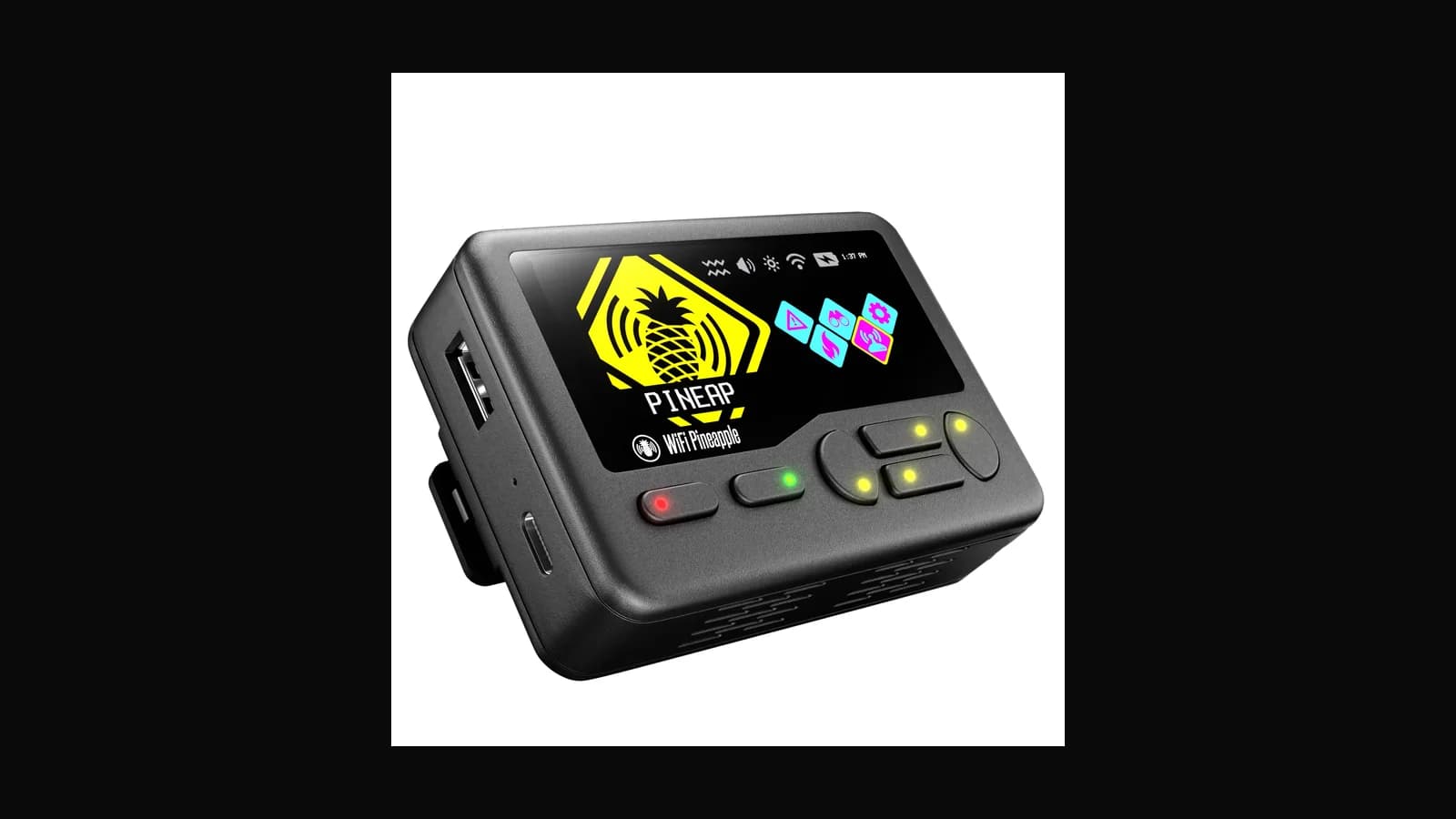
Hak5 WiFi Pineapple Pager: compact Pineapple-class companion
The WiFi Pineapple Pager is the compact, travel-friendly member of the Pineapple family. Same workflows, smaller carry. A guide, with the usual "check the live SKU" caveat.
 Tools & Hardware
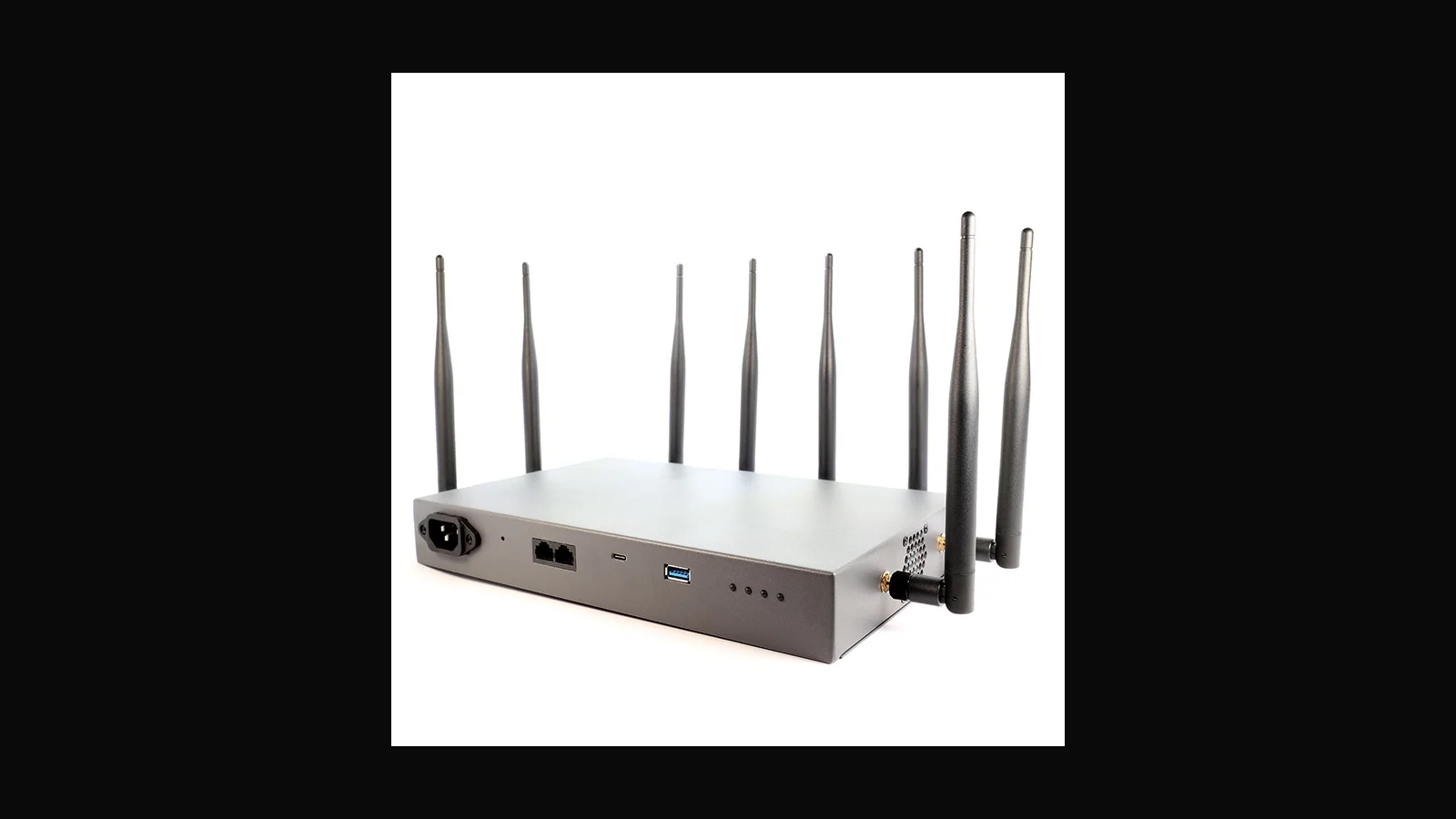
Hak5 WiFi Pineapple Enterprise: full-spectrum lab sentinel
The WiFi Pineapple Enterprise is the big one: a multi-radio, AC-powered auditing appliance for permanent ranges and recurring courses. A guide to when it is worth it.
 Tools & Hardware
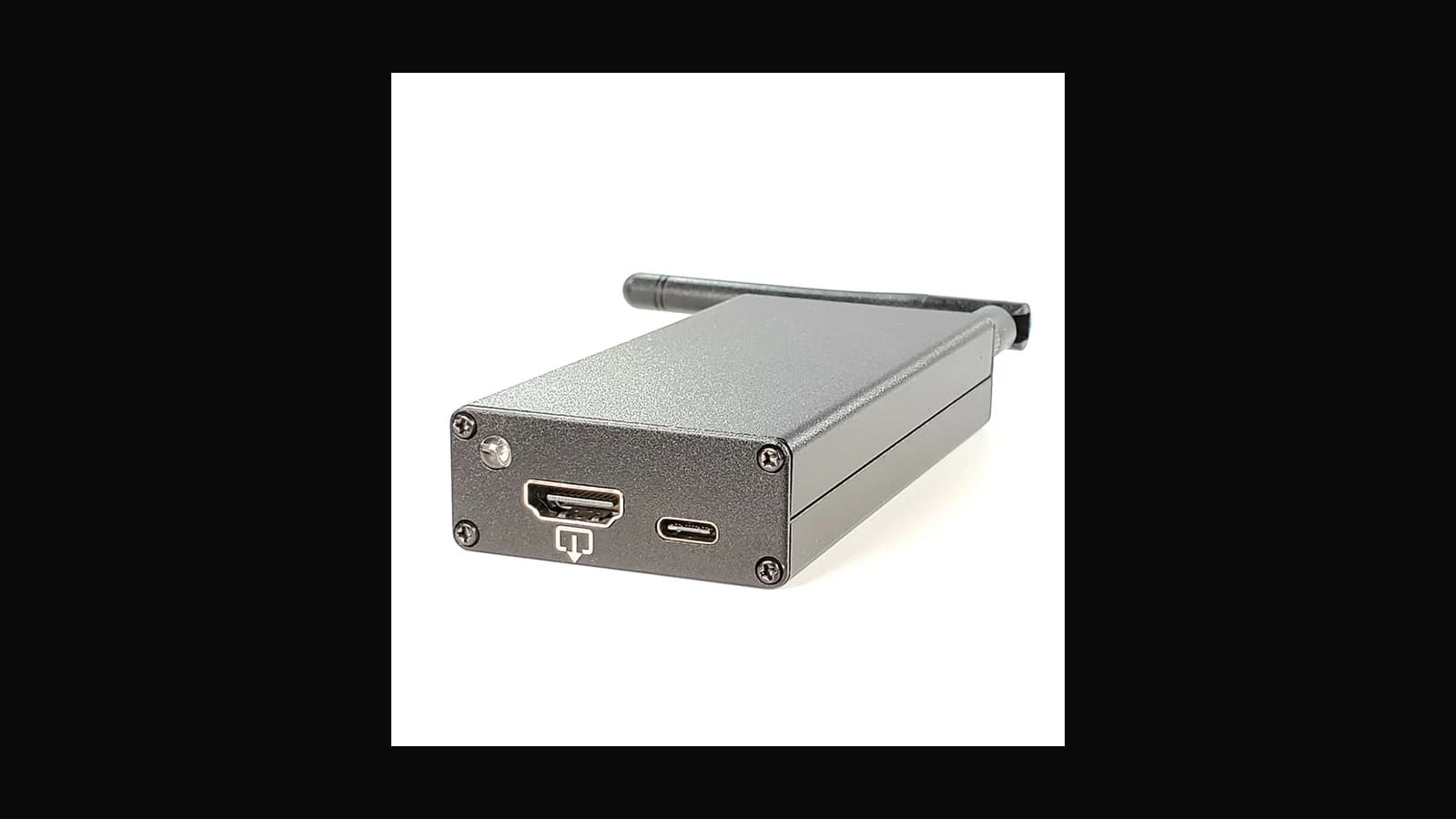
Hak5 Screen Crab: HDMI inspection for scoped physical tests
The Screen Crab is an HDMI inline tool for viewing or recording what a display is showing, during authorised physical assessments. A guide, with a note on consent.
 Tools & Hardware
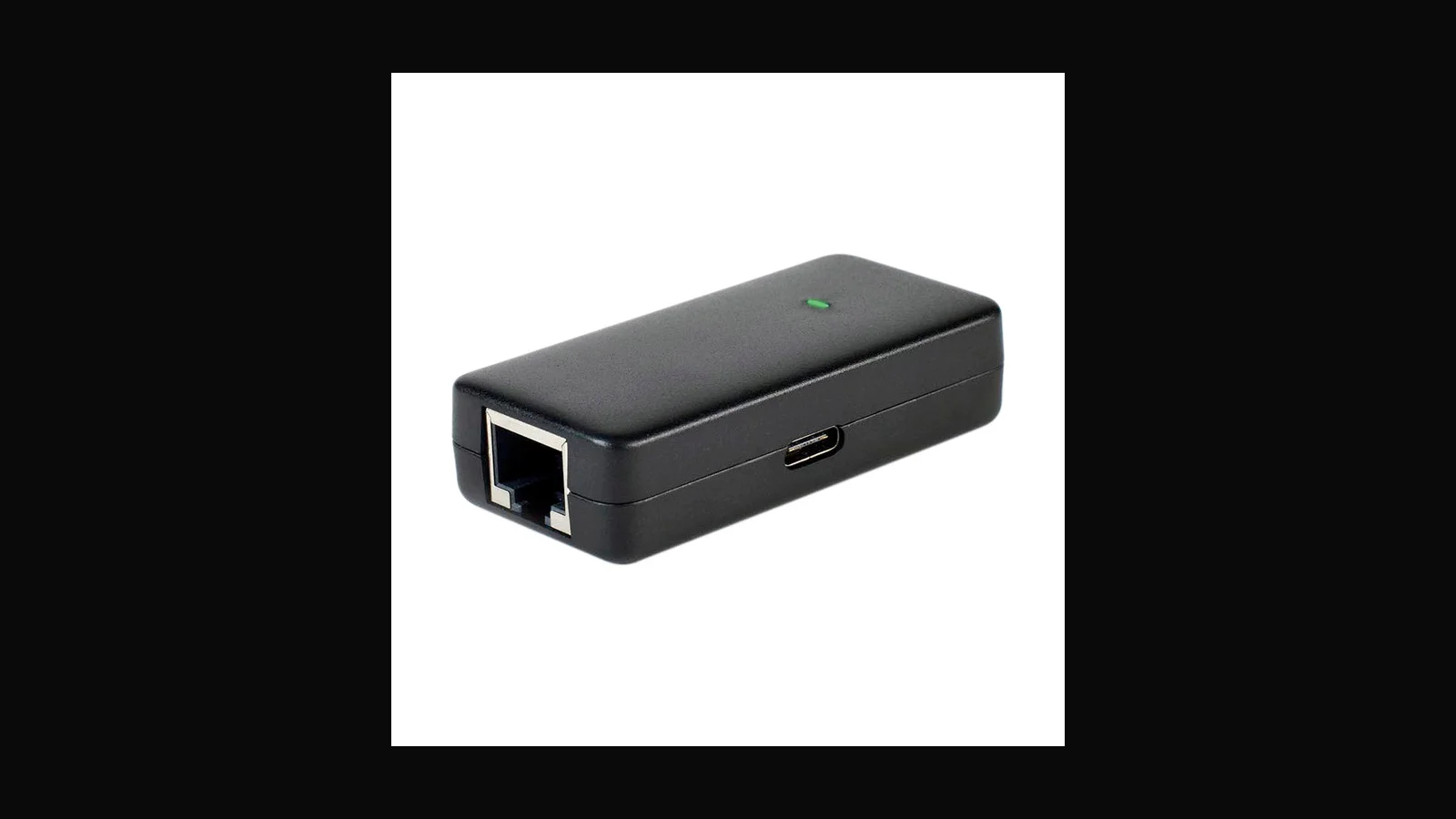
Hak5 Plunder Bug LAN Tap: simple Ethernet visibility
Sometimes you want visibility on a wire without a full man-in-the-middle bridge. The Plunder Bug is a simple LAN tap for scoped capture and teaching. A guide.
 Tools & Hardware
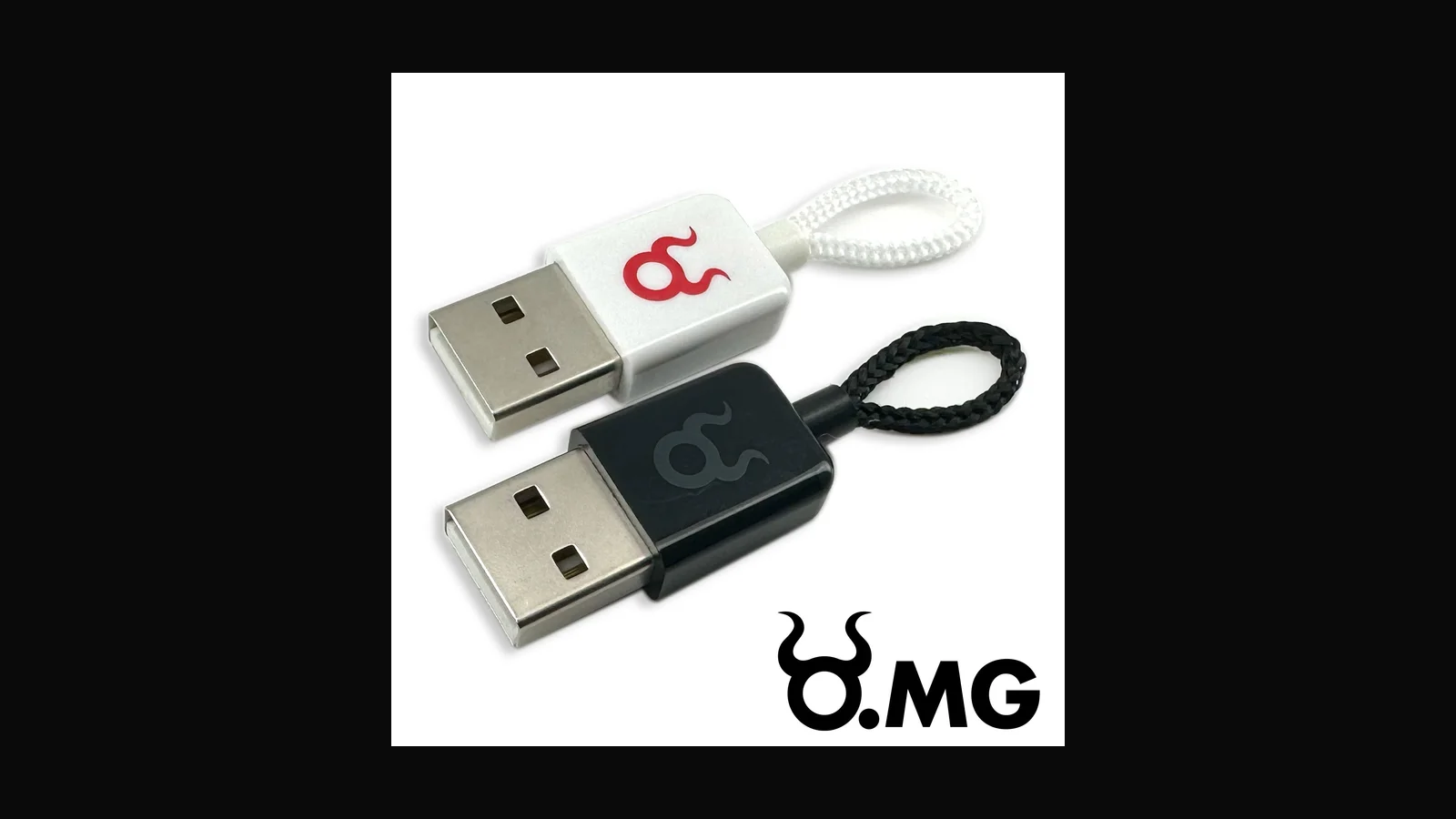
Hak5 O.MG Cable: covert cable-form HID platform (guide)
It looks like an ordinary charge-and-sync cable. That is exactly the lesson. The O.MG Cable is a cable-form implant for authorised physical tests. A guide.
 Tools & Hardware
Hak5 O.MG Plug: wall-plug implant style labs
The O.MG Plug hides implant electronics in a wall-outlet form factor. For advanced physical programmes only, and only with a safety review. A guide.
 Tools & Hardware
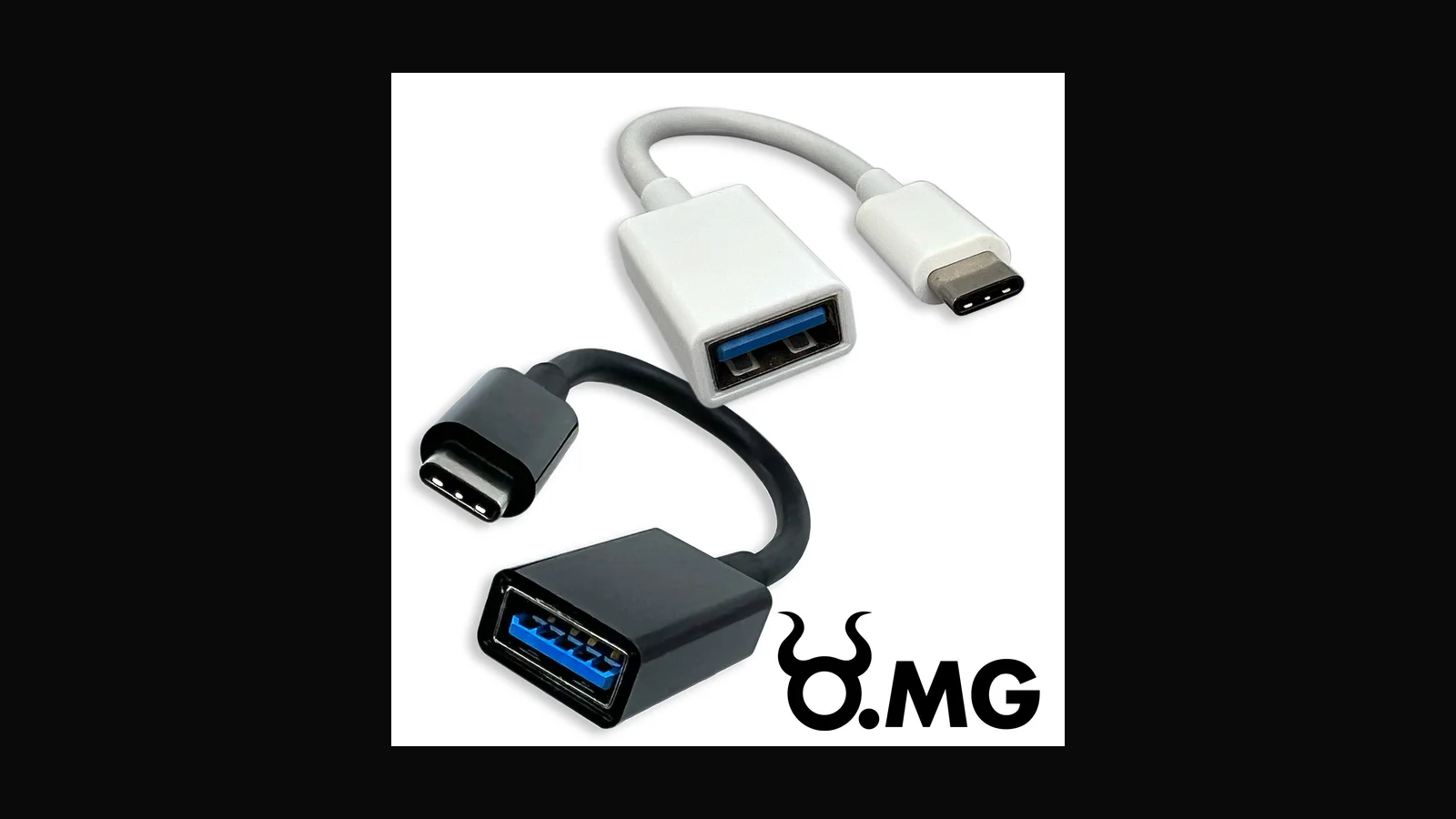
Hak5 O.MG Adapter: USB adapter form implant guide
The O.MG Adapter packages implant electronics in a USB adapter shell, for when "I just needed an adapter" is the cover story. A guide for scoped physical tests.
 Tools & Hardware
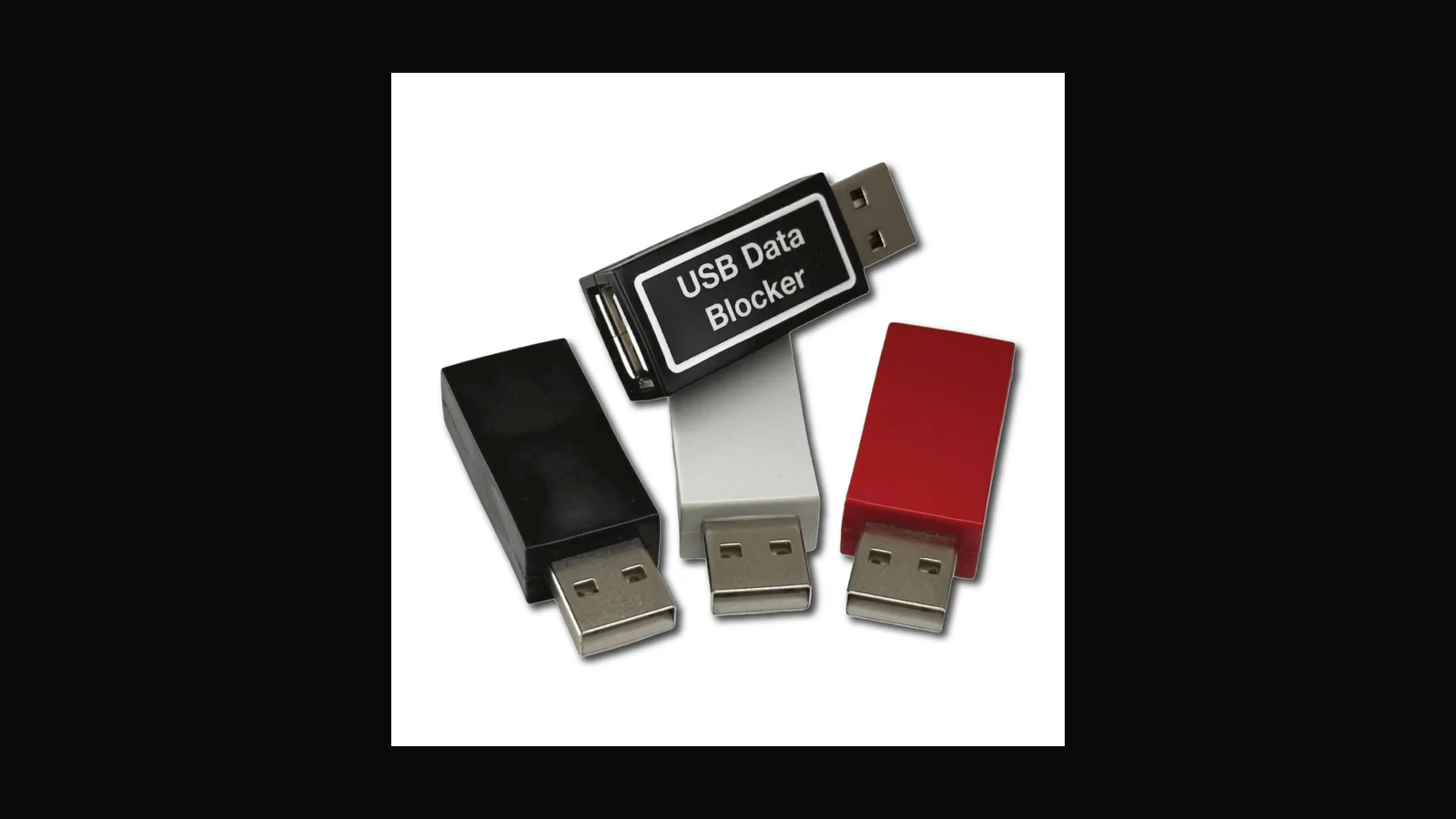
Hak5 O.MG UnBlocker: USB charge-only teaching aid
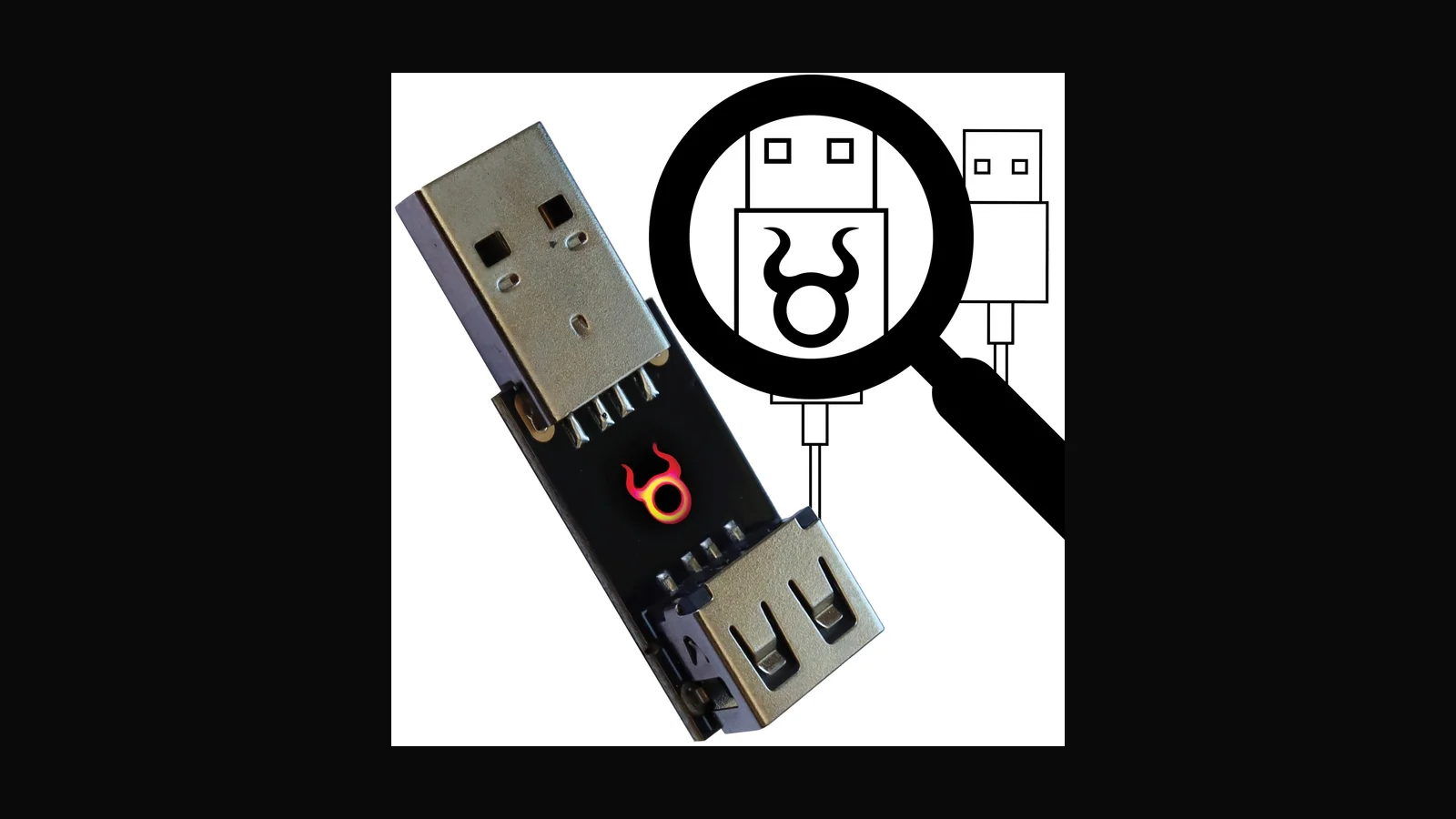
Not everything in the O.MG line is offensive. The UnBlocker sits on the utility side, illustrating charge-only versus data-capable USB. A guide, with honest limits.
 Tools & Hardware
Hak5 Malicious Cable Detector: screening demo tool
A handheld aid for spotting suspicious cable implants during inspections. Useful in awareness work, as long as nobody sells it as perfect detection. A guide.
 Tools & Hardware
Hak5 Essential Field Kit: curated starter bundle (guide)
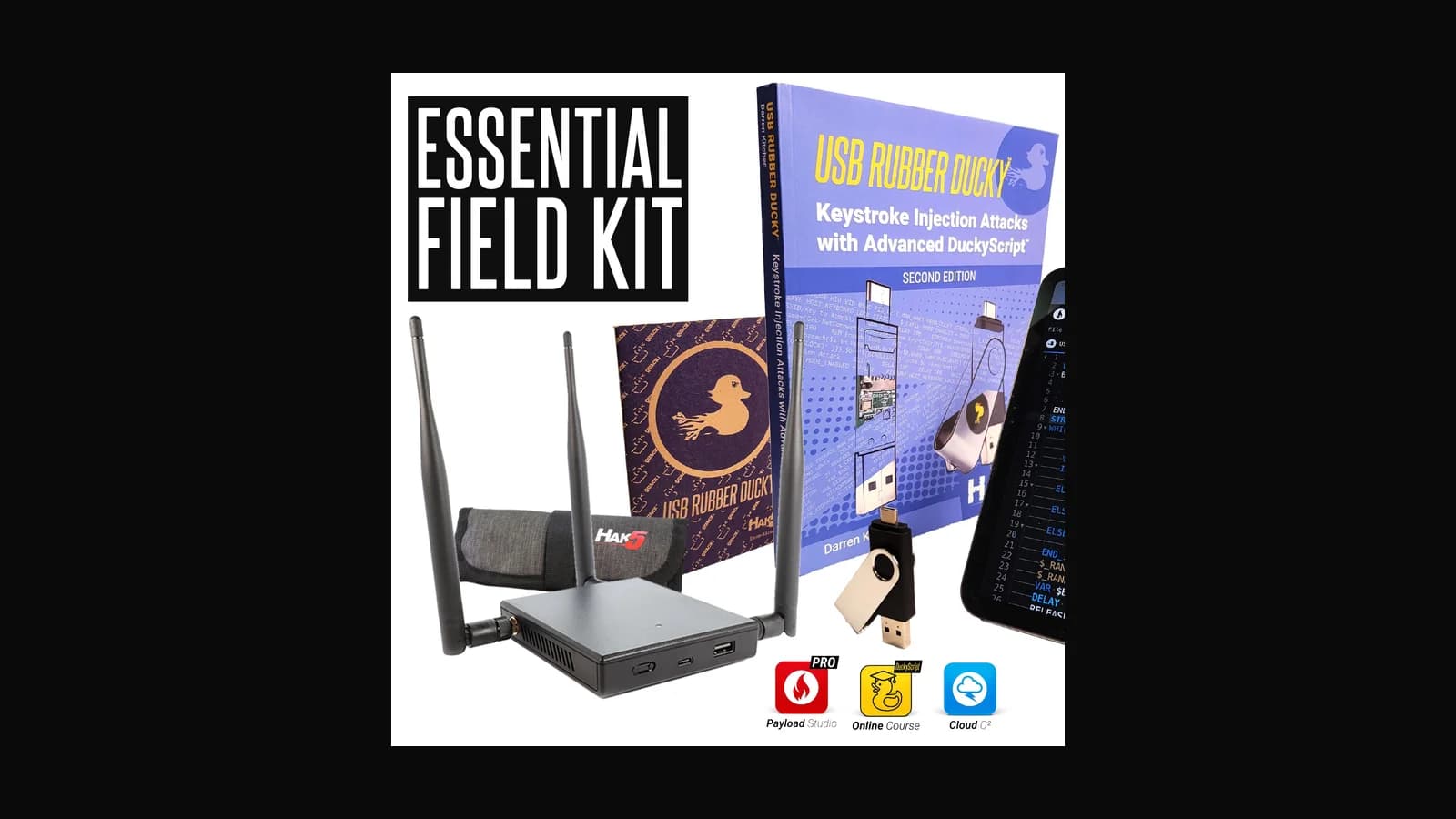
A curated bundle of core Hak5 tools in one shopping path. Handy once you have process and training in place, wasteful before that. A guide to the Essential Field Kit.
 Tools & Hardware
Hak5 HotPlug Attack Combo Kit: HID teaching bundle
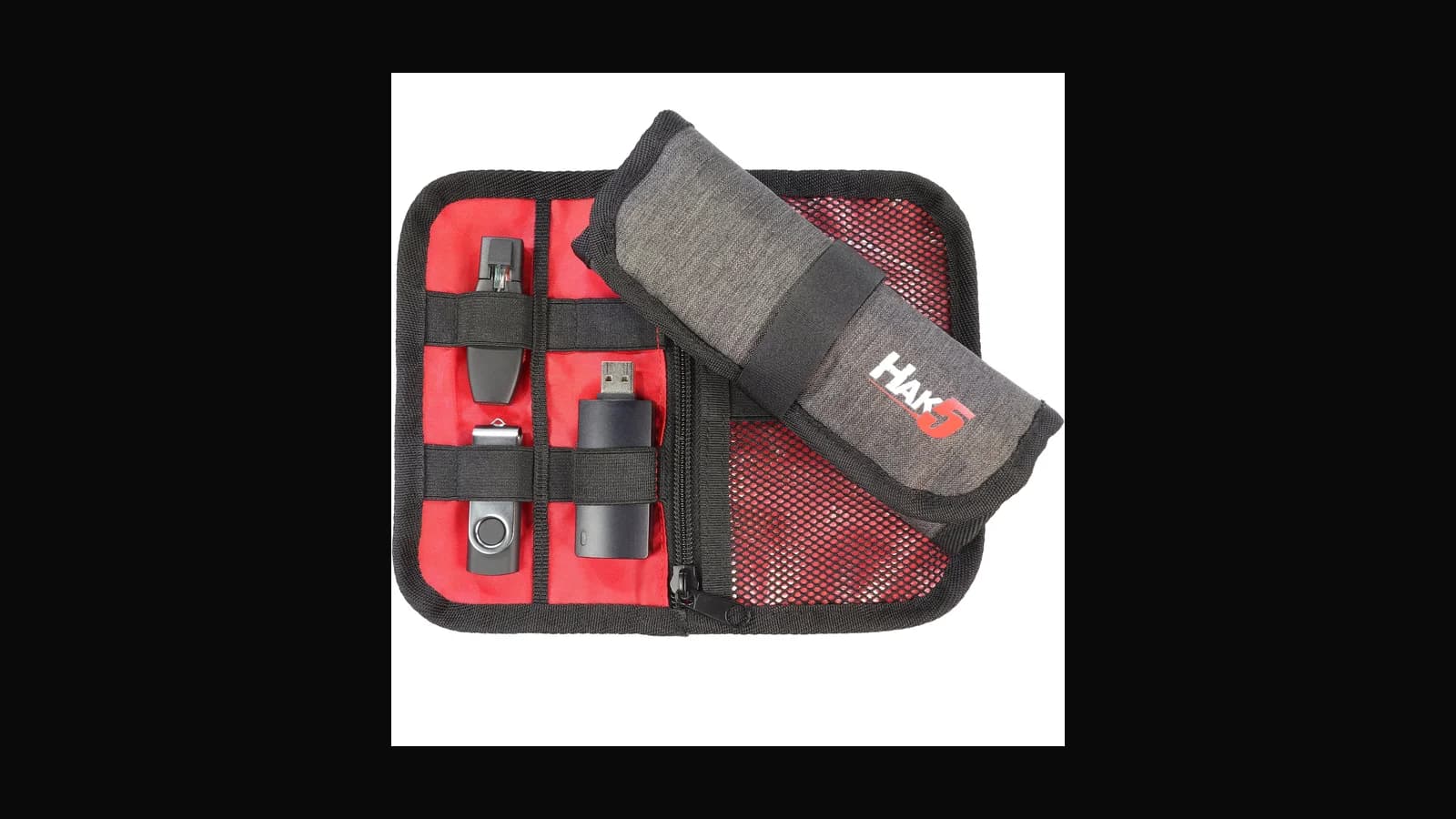
A bundle built around USB hotplug and HID teaching. Right after you have a written curriculum, overkill before that. A guide to the HotPlug Attack Combo Kit.
 Tools & Hardware
zSecurity ZS Cactus and Cactus PRO: Wi-Fi BadUSB guide
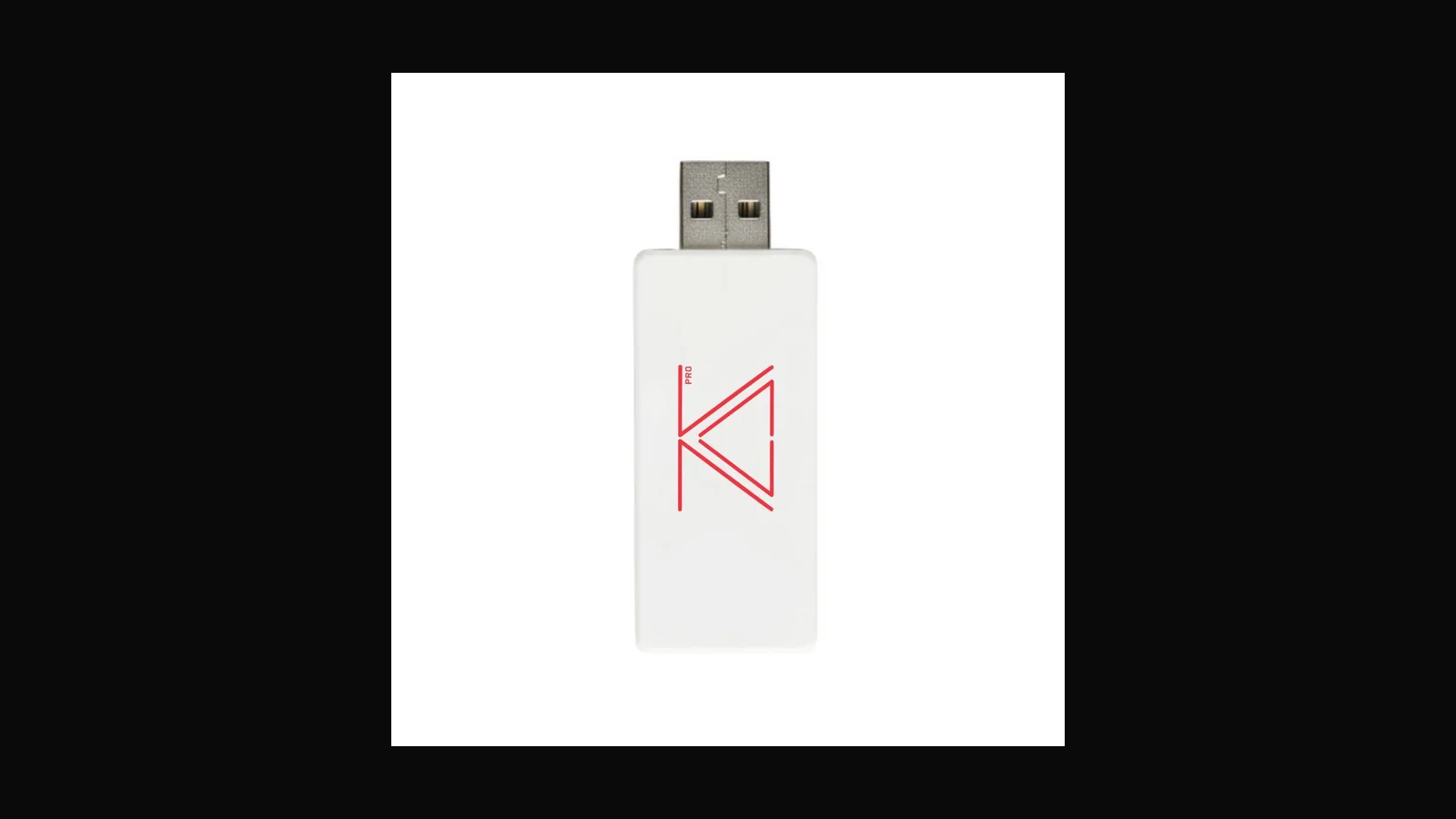
zSecurity's Wi-Fi-managed BadUSB dongle, with a PRO version that adds hardware keylogging. A guide to the ZS Cactus and Cactus PRO for isolated, authorised labs.
 Tools & Hardware
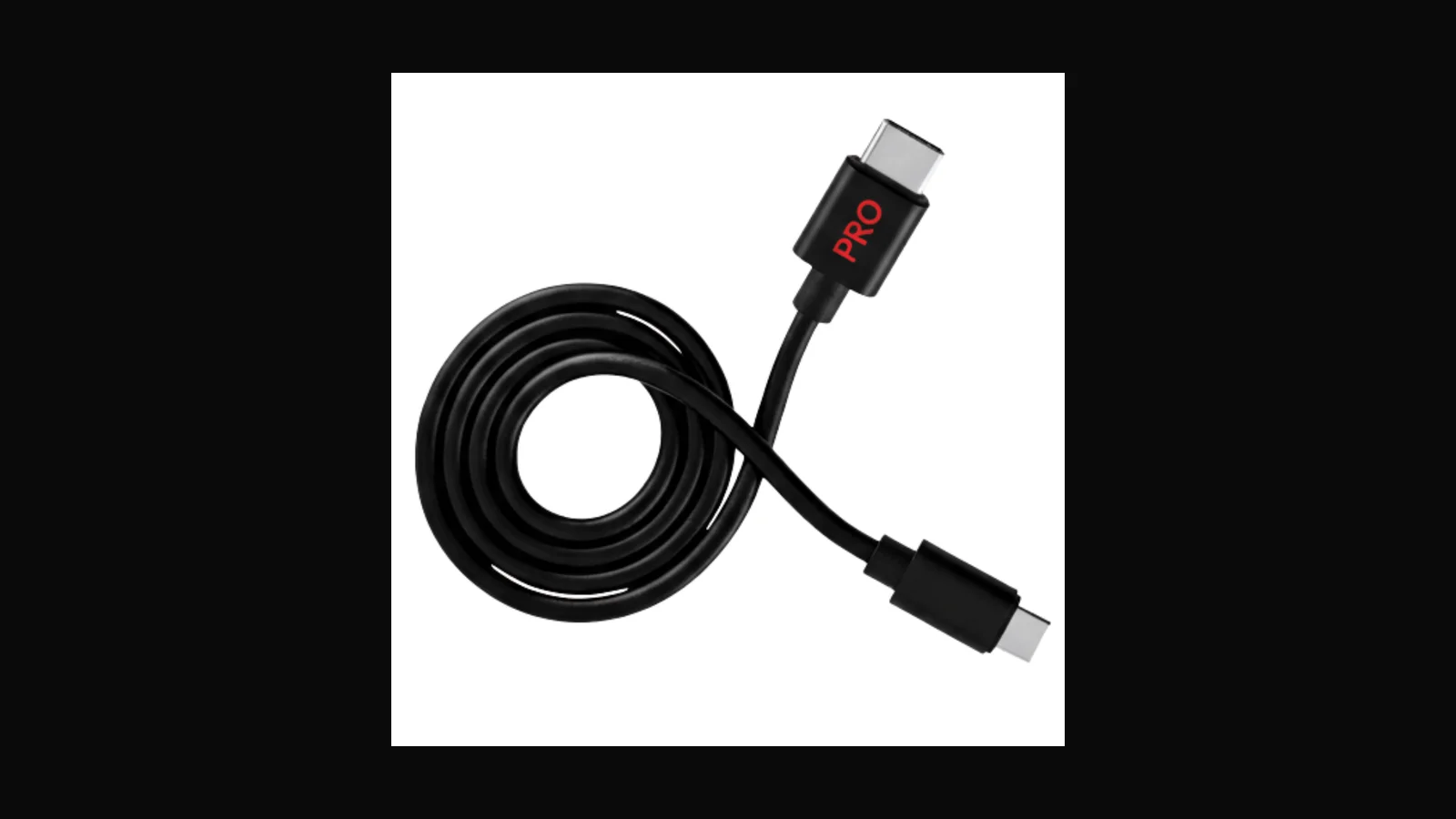
zSecurity ZS Venom and Venom PRO: BadUSB cable guide
The cable-shaped sibling to the Cactus: zSecurity's ZS Venom is a BadUSB cable with Wi-Fi control, and the PRO expands the feature set. A guide for scoped labs.
 Tools & Hardware
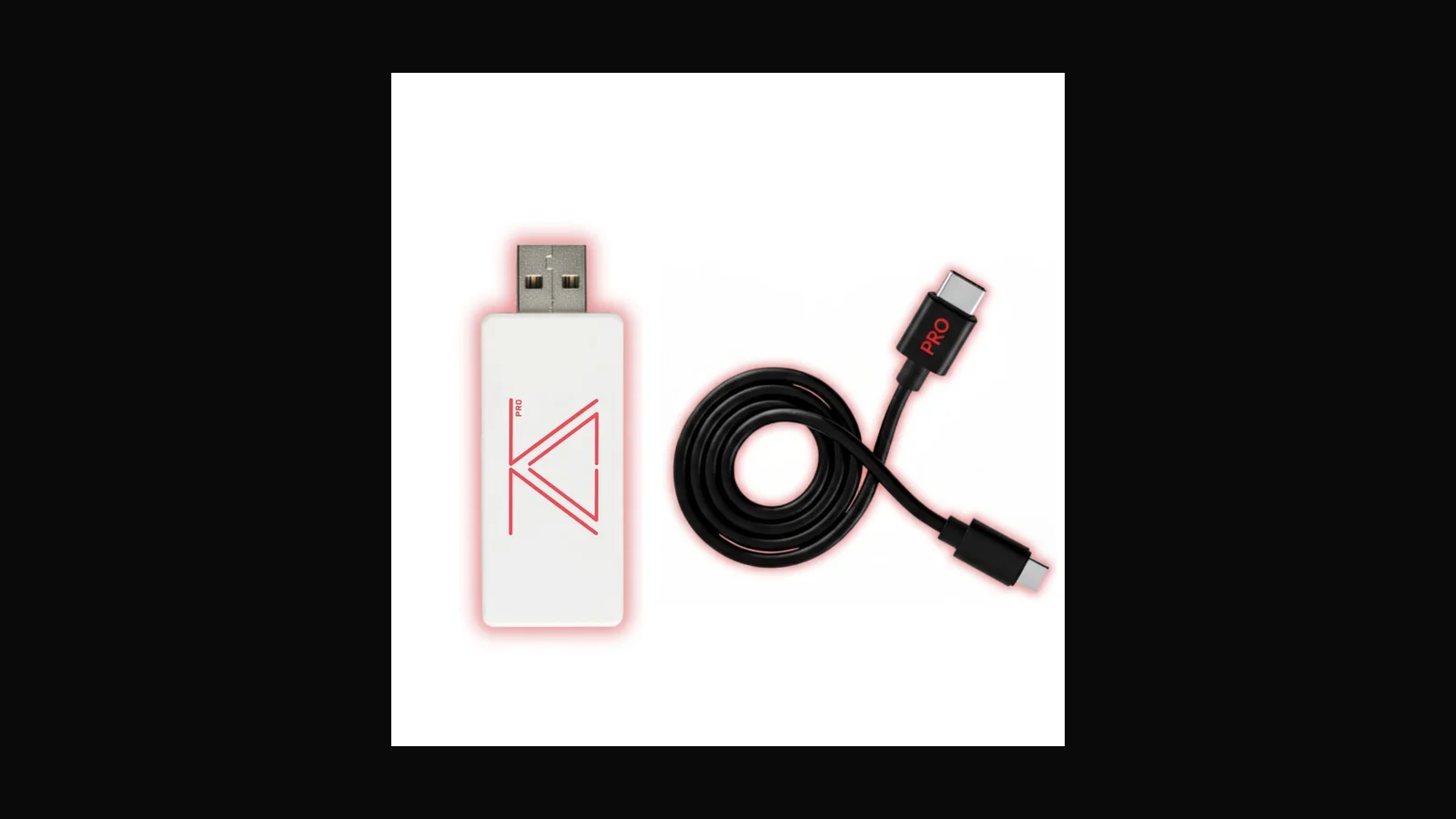
zSecurity BadUSB Silent Intrusion Kits: what is in the box
zSecurity bundles its Cactus and Venom lines into Silent Intrusion Kits. Here is what is actually in the PRO and PRO+ boxes, per the vendor, and when a kit beats singles.
 Tools & Hardware
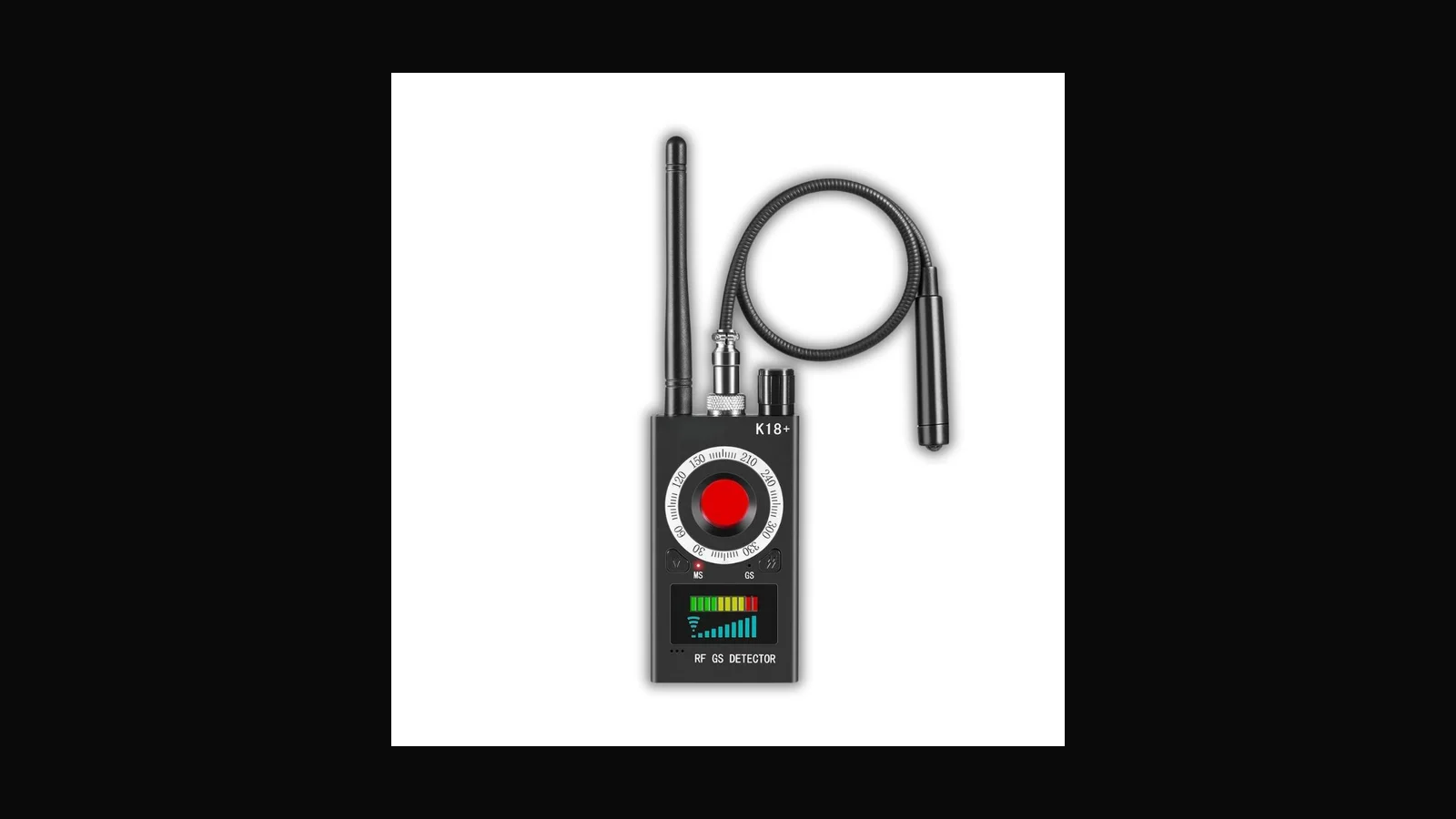
zSecurity Hidden Spyware Detector PRO: RF privacy checker
A multi-mode privacy tool for finding hidden cameras, bugs and trackers, marketed by zSecurity. Useful as one layer of a sweep, not a substitute for a TSCM team. A guide.
 Tools & Hardware
zSecurity USB Data Blocker: charge without data lines
A USB "condom" that passes power but cuts the data lines, so an untrusted port cannot talk USB. A simple, honest awareness tool from zSecurity. A guide.
 Tools & Hardware
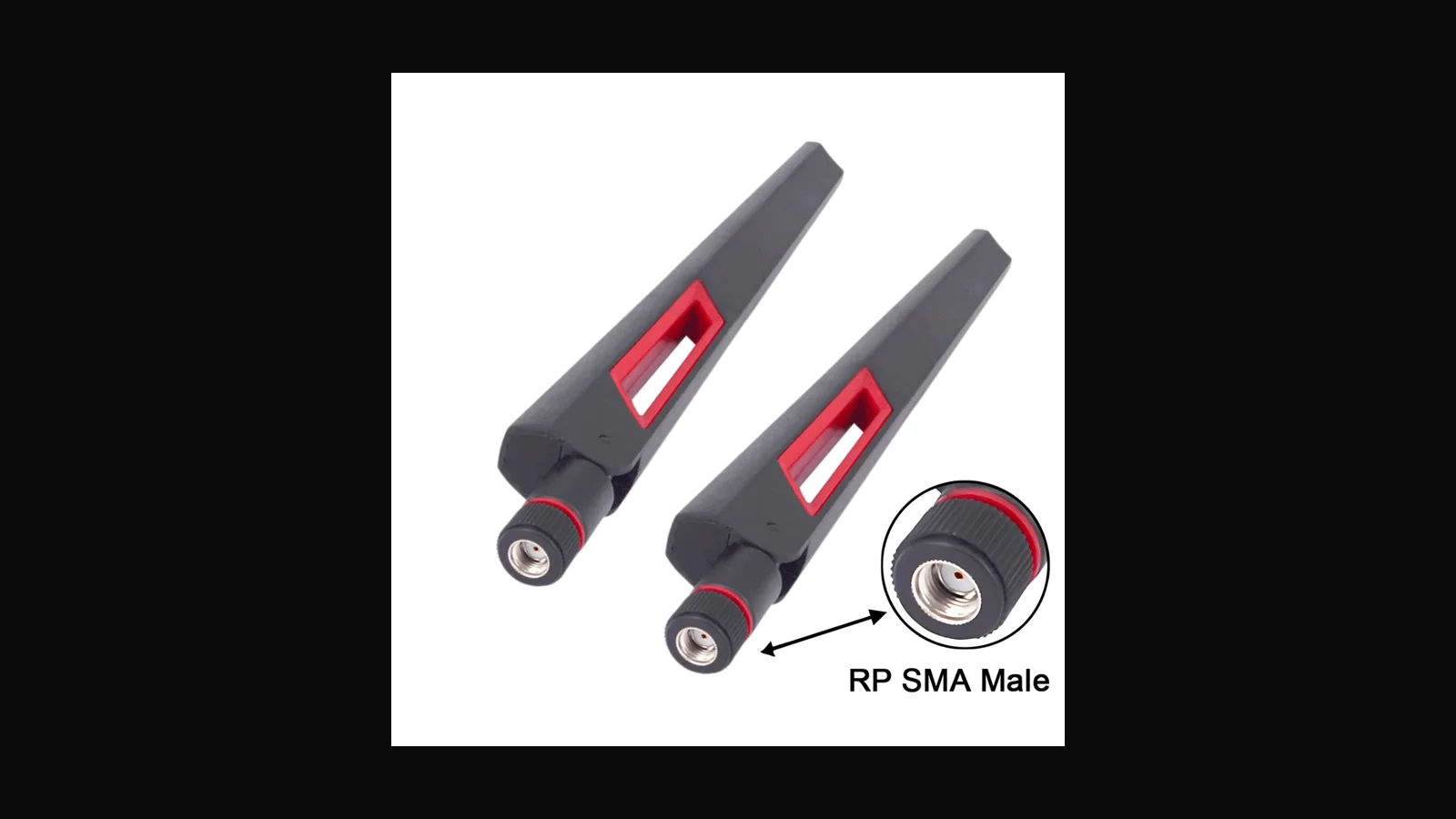
zSecurity 12dBi dual-band antenna: range accessory guide
A higher-gain dual-band antenna accessory from zSecurity. More reach outdoors when it is aimed well, more chance of interference when it is not. A guide.
 Governance & Risk
PDPA for small companies: where we'd start
The core of the Personal Data Protection Act comes into operation on 1 January 2027. Not legal advice, just the practical first steps we suggest.
 Threat Intelligence
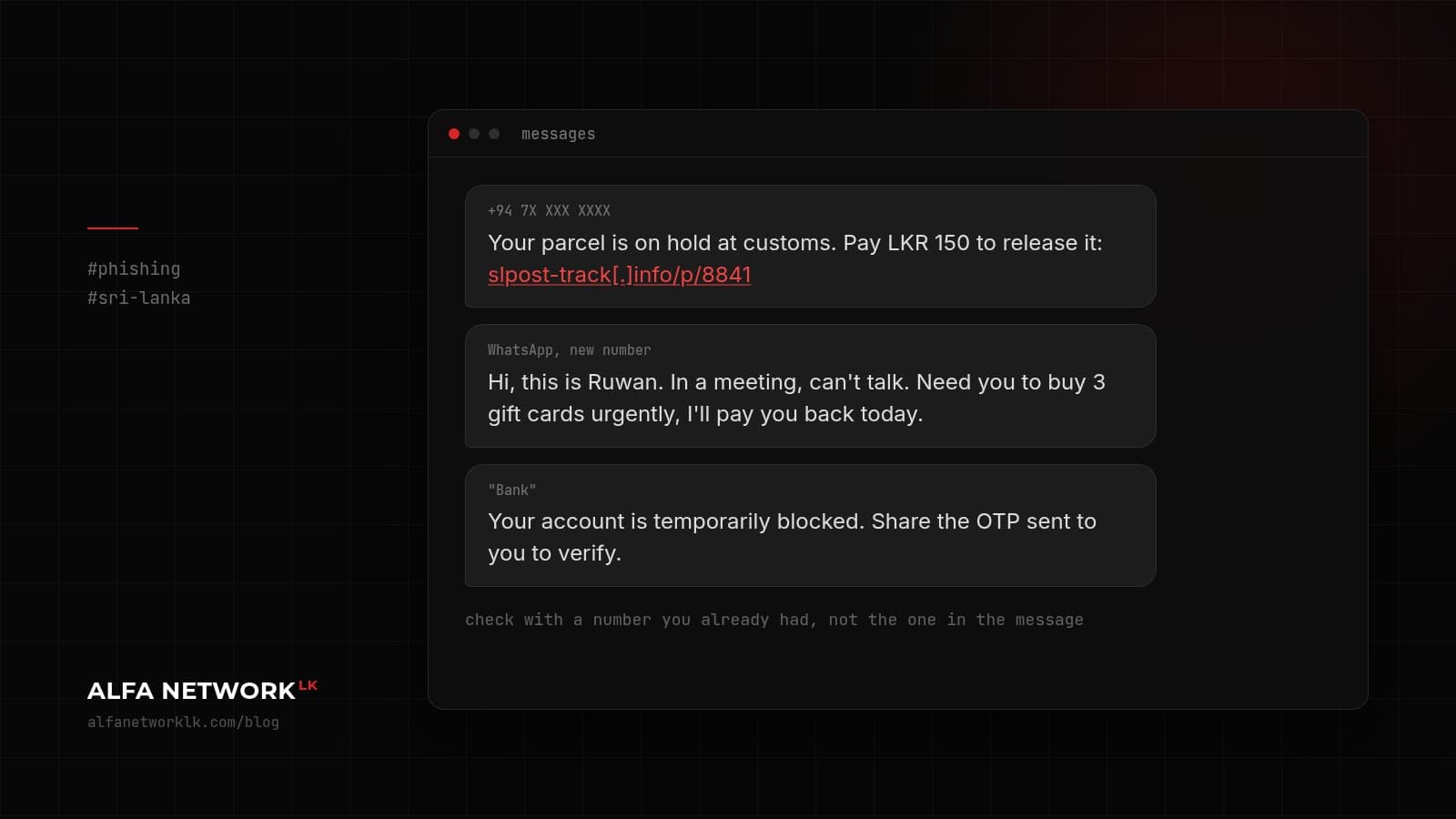
A 10-minute phishing briefing for your staff (Sri Lanka edition)
Fake courier SMS, 'HR' on WhatsApp, and the Facebook page takeover. Something you can read out at the Monday meeting.
 Secure Engineering
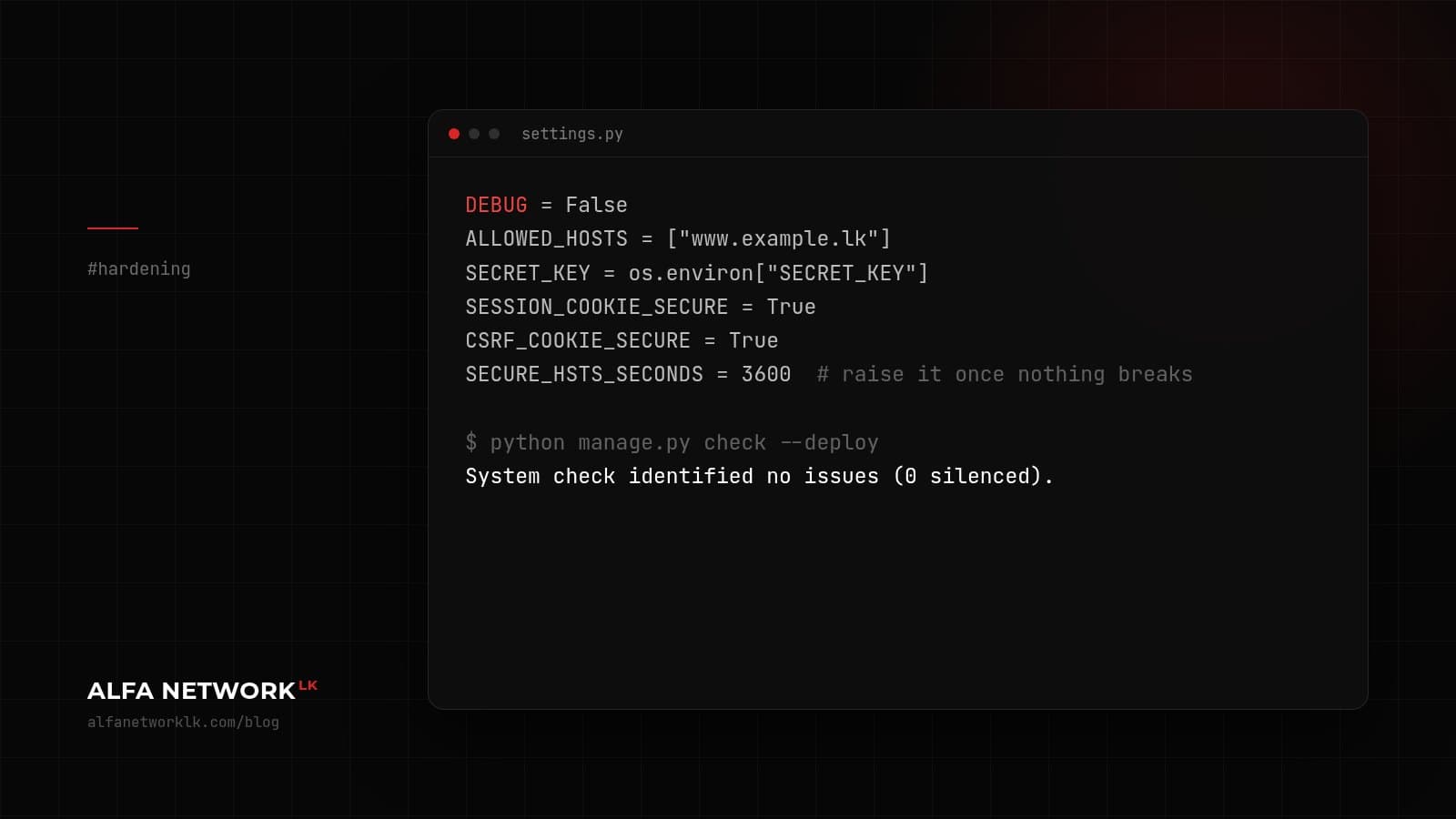
Django settings we check on every web app test
This blog used to run on Django, so this one is a bit personal. The settings and habits we look at first when testing a Django app.
 Incident Response
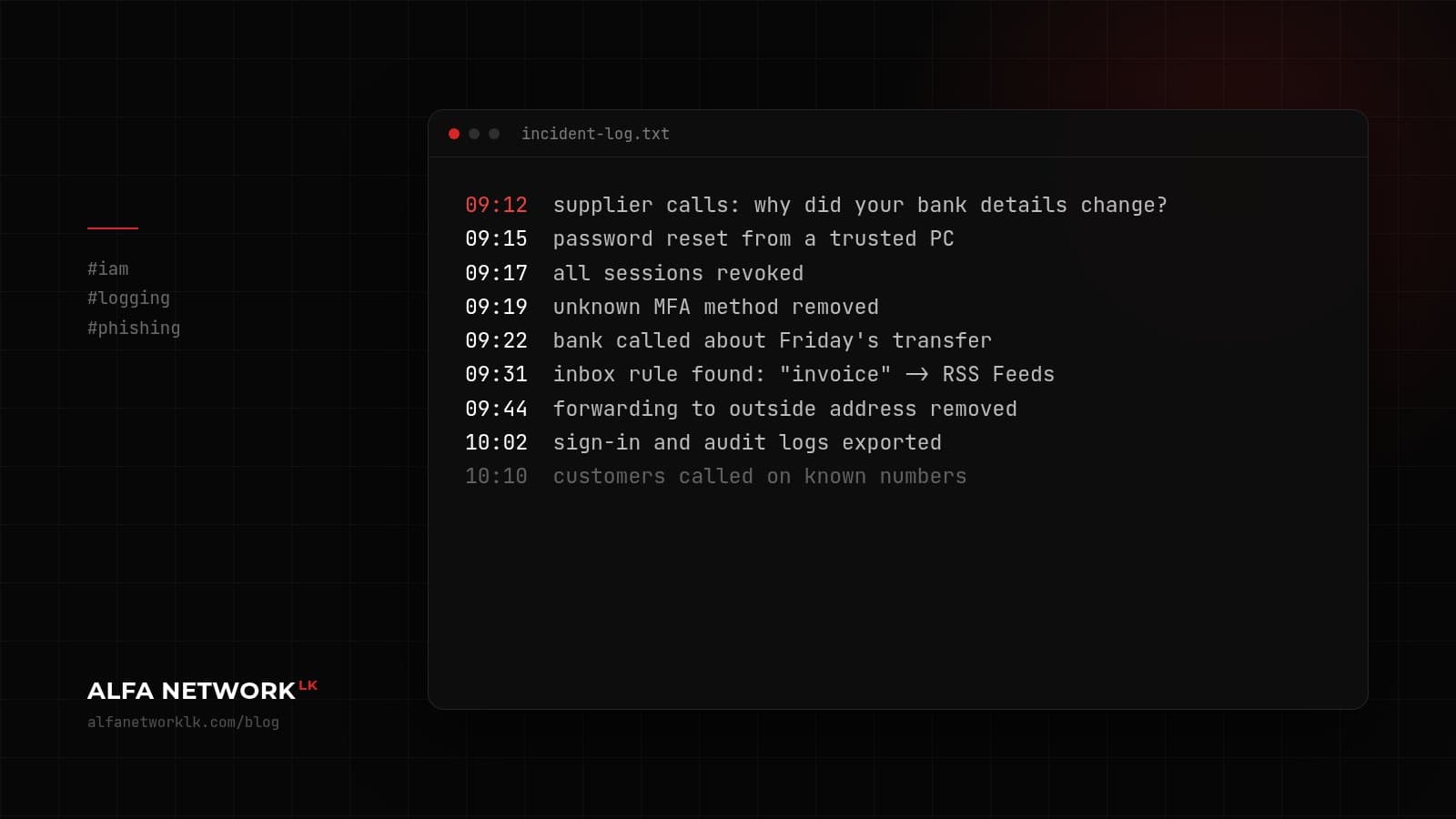
The first hour after you think an email account has been taken over
A supplier asks why your bank details changed, and nobody in the office changed them. What to do in the first hour, in order.
 Pentesting & Red Teaming
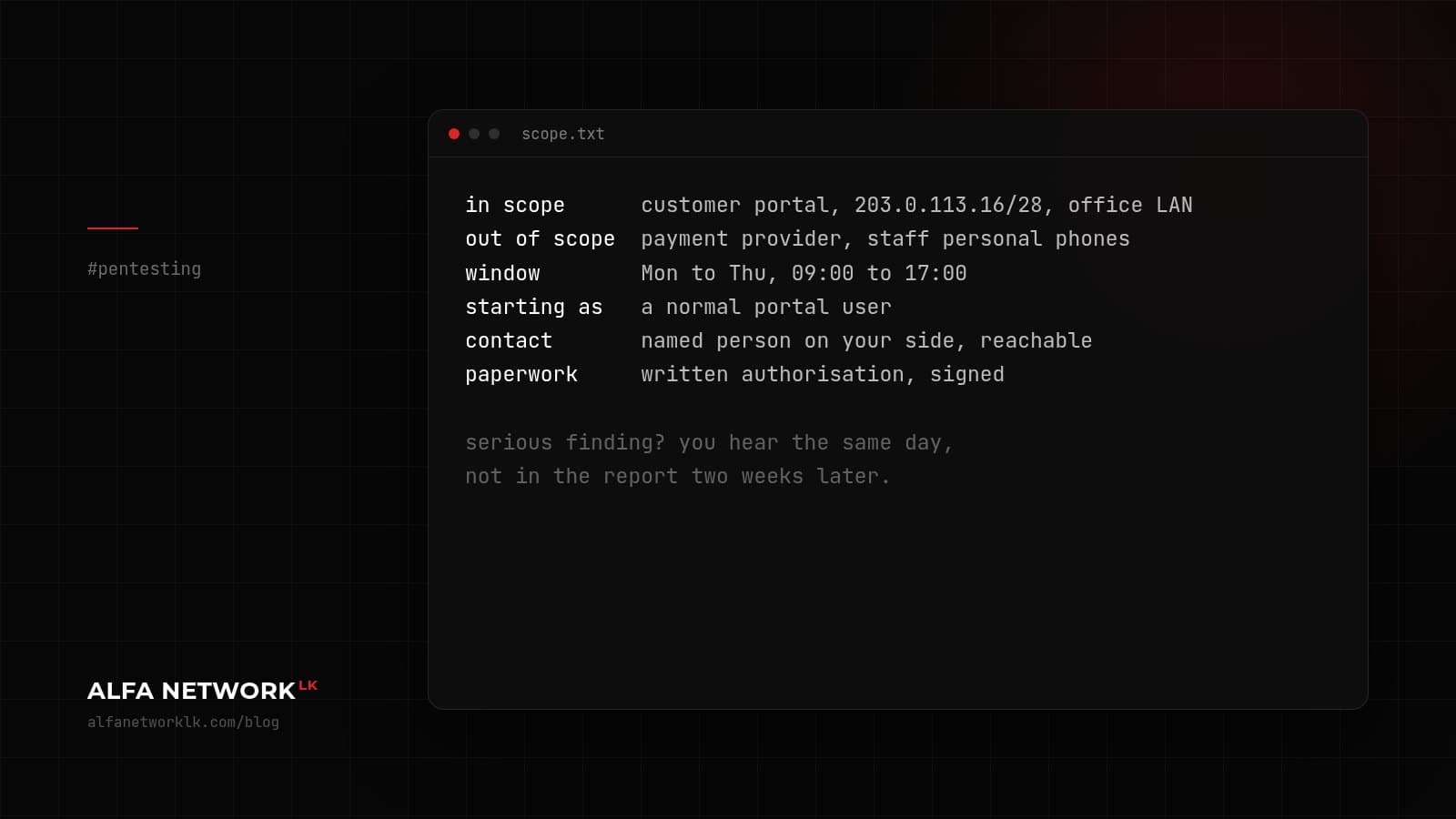
What a penetration test with us actually looks like
From the first call to the retest: what we need from you, what you get at the end, and a few things people don't expect.
 Cloud Security
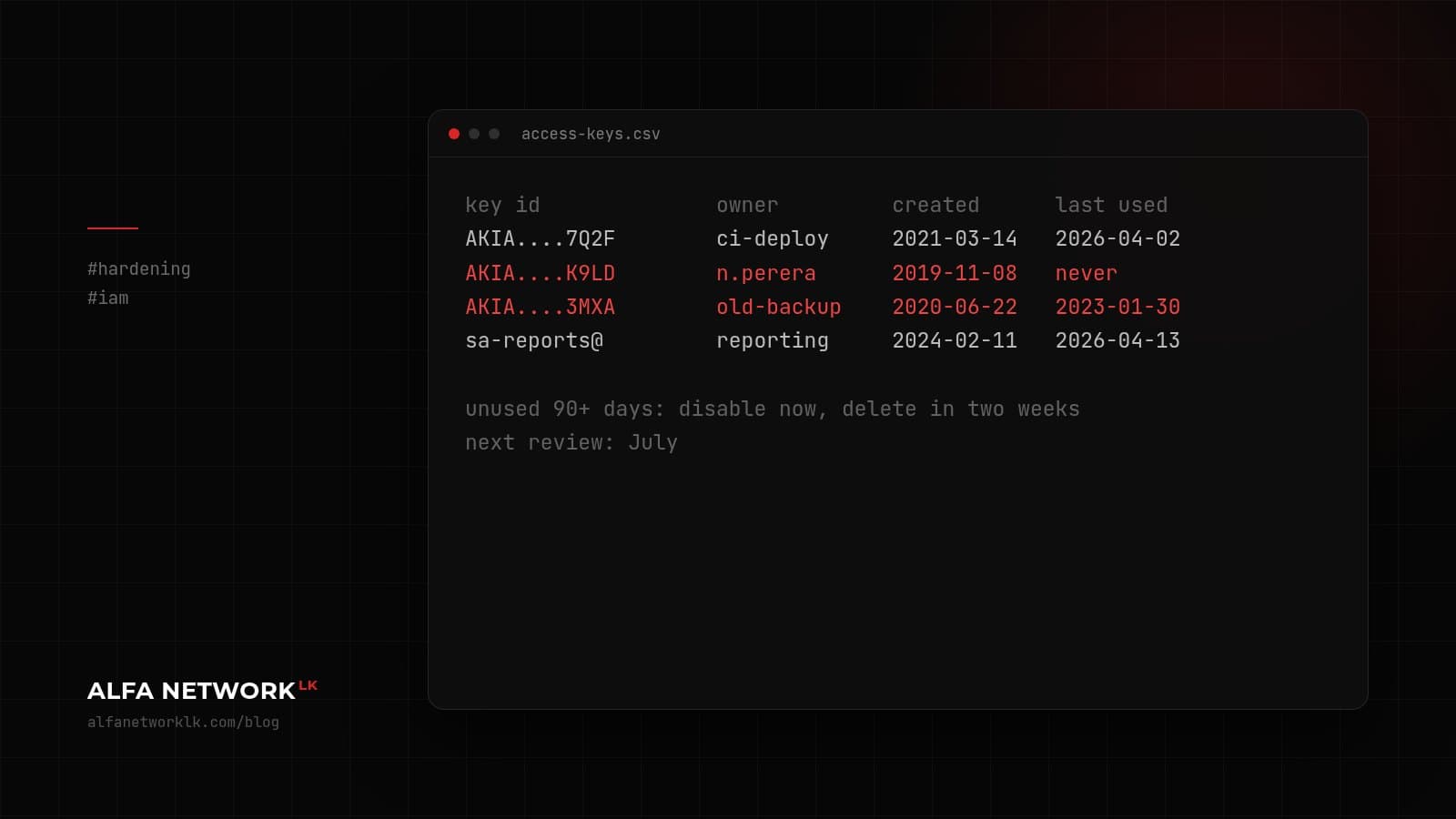
Cloud access keys that outlive the people who created them
A short note on long-lived keys and forgotten service accounts, plus a half-hour review you can do this week.
 Governance & Risk
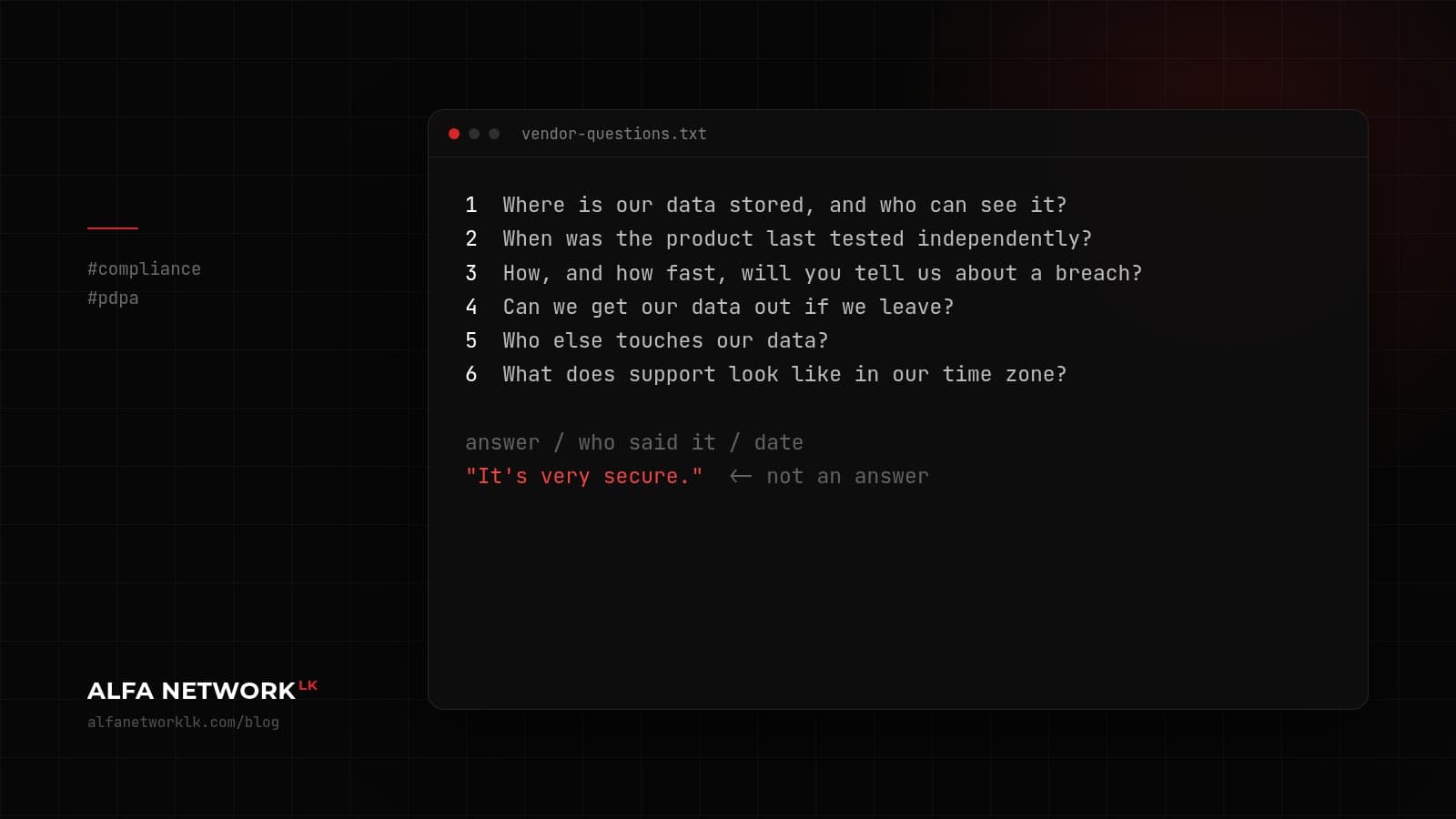
Questions worth asking a software vendor before you sign
A shorter alternative to the 200-line security questionnaire: six questions, and what a decent answer sounds like.
 Pentesting & Red Teaming
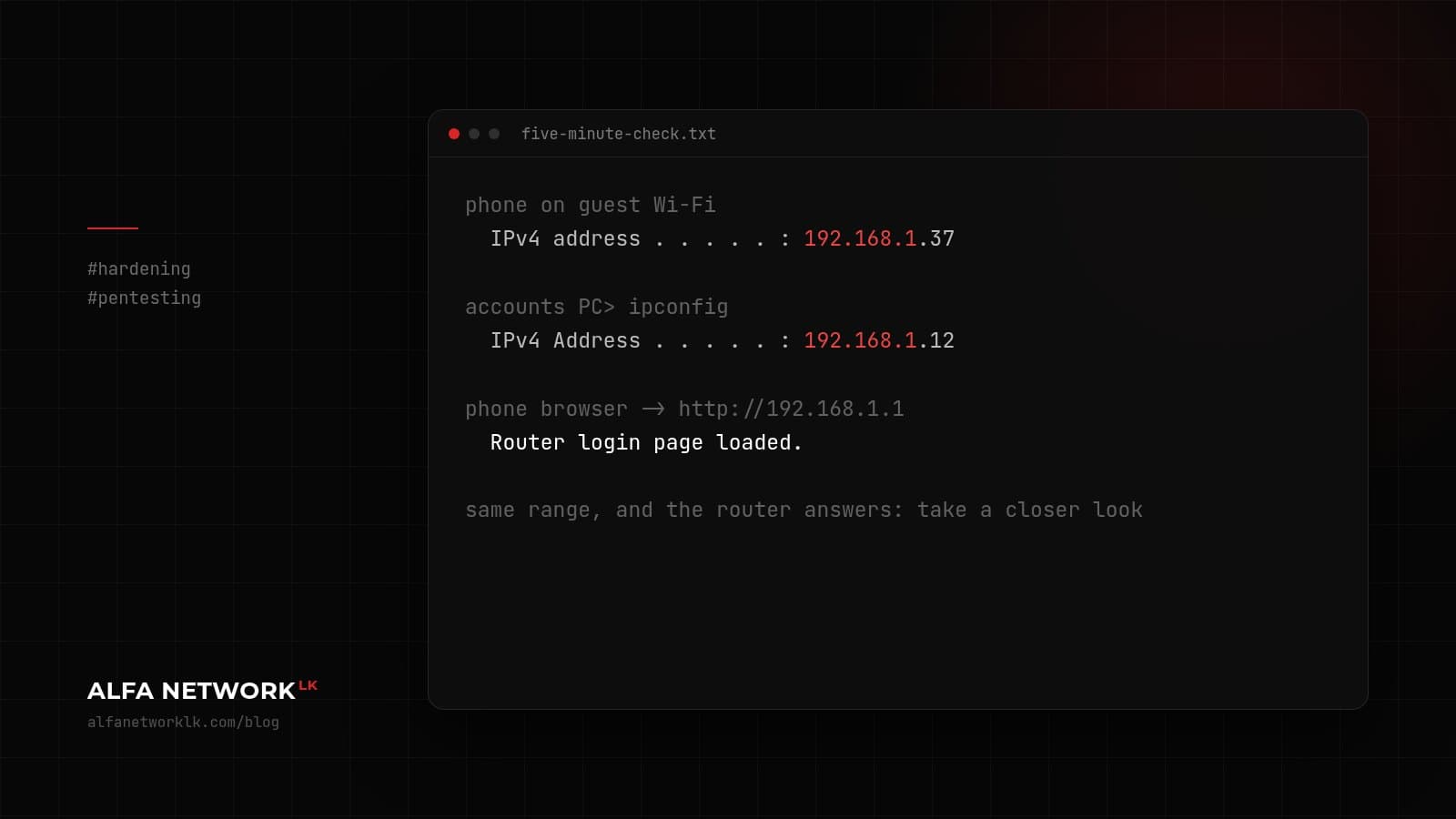
Is your guest Wi-Fi on the same network as the accounts PC?
A check you can do yourself in five minutes, and why it's one of the first things we look at on internal tests.
 Incident Response
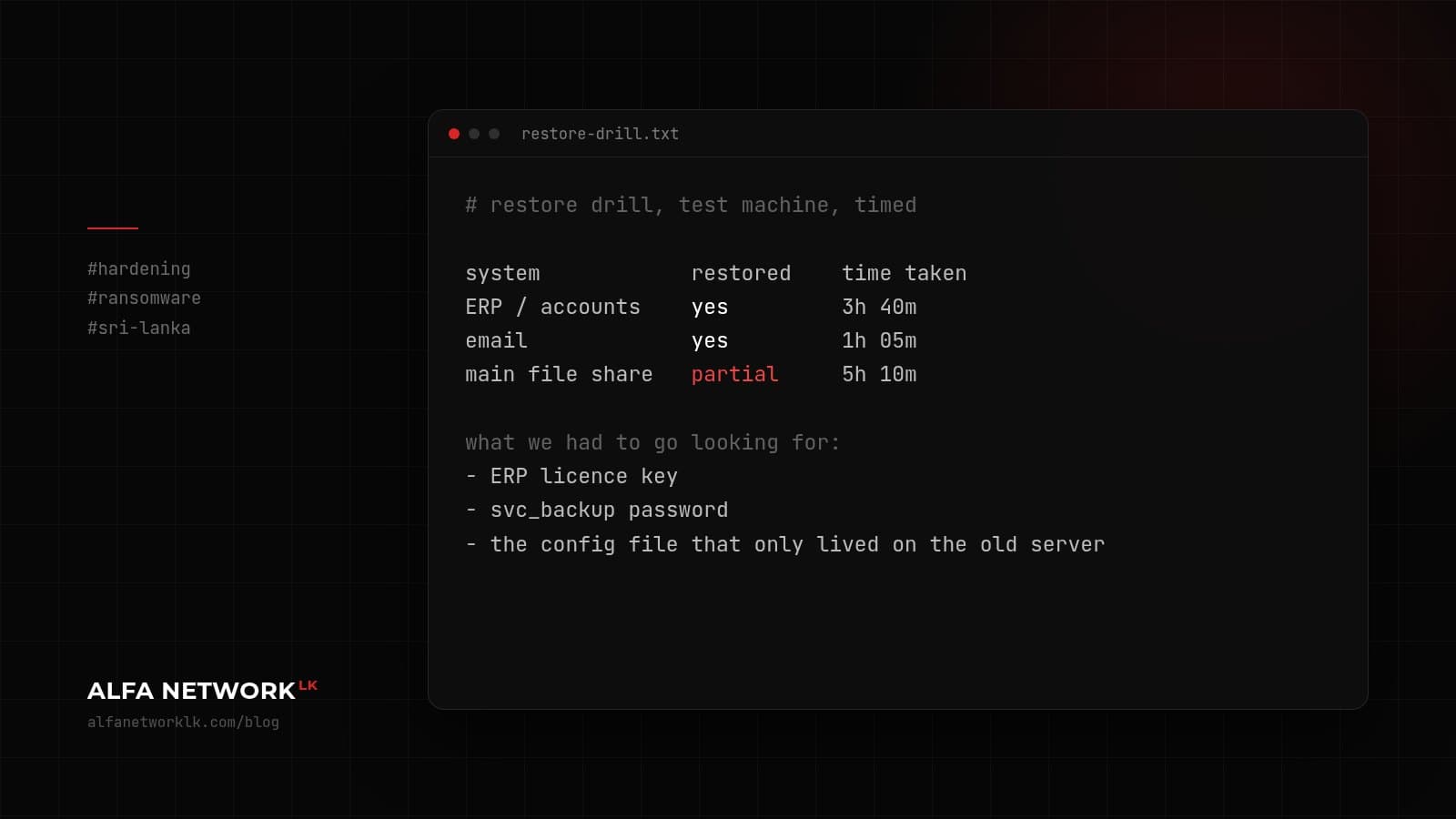
Ransomware prep for mid-sized companies: start with the restore
Most ransomware plans are about stopping the attack. What decides how bad your month gets is whether you can restore, and how fast.
 Secure Engineering
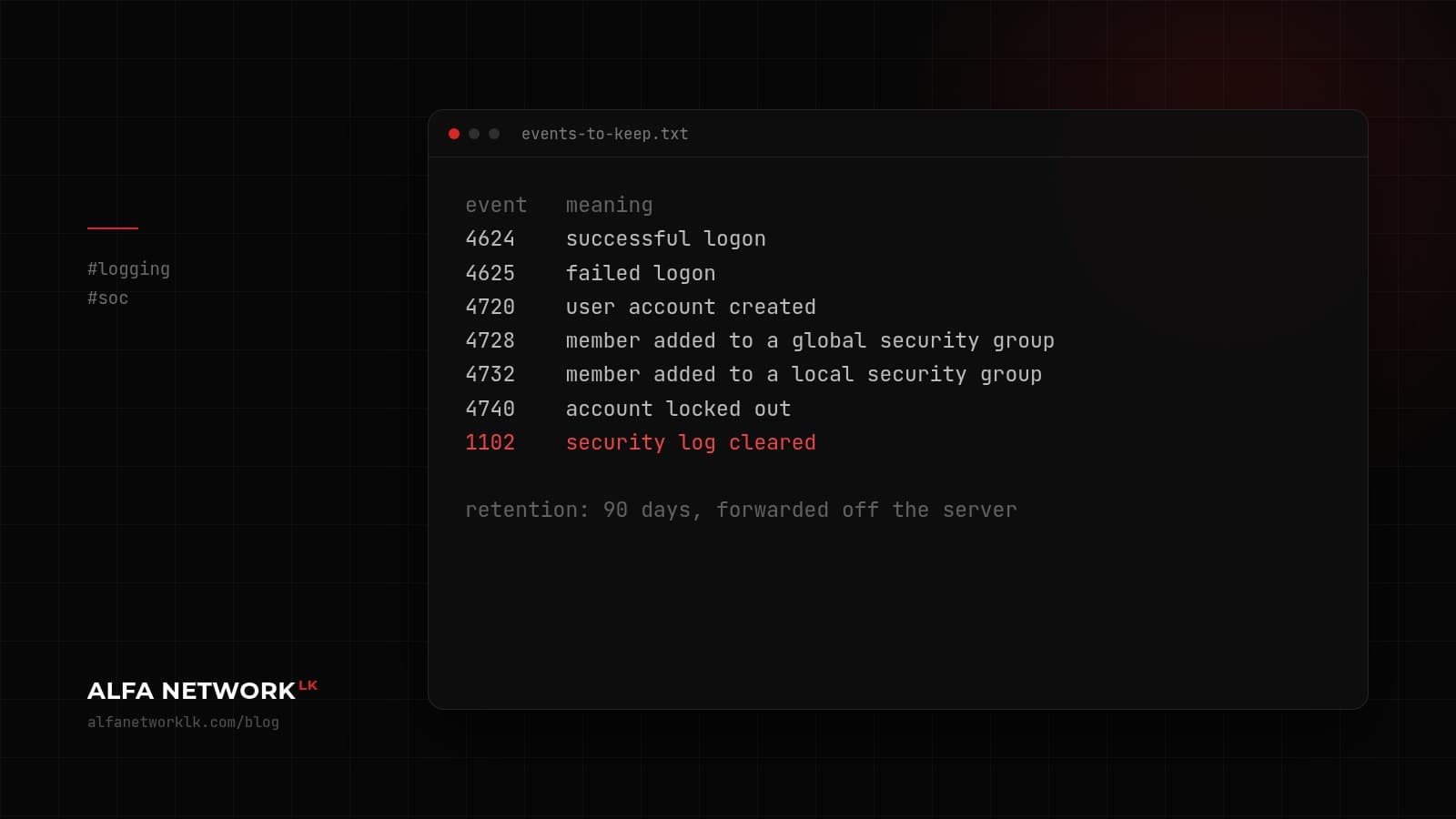
Logging for companies that can't justify a SIEM yet
If you had to answer 'who logged in, and what changed?' tomorrow, could you? A small logging setup, and the Windows event IDs worth keeping.
 Cloud Security
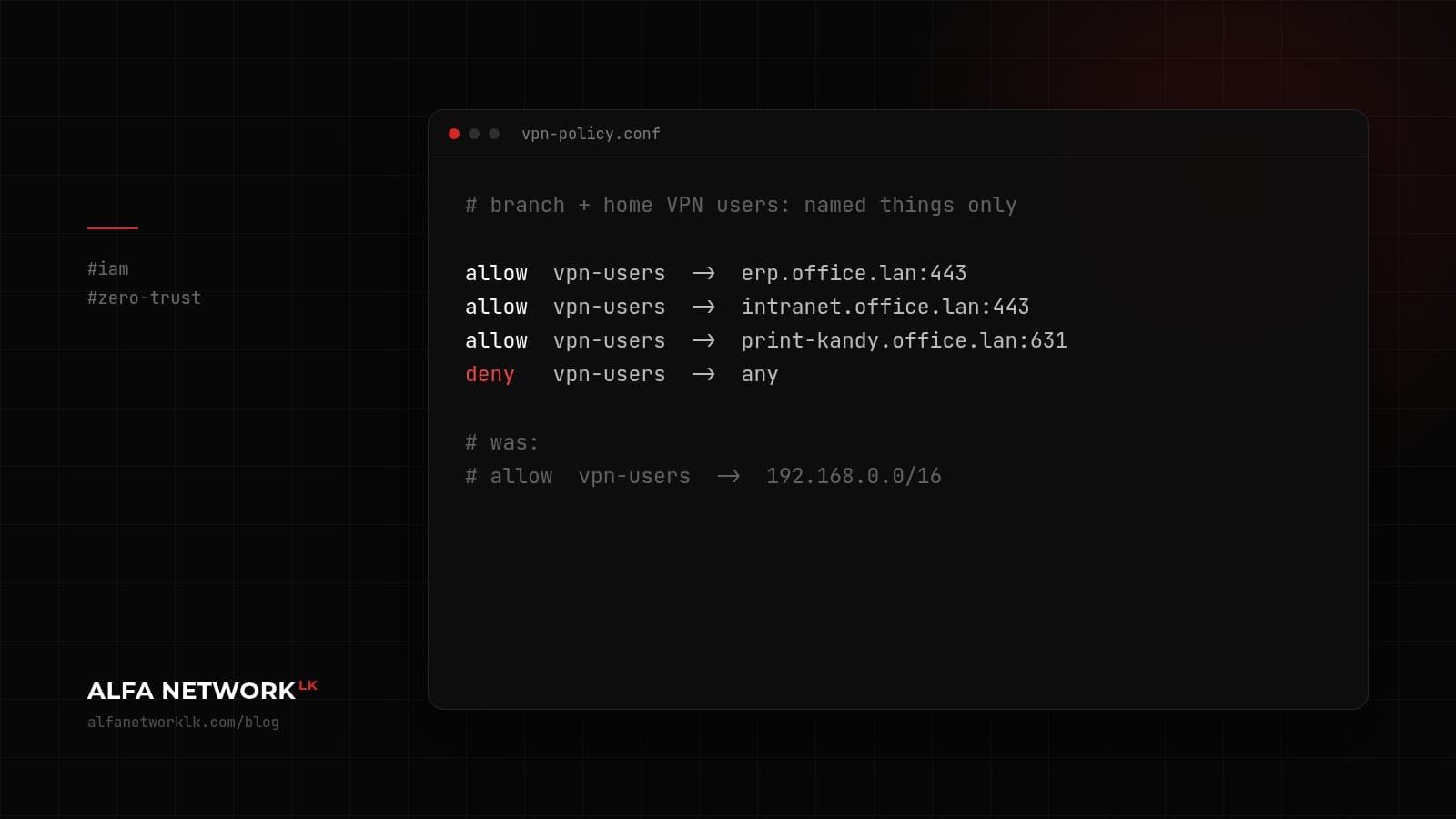
Zero trust when you have one IT person and three branches
You don't need a zero trust 'platform'. You need to stop treating the office network as safe, and you can start with what you already pay for.
 Governance & Risk
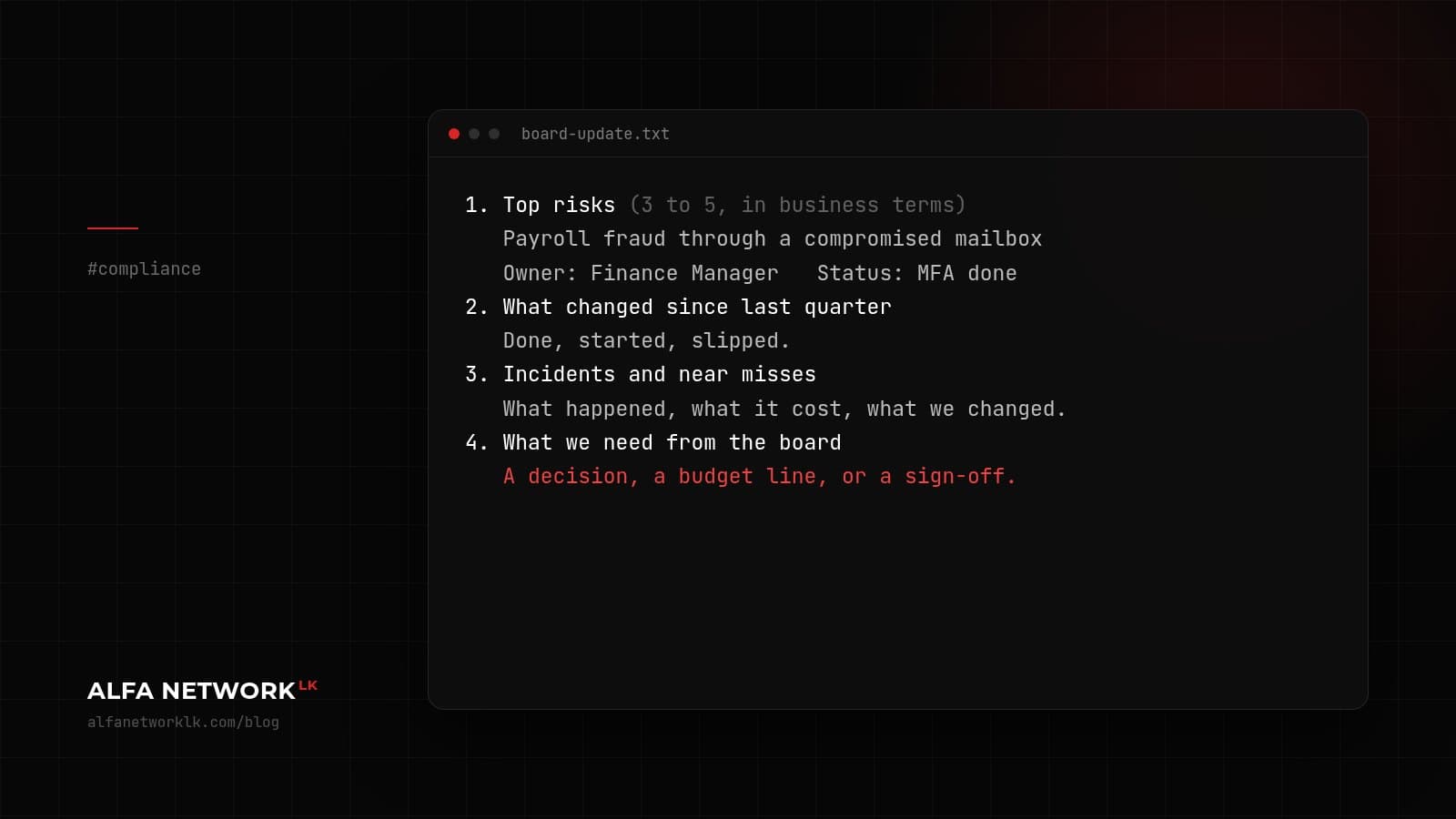
What we'd put on a one-page security update for the board
Boards don't need a slide full of numbers. A one-page structure we suggest to IT managers who have to report upwards.