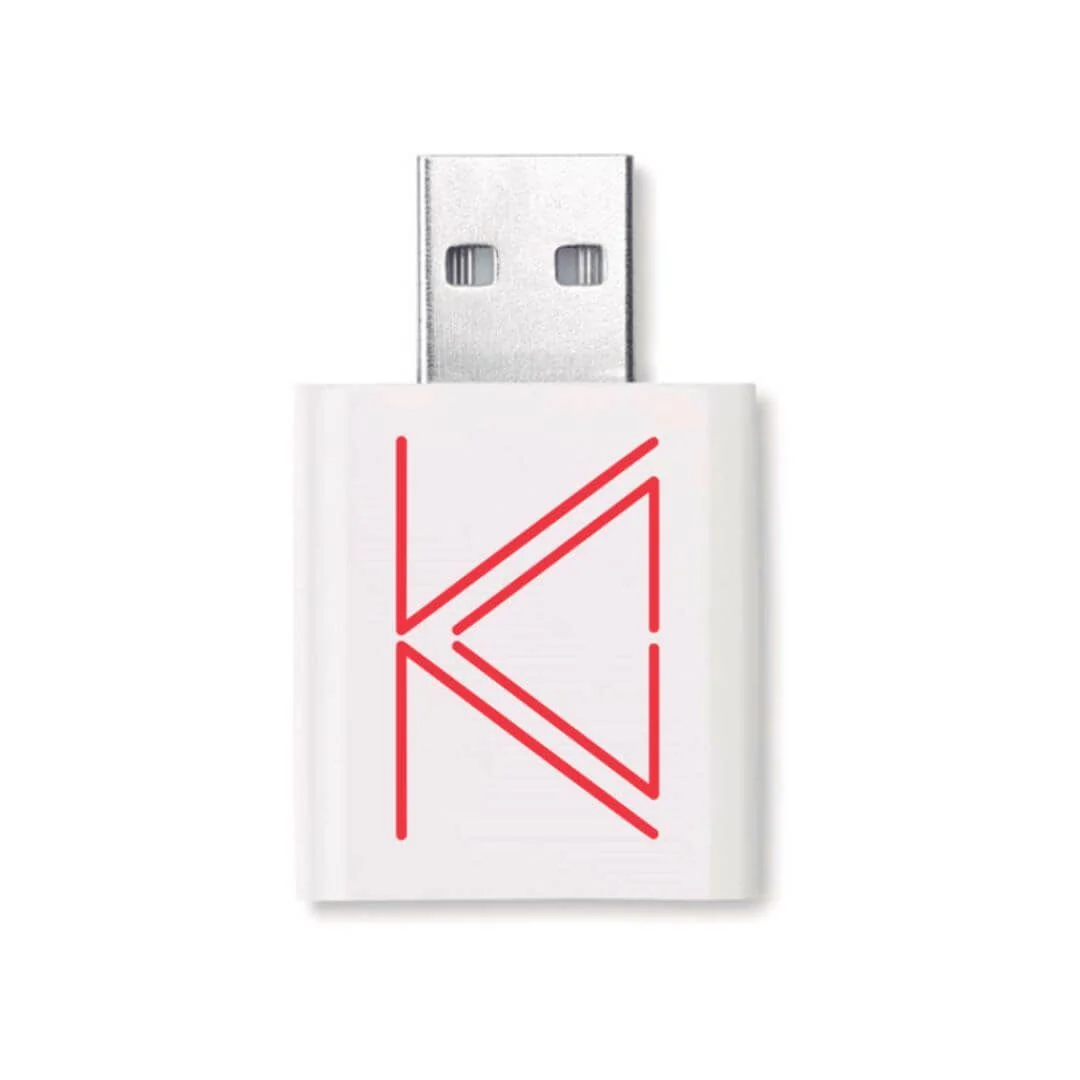
Priced guide to zSecurity USB data blockers, 12 dBi antennas, USB extensions, and camera covers for authorised labs in Sri Lanka — ALFA Network LK catalogue.
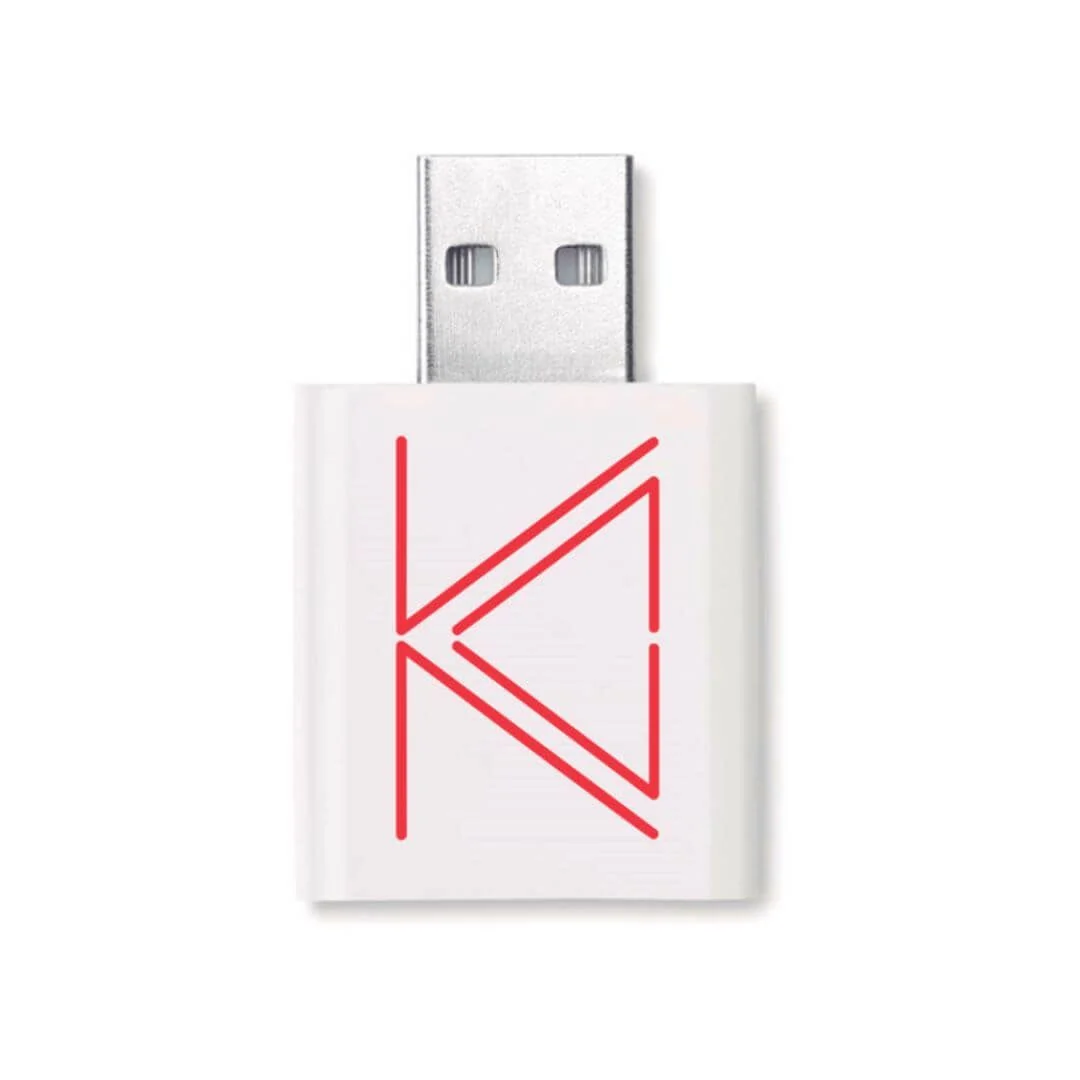
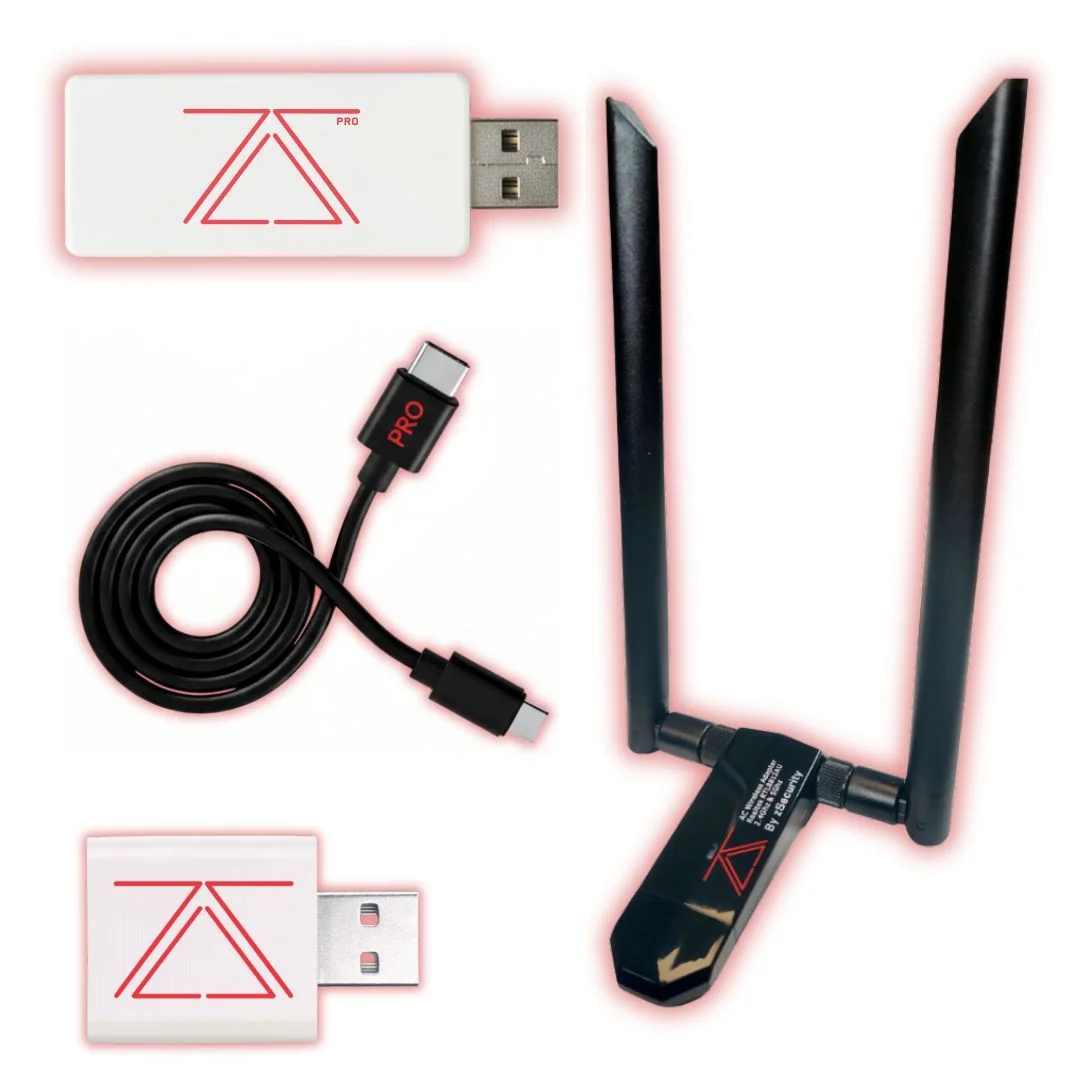
Product photo: zSecurity
Small accessories that make authorised labs look professional
Offensive kits get the attention. Accessories prevent the embarrassing failures: adapters that fall out of USB-C ports mid-demo, cameras that stay uncovered during a privacy talk, antennas that cannot thread onto RP-SMA sockets, and public charging stations that still carry data lines. This guide bundles the small zSecurity physical accessories ALFA Network LK now lists — without pretending each one needs its own novel.
| Product | LKR (VAT incl.) |
|---|---|
| zSecurity USB Data Blocker | 26,500 |
| zSecurity 12 dBi Dual-Band WiFi Antenna (2 pcs) | 26,500 |
| zSecurity USB3.0 Wi-Fi Extension Cable with Base Stand | 26,500 |
| zSecurity USB-A Female to USB-C Male Extension Cable | 27,500 |
| zSecurity Camera Privacy Cover (x5) | 25,000 |
All prices below are LKR, VAT inclusive.
Imagine this: the demo that almost failed on a dongle stack
Imagine this: a mentor in Wattala builds a three-dongle tower from USB-C to A to a Wi-Fi adapter. A student bumps the table. The adapter free-falls. The class laughs; the timetable does not. A single USB-C extension and a base stand would have been less funny and more professional.
USB Data Blocker — charge without gossiping with the host
The blocker is a USB-A power-only pass-through: power lines connected, data lines not. Use it when teaching travel hygiene and untrusted ports. Pair it with BadUSB stories so students see offence and a simple control in the same hour. It will not save you from malicious wall chargers with clever circuitry beyond USB data — keep claims modest. Practise plugging it in the dark; muscle memory matters in airports.
12 dBi dual-band antennas (2 pcs)
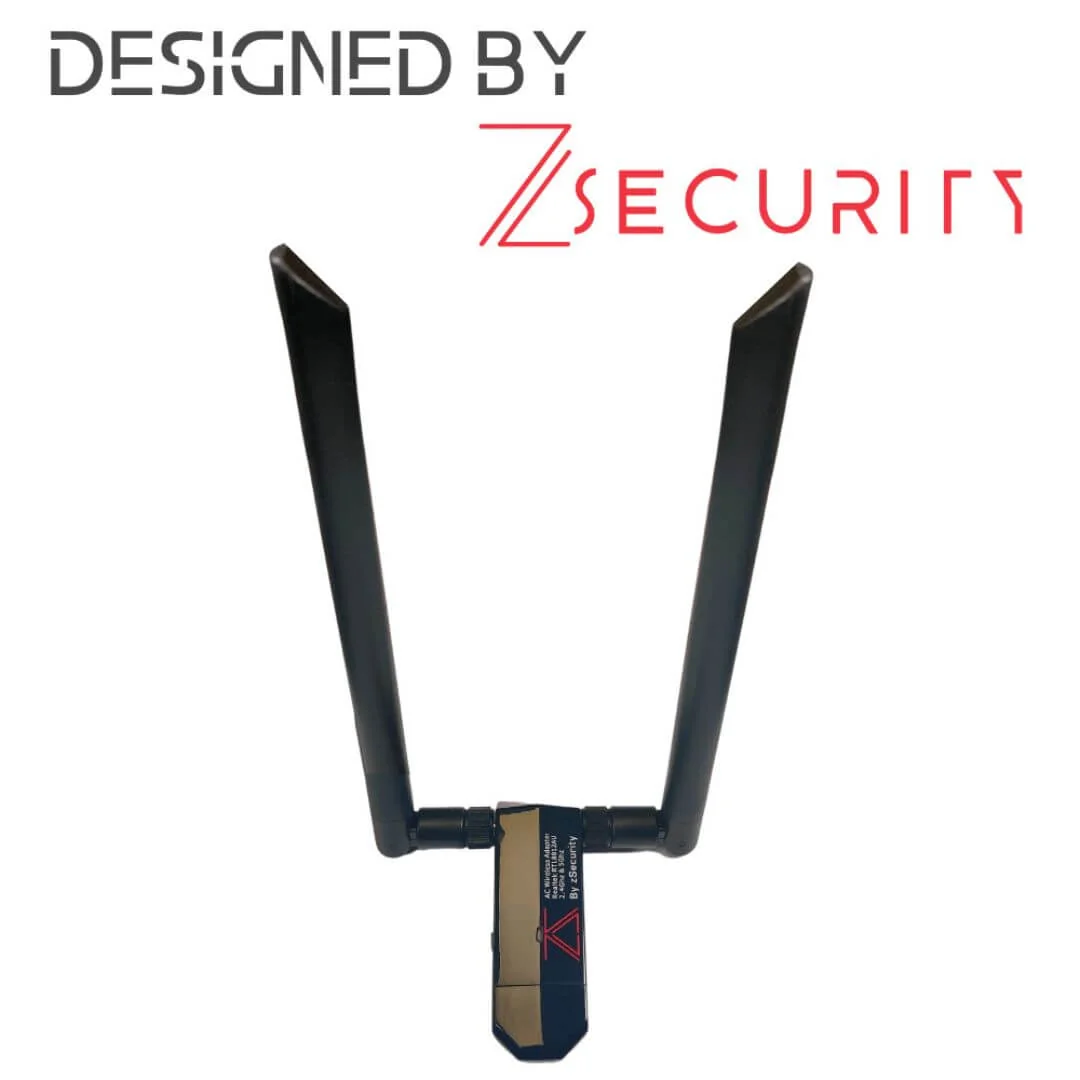
Vendor specs: 12 dBi, 2.4 / 5.8 GHz, RP-SMA male, about 38 cm, 50 Ω, pack of two. Higher gain is not a licence to ignore orientation, cable loss, or legal EIRP thinking. Use on adapters that accept RP-SMA. Teach students to hand-tighten, not wrench-tighten, connectors. Store them straight in a tube so elements are not bent into modernist sculpture.
USB 3.0 Wi-Fi extension with base stand
About 80–100 cm, USB 3.0 class, with a stand to elevate adapters. This is how you escape laptop RF noise and metal tables. Label both ends; extension cables grow legs. Prefer elevating the adapter behind the laptop lid rather than dangling it off a chair arm where feet live.
USB-A female to USB-C male extension
The bridge for Type-A lab adapters on USB-C hosts. Same length class as the stand cable. Prefer one quality lead over a chain of random converters from the stationery drawer. Test once on each host model your class uses; some docks are picky about USB 2 vs 3 negotiation with Wi-Fi NICs.
Camera privacy covers (x5)
Slide covers about 18.5 × 8.9 mm, five in a pack. Physical covers remain a cheap, explainable control. Hand them out during privacy modules next to detector work so the day is not only about finding threats. Show before/after photos of webcam LEDs that cannot see past a closed shutter.
Picture this: a travel pouch packing list
Picture this: a consultant packs a boring pouch: data blocker, two covers, one USB-C extension, spare RP-SMA antennas bagged separately, KYC paperwork PDF offline. No implant cables in carry-on without documentation. That packing list prevents airport conversations you do not want.
Classroom logistics
Inventory accessories as seriously as implants; they vanish faster. Keep a clean-desk photo standard for end-of-day checks. Do not store antennas bent in overstuffed backpacks. Replace cracked privacy covers; sticky residue teaches the wrong lesson. For graded exams, issue sealed accessory kits with a packing checklist students sign. Reorder covers in bulk before exam week — they are the first SKU to run out.
How these relate to older blog posts
We already published short notes on the data blocker and 12 dBi antennas. Those remain. This 2026 accessories guide is the priced bundle view for buyers building a complete bag. Link both when you brief purchasing.
Classroom packs and volume orders
If you need twenty classroom packs of covers or other accessories, WhatsApp us — volume conversations can be separate from the public catalogue card.
Defence pairing ideas
Run a thirty-minute station: BadUSB demo on one bench, data blocker + covers on the next, detector sweep on the third. Students rotate. The point is a complete hygiene story, not a single dramatic gadget. Photograph each station’s placard for the LMS so absent students still see the control narrative.
FAQ
Need bulk classroom packs?
Ask if you need volume quotes or alternate sourcing for covers, blockers, and extensions.
Will the blocker work on USB-C-only laptops?
This SKU is USB-A oriented; combine thoughtfully with adapters or choose host-native controls.
Can antennas alone fix a bad adapter?
No. They amplify what the radio can do; they do not invent monitor mode.
Are covers “security theatre”?
They are a physical control with clear failure modes — better than hoping software camera indicators always tell the truth.
Closing note
Accessories look boring until the day a demo fails in front of a client. Budget them. Inventory them. Teach them beside the flashy implants so graduates leave with habits, not only payloads.
Legal and ethical use
These tools belong in authorised assessments, lab practice, and training — not casual tinkering on networks or devices that are not yours.
In Sri Lanka, unauthorised access to computer systems can engage the Computer Crimes Act No. 24 of 2007. This post is practical product guidance, not legal advice. If you are unsure whether a test is allowed, get written permission first and talk to counsel who knows local law.
Only use this gear on systems you own, or on systems where a named client has given you written authorisation that covers the methods you plan to run.
Ordering from ALFA Network LK
Accessories: Data Blocker LKR 26,500 · 12 dBi antennas LKR 26,500 · USB3 extension+stand LKR 26,500 · USB-A→C extension LKR 27,500 · Camera covers ×5 LKR 25,000 (VAT inclusive).
Order on alfanetworklk.com/products or WhatsApp ALFA Network LK at +94 75 255 0704. Payment options: cash on delivery, KokoPay, or bank deposit. Before dispatch we ask for ID verification and a signed authorised-use declaration.
Questions: info@alfanetworklk.com.
ALFA Network LK is a founder-led shop. We do not promise fixed response times, and we do not claim TRCSL “approval” for offensive-security tools — KYC and authorised-use paperwork are how we keep sales professional.
Comments (0)
No public comments yet.