
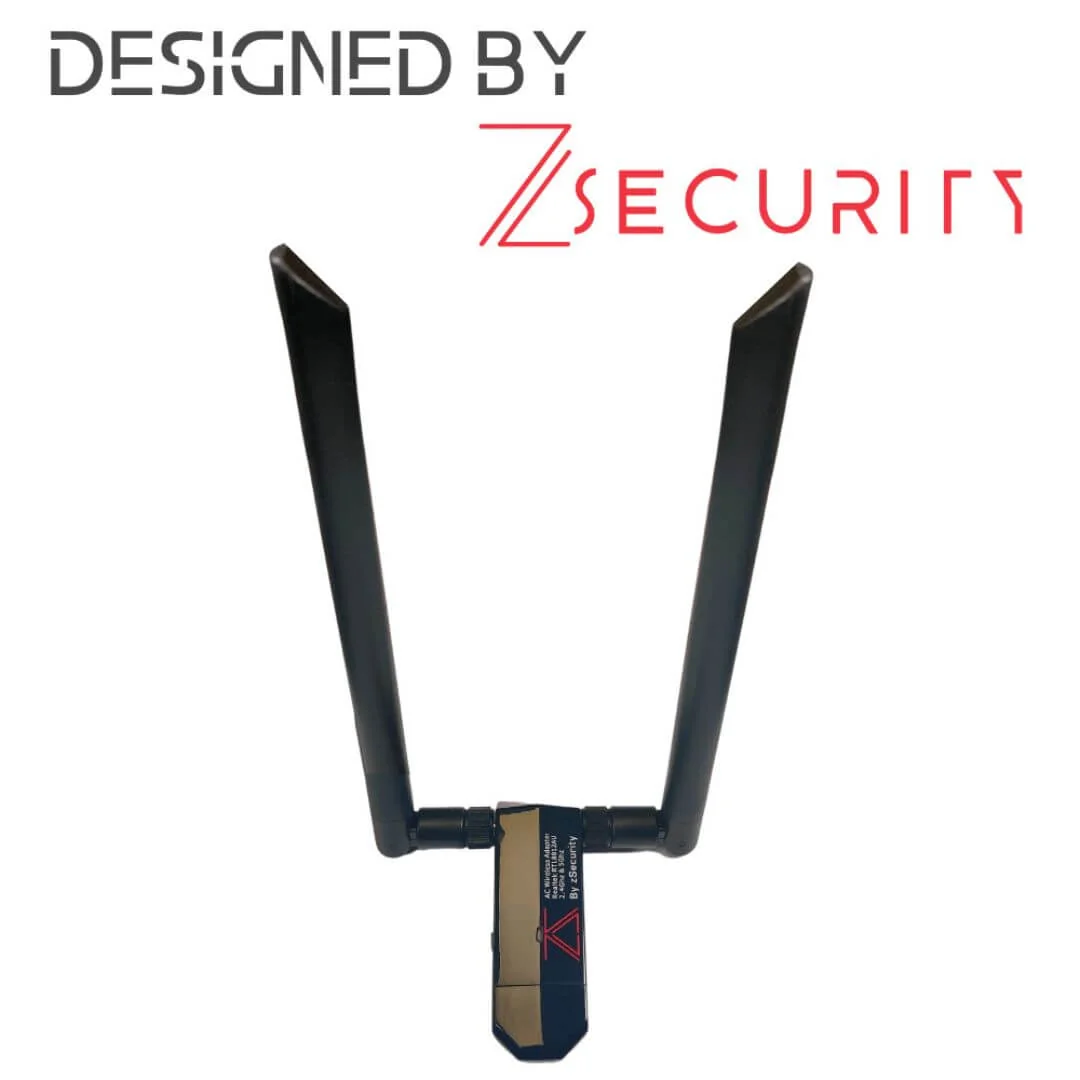
How ALFA Network LK prices and teaches the zSecurity RTL8812AU USB adapter — dual-band monitor-mode labs, kit pairing, and LKR 35,000 catalogue notes.
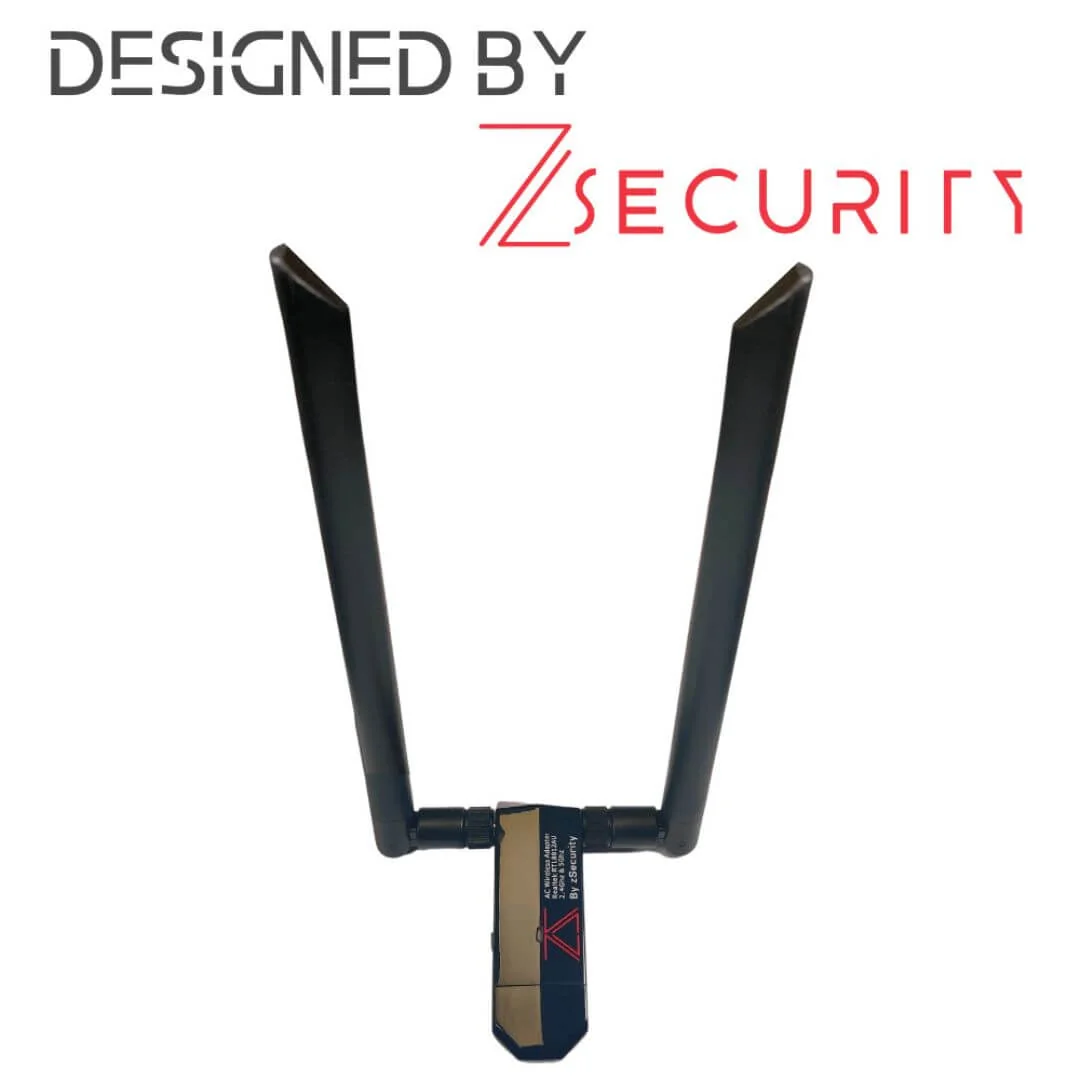
Product photo: zSecurity
Dual-band homework that does not fight the laptop
Wireless labs die in two boring ways: the wrong chipset, or the right chipset jammed against a metal laptop hinge. The zSecurity RTL8812AU adapter is ALFA Network LK’s zSecurity-branded dual-band USB 3.0 option for authorised Kali-style work — monitor mode, injection practice, and capture homework on networks you are allowed to touch.
Local price: LKR 35,000 (VAT inclusive).
Imagine this: a 5 GHz lab SSID that students keep missing
Imagine this: a university NOC in Peradeniya stands up a 5 GHz-only lab SSID so students stop camping on the crowded 2.4 GHz classroom channel. Half the borrowed dongles are single-band. The session stalls. A dual-band RTL8812AU-class card with detachable antennas is the unglamorous fix that lets the mentor keep the timetable.
What zSecurity states on the metal
| Spec | Vendor-stated detail |
|---|---|
| Chipset | Realtek RTL8812AU |
| Bands | 2.4 GHz and 5 GHz |
| Standards | 802.11 a/b/g/n/ac |
| Peak rate class | Up to 867 Mbps on 802.11ac |
| Interface | USB 3.0 |
| Antennas | 2 × 6 dBi dual-band RP-SMA |
| Lab claims | Monitor mode and packet injection support with Kali |
Those are product facts to verify on your image — not a promise that every overlay driver will work forever. Pin your Kali version in the lab manual and treat driver footnotes as part of the graded work.
How this sits next to ALFA’s other RTL8812AU cards
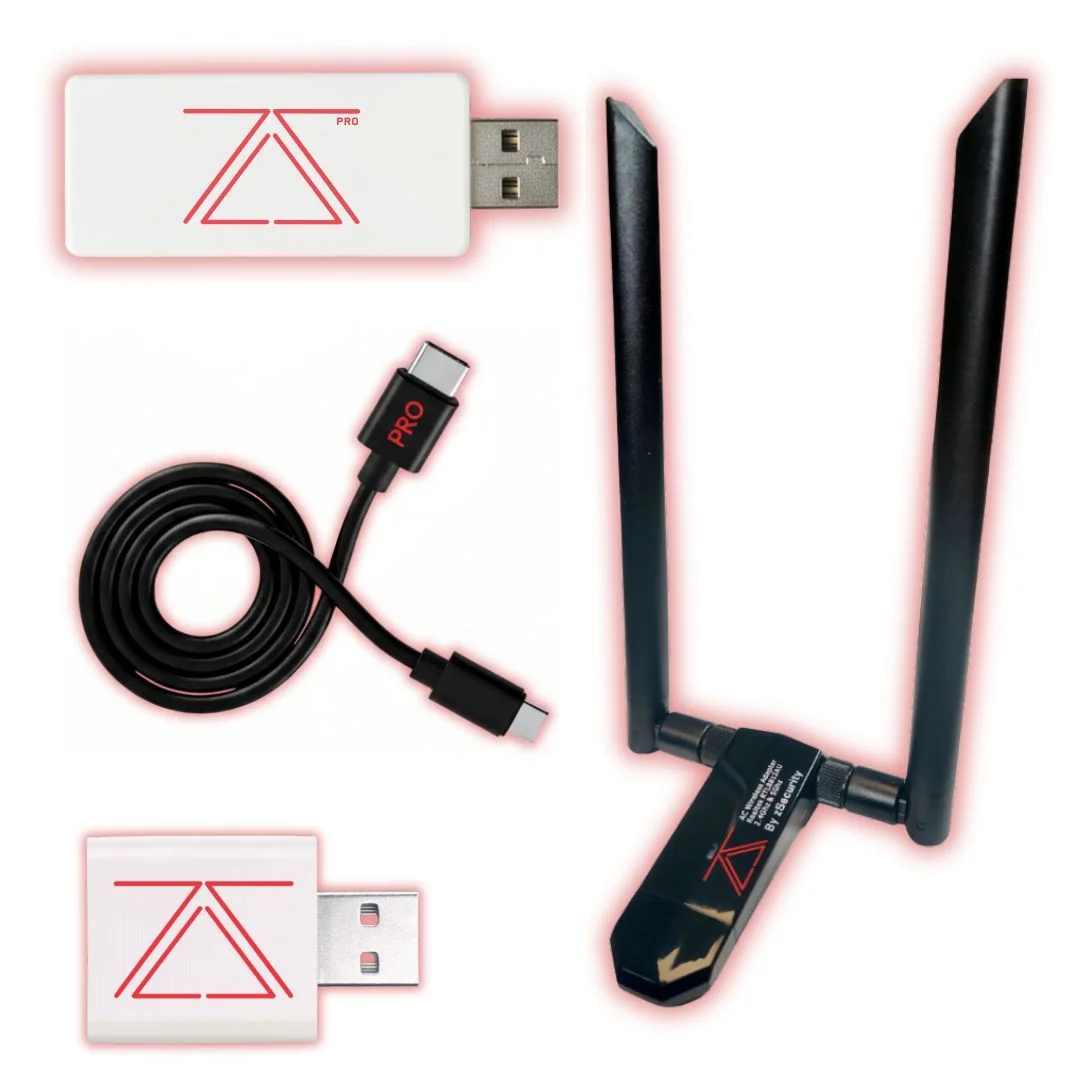
ALFA Network LK already sells generic RTL8812AU adapters at lower LKR points. The zSecurity unit is a branded dual-antenna SKU with its own support story and kit compatibility when you buy zSecurity bundles. Choose based on antenna needs, stock, and whether you want the bag to match a zSecurity kit theme — not based on mystical chipset differences that are not there.
We deliberately excluded zSecurity’s Alfa AWUS036ACH listing from this zSecurity catalogue push because ALFA already sells AWUS036ACH locally, usually at a sharper price than re-importing through zSecurity’s USD list.
Authorised use patterns that scale
- Classroom capture — WPA handshake labs on a dedicated lab AP with a known passphrase.
- Survey homework — channel maps of in-scope SSIDs only, with screenshots that blur neighbour BSSIDs if the camera is wide.
- Injection drills — only against lab APs named in the brief; never the café downstairs.
- VM passthrough practice — teach USB filter rules so the adapter does not vanish mid-demo.
Field habits that save the session
- Use a USB 3.0 extension with stand so the radio sits above the desk clutter.
- Label MAC addresses on tape; adapters migrate between bags.
- Carry spare RP-SMA antennas — including the 12 dBi pair when the syllabus includes indoor range demonstrations.
- Document driver install steps for Windows host + Kali VM, because someone will bring a locked corporate laptop.
Picture this: reporting without drama
Picture this: a junior analyst returns a pcap from an authorised wireless health check. The report names the adapter, the Kali build, the filter used, and the exact BSSID list from the SOW. That is adult work. The adapter is a sensor. The professionalism is the filter and the write-up.
Driver and image discipline
A dual-band card is only as good as the image you pin. Write the following into every lab brief: exact Kali version; bare metal vs VM; host OS USB policy notes; the command block to confirm interface name, monitor mode, and channel; and a rollback known-good adapter in the instructor bag. When something fails, change one variable at a time. Students who swap adapters, VMs, and channels simultaneously learn superstition, not troubleshooting.
Indoor range demos without becoming a neighbour problem
Higher-gain antennas and dual-band cards tempt people to “see how far it goes.” In a city of dense apartments, that curiosity becomes interference. Keep range demos on channels you coordinated when relevant, inside rooms named in the authorisation, and short — minutes, not hours of continuous injection drills.
Comparing purchase options without mythology
| Option | Band | Notes |
|---|---|---|
| zSecurity RTL8812AU | 2.4 + 5 | Branded, 2×6 dBi, LKR 35,000 |
| ALFA generic RTL8812AU lines | 2.4 + 5 | Often lower LKR; check antenna count |
| ALFA AWUS036ACH / ACM / AX families | varies | Different chipsets; strong local stock story |
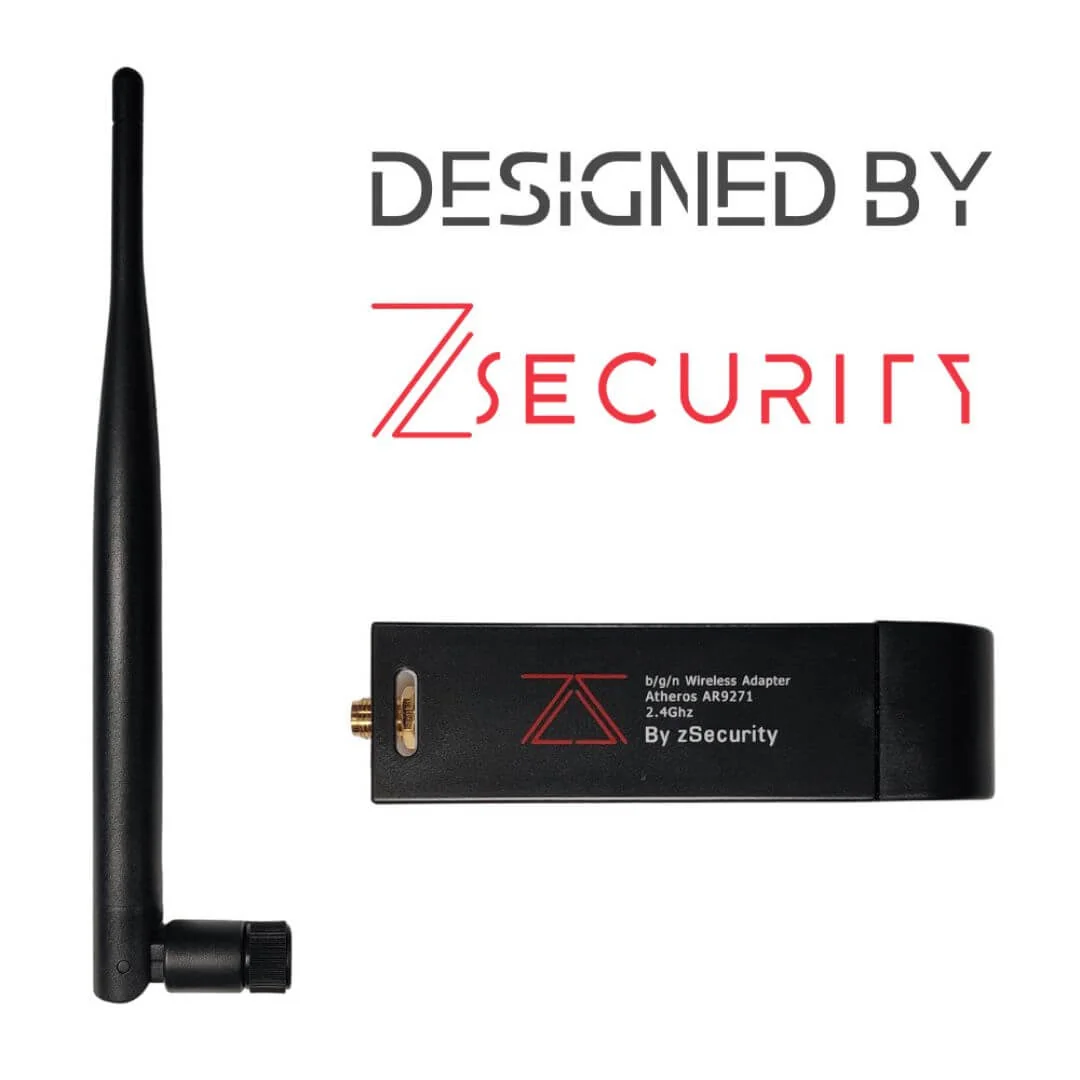
| zSecurity AR9271 | 2.4 only | Cheaper on-ramp for single-band weeks |
Buy what your syllabus’s bands require. “More expensive imported sticker” is not a learning outcome.
Storage, spares, and classroom logistics
Keep antennas threaded loosely for transport so RP-SMA connectors do not snap. Bag each adapter with its own short USB extension. Photograph serial stickers for asset tags. For multi-day courses, charge instructor laptops away from the RF bench so power bricks do not sit under the antennas.
What good looks like in a client report excerpt
“Using a zSecurity RTL8812AU on Kali (version pinned), we captured traffic only for BSSIDs listed in Annex A. Filters excluded neighbouring SSIDs. No deauth frames were sent outside the lab AP named LAB-REF-01.” That sentence is worth more than any product photo.
Closing checklist before you leave the lab
Power down adapters, unscrew long antennas for transit, reclaim extensions, and wipe temporary pcaps from student shares according to the retention table in your handbook. Wireless gear makes noisy evidence trails; treat storage with the same seriousness you already give to implant logs.
FAQ
Does RTL8812AU replace an ALFA AWUS036ACM?
Different chipset families and product lines. Compare bands, antennas, and what your class already has drivers for.
2.4 GHz only syllabus — still buy this?
You can, but the zSecurity AR9271 may be enough and cheaper.
Monitor mode failed on day one — now what?
Check VM USB ownership, powersave quirks, and whether you killed interfering processes. Keep a known-good adapter as a control.
Legal and ethical use
These tools belong in authorised assessments, lab practice, and training — not casual tinkering on networks or devices that are not yours.
In Sri Lanka, unauthorised access to computer systems can engage the Computer Crimes Act No. 24 of 2007. This post is practical product guidance, not legal advice. If you are unsure whether a test is allowed, get written permission first and talk to counsel who knows local law.
Only use this gear on systems you own, or on systems where a named client has given you written authorisation that covers the methods you plan to run.
Ordering from ALFA Network LK
zSecurity RTL8812AU Dual Band USB Wi-Fi Adapter: LKR 35,000 (VAT inclusive).
Order on alfanetworklk.com/products or WhatsApp ALFA Network LK at +94 75 255 0704. Payment options: cash on delivery, KokoPay, or bank deposit. Before dispatch we ask for ID verification and a signed authorised-use declaration.
Questions: info@alfanetworklk.com.
ALFA Network LK is a founder-led shop. We do not promise fixed response times, and we do not claim TRCSL “approval” for offensive-security tools — KYC and authorised-use paperwork are how we keep sales professional.
Comments (0)
No public comments yet.