
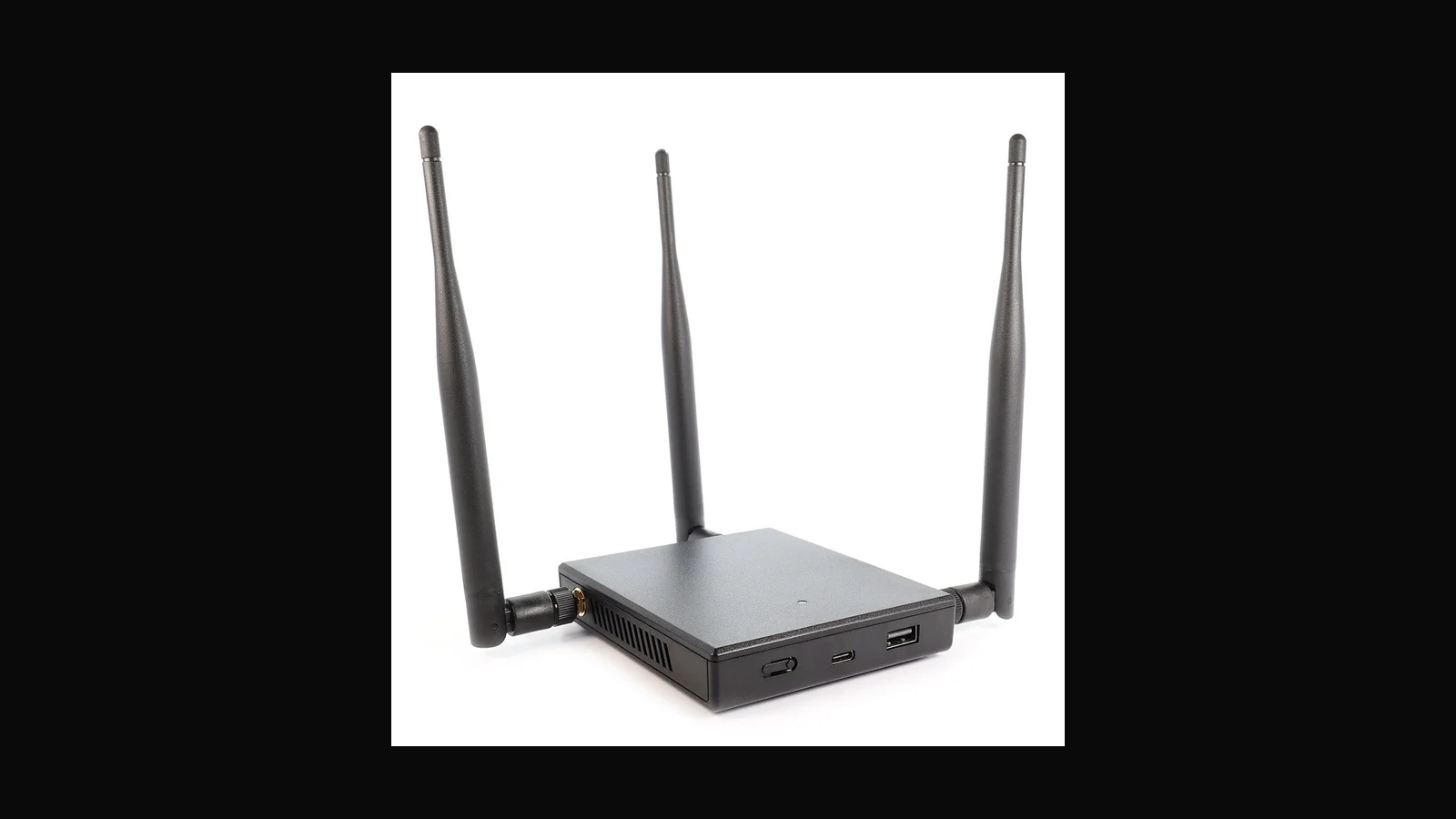
A Sri Lanka–ready walkthrough for using the Mark VII in authorised wireless assessments: scope, filters, kit pairing, and how ALFA Network LK sells it locally.
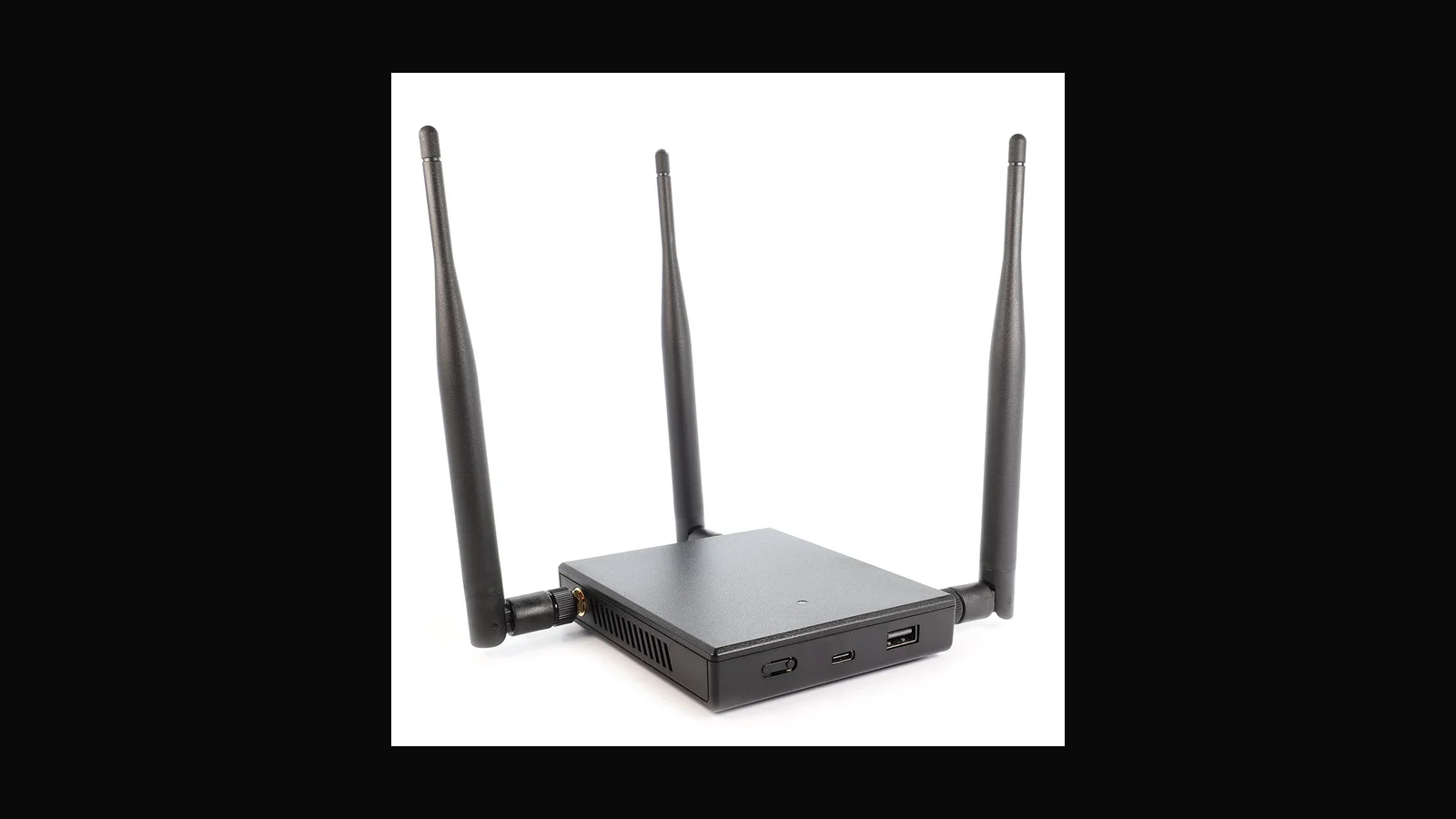
Product photo: Hak5
The 9 p.m. guest Wi-Fi problem
Picture this: a Colombo fintech asks for a wireless health check before a board demo. Their guest SSID still bridges a little too close to staff VLAN habits, and nobody wants a surprise during the presentation. That is the kind of night the WiFi Pineapple Mark VII is for — not “see what the café next door is doing.”
ALFA Network LK stocks the Mark VII for teams who already have (or will sign) a written scope. Local price: LKR 106,000 (VAT inclusive).
Why this platform still earns a slot
Browser-driven PineAP workflows, campaign-style reporting, and Cloud C² remote management make it easier to show a risk than to narrate it. Hak5 documents three role-based radios on the portable companion, USB-C power/Ethernet, and Firmware 2.0 features such as handshake helpers and tighter filtering. Filters matter: they are how you stay inside the engagement when the air is noisy.
What “authorised” looks like in practice
- Named SSIDs / BSSIDs in the SOW
- Client MAC allowlists where the test is targeted
- A lab SSID first, then the client floor — never the reverse
- A detection control on the report (rogue-AP alerts, client isolation) that should have caught the demo
How it fits an ALFA kit
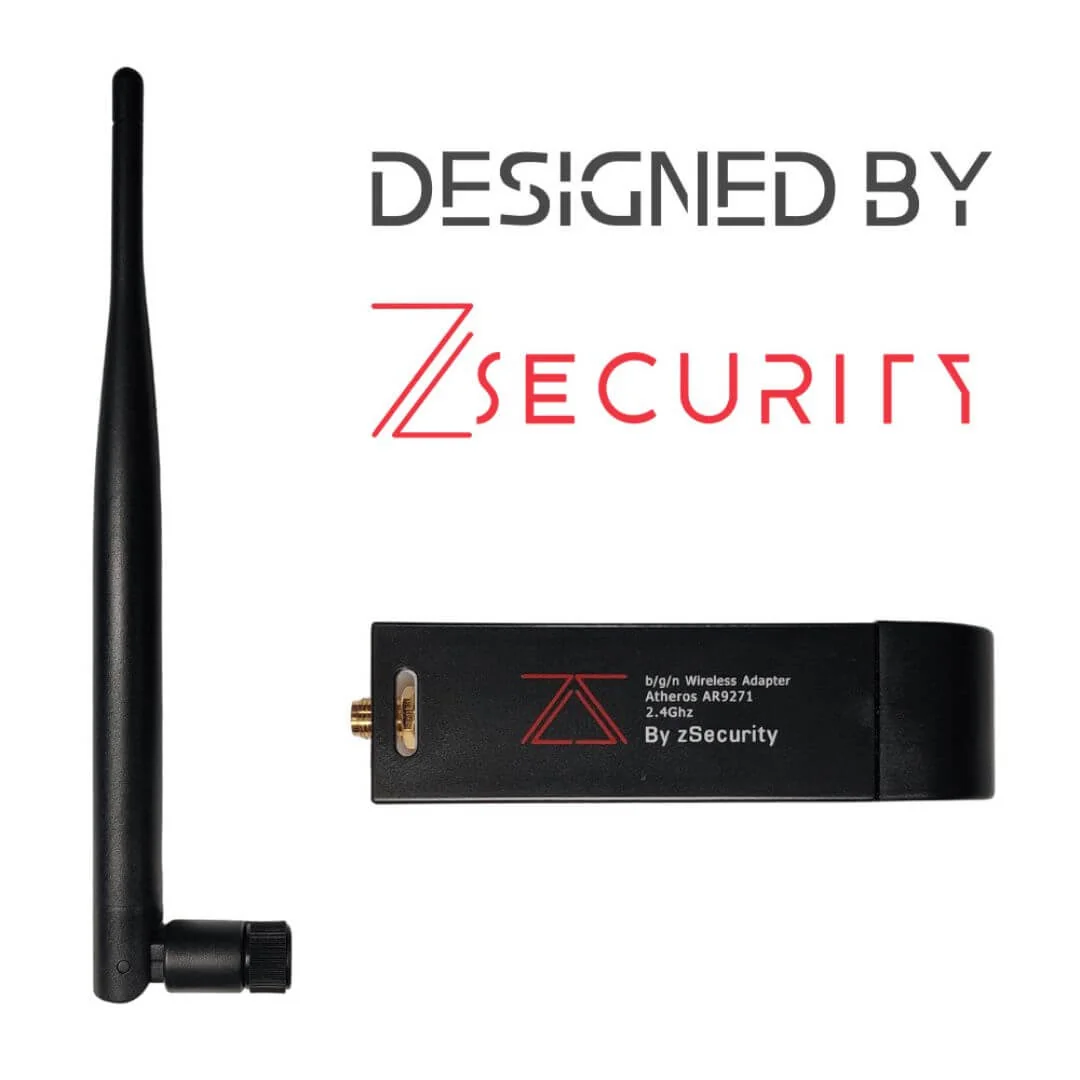
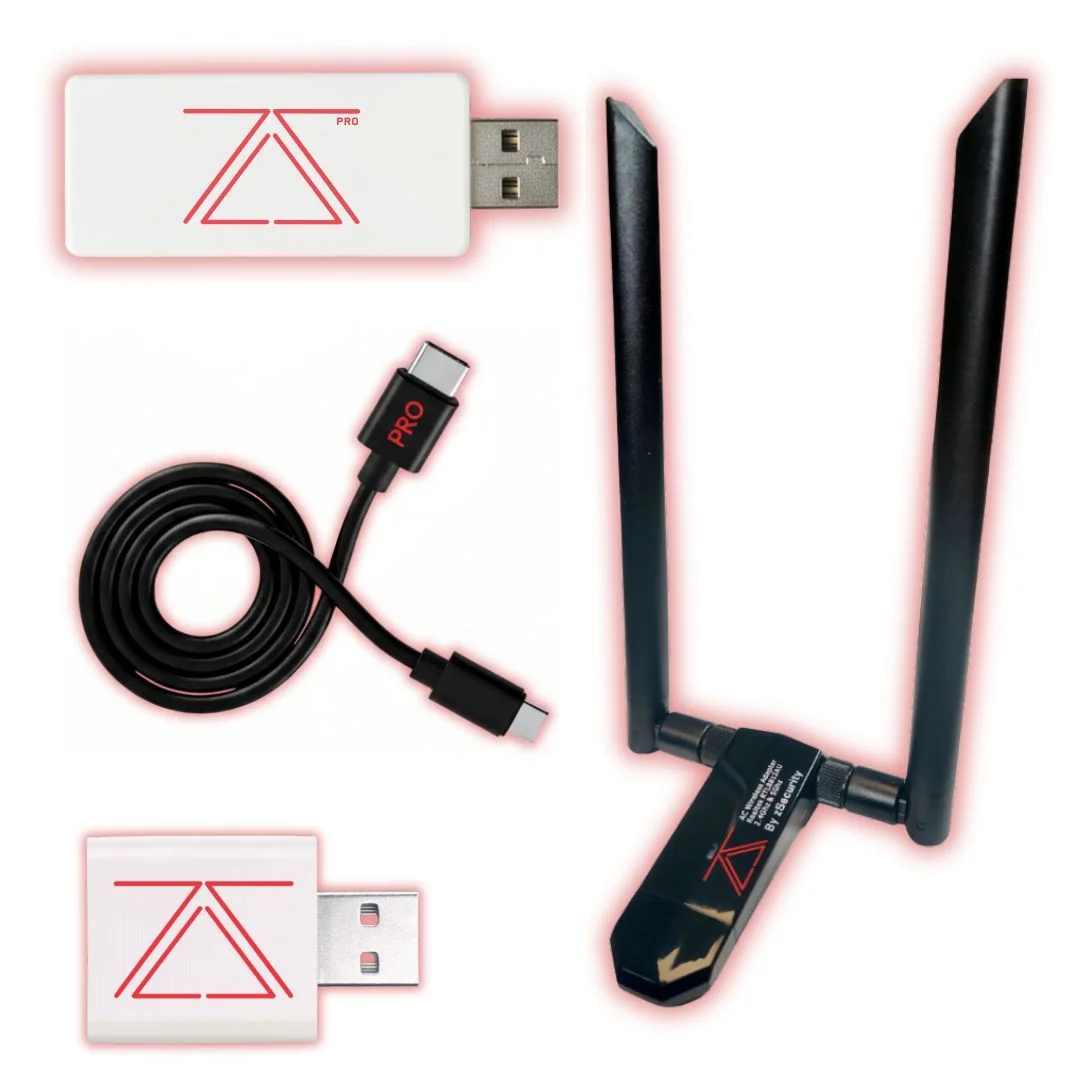
Pair the Mark VII with a solid USB adapter for monitor-mode homework (ALFA AWUS036ACH and siblings), and keep the USB Rubber Ducky for the “what if someone also had desk access?” chapter. The Pineapple is the Wi-Fi story; it is not a substitute for an SDR or a Flipper.
If you need a handheld with battery and on-device alerts instead of a browser UI, read our Pager guide next: WiFi Pineapple Pager field notes.
Field tips that save face
- Update firmware from Hak5’s channels before you leave Ja-Ela.
- Photograph antenna orientation in the report — wireless demos get argued later.
- Keep a “stop” checklist: filters off only when the window closes, unit powered down, bag sealed.
- Never leave Cloud C² credentials in a shared student image.
FAQ
Does the Mark VII replace a USB Wi-Fi adapter?
No. Adapters are for monitor-mode tooling in Kali-style labs. The Mark VII is a rogue-AP / PineAP-class platform with its own workflow.
Can we use it on the company EAP network “just to see”?
Only if the SOW says so. Default answer is no.
Is Cloud C² required?
No. Useful for remote labs; optional for a local classroom.
How do we buy locally?
See ordering below — ALFA Network LK handles ID checks and the authorised-use declaration.
Legal and ethical use
These tools belong in authorised assessments, lab practice, and training — not casual tinkering on networks that are not yours.
In Sri Lanka, unauthorised access to computer systems can engage the Computer Crimes Act No. 24 of 2007. This post is practical product guidance, not legal advice. If you are unsure whether a test is allowed, get written permission first and talk to counsel who knows local law.
Only use this gear on systems you own, or on systems where a named client has given you written authorisation that covers the methods you plan to run.
Ordering from ALFA Network LK
Hak5 WiFi Pineapple Mark VII: LKR 106,000 (VAT inclusive).
Order on alfanetworklk.com or WhatsApp ALFA Network LK at +94 75 255 0704. Payment options: cash on delivery, KokoPay, or bank deposit. Before dispatch we ask for ID verification and a signed authorised-use declaration.
Questions: info@alfanetworklk.com.
Comments (0)
No public comments yet.